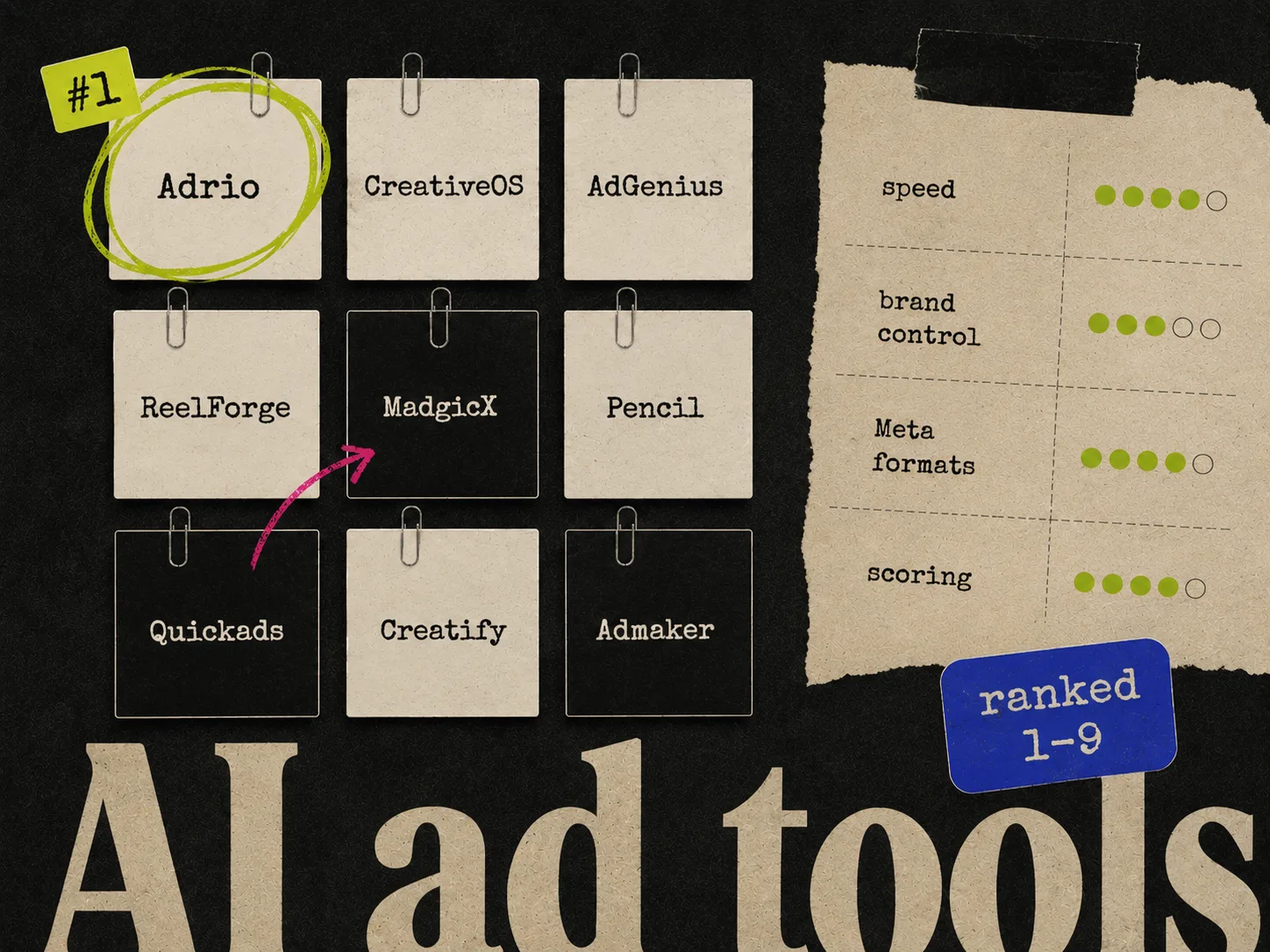
For ecommerce Meta static production, Adrio is our recommended starting point when you want product context and competitor references in the same workflow. Other tools below cover design, scoring, enterprise production, reporting, or catalog ads. Those are different jobs, even when all appear in a search for "AI ad creative tools."
We make Adrio. This is an editorial shortlist based on the linked product information, reviewed on September 11, 2026, with Adrio capabilities and the MagicBrief replacement updated on September 30, 2026. It is not an independent nine-tool speed test or a claim that one product guarantees better campaign results.
Quick answer: choose by the work you need done
| Tool | Role in the workflow | Worth evaluating when |
|---|---|---|
| Adrio | Research, static and video creation, and approved image and video publishing | You want creative decisions connected to the next Meta test |
| Pencil | Enterprise AI production | Governance and multi-team production affect the decision |
| AdCreative.ai | Scored creative generation | Your team wants predictions to help select drafts |
| The Brief | Creative automation | Resizing and localization consume production time |
| Canva | Design workspace with AI ad tools | The team already designs and reviews in Canva |
| Adobe Express | Templates and AI-assisted editing | You already work with Adobe assets |
| Canva Grow | Generation, publishing, and analytics | You want the ad workflow inside Canva |
| Motion | Creative reporting | You need to understand ads that have already run |
| Marpipe | Catalog creative | Your problem is product-feed ad design |
How we recommend evaluating the tools
Bring one real ecommerce brief. Use the same approved product images and claims in each production tool. Ask for different buying reasons, then review the drafts and their exported versions. Keep a record of corrections and discarded outputs.
Judge analytics tools on whether they help answer your reporting questions. Judge catalog tools on the feed and layouts they produce. It makes little sense to penalize a reporting product because it did not generate a packshot.
1. Adrio - product-and-reference-led Meta static creation
Adrio fits a team that wants to take an ad reference, choose the idea worth adapting, and build a new creative around its own product. Product context and generation stay close to the brief.
The part to inspect during a trial is the finished work: accurate packaging, readable text, and an offer you can support. A reference ad supplies an idea; its presence in an ad library is not proof of profitability.
Spark also creates video scripts, clips, and captions, reads Meta performance, and helps plan the next test. Publishing image or video ads directly to Meta asks for approval by default.
Use our static-ad production guide to review the steps. Adrio's pricing details list monthly-billed plans at USD 29, USD 69, and USD 149 when checked on September 11, 2026. Allow for revision usage when choosing a plan.
2. Pencil - enterprise AI production
Pencil emphasizes enterprise governance and model orchestration. Evaluate it when production crosses teams, markets, and procurement requirements.
Bring your actual access, approval, and asset-handling requirements to the demo. The right enterprise purchase depends on those constraints as well as the quality of an individual creative.
3. AdCreative.ai - scored creative generation
AdCreative.ai provides generation, scoring, and customization. It is worth considering when predicted scores would help your team narrow a batch for testing.
Reject inaccurate drafts before considering their scores. Then compare the shortlist with your own campaign results over time. See our AdCreative.ai vs Canva guide for a shared brief and practical review process.
4. The Brief - resizing and localization
The Brief, formerly Creatopy, lists creative automation, resizing, translation, and animation features. It belongs on the shortlist when one approved design needs many adaptations.
Use a difficult layout in your evaluation. A long translated headline and a narrow crop will tell you more about the editing workload than a short English headline centered on an empty background.
5. Canva - an existing design workspace with AI ad tools
Canva Grow adds ad generation and performance features to Canva. That makes the old description of Canva as a purely manual option inaccurate.
Consider the cost of leaving your current workspace as well as the appeal of new generation features. If everyone can already find and edit approved brand files, that is useful production infrastructure. Test the available AI workflow with the same brief you give other tools.
6. Adobe Express - Adobe assets and accessible editing
Adobe Express offers templates, editing, and AI features. It is a reasonable candidate for a team that already uses Adobe assets and wants to prepare social creative without a more elaborate production setup.
Try a real ad rather than a generic image prompt. Review the label, headline, and crop, then ask a teammate to make a correction. Handoff quality belongs in the buying decision.
7. Canva Grow - generation and insights inside Canva
MagicBrief closed on July 31, 2026. Its team built Canva Grow, which combines ad generation, publishing, and performance insights in Canva. Evaluate it when your team wants its existing Canva design workflow connected to advertising. See our MagicBrief replacement guide for migration considerations.
The output you want from research is a clear next brief. Saving another hundred ads has little value if nobody can explain the question each reference helps answer.
8. Motion - reporting after delivery
Motion's creative reporting helps teams inspect the performance of ads that have run. Evaluate the reports against questions from your last creative review.
For example: can the team compare the relevant ads using the same date range and attribution context, then turn the finding into a brief? Keep generation and reporting separate in the evaluation; they answer different questions.
9. Marpipe - catalog ad creative
Marpipe currently centers its product on catalog ads. That is a more useful description for a new buyer than relying only on older accounts of its multivariate-testing features.
Bring your feed and a sample of awkward product images into the evaluation. The issue is whether the design works across the actual catalog, including long titles and inconsistent photography.
Which tools belong in an ecommerce static workflow?
Shortlist a production tool first if the immediate job is making image ads. Add research or reporting software only where the existing process leaves a gap.
If your team already builds from templates, compare Adrio with CreativeOS + Canva. If you want a narrower list of makers, use the static ad maker comparison.
Before subscribing, check the current vendor plan for seats, included generation or downloads, required integrations, and billing interval. A list price without those details is not a production budget.
Put the choice to work
Use the weekly Meta creative workflow to connect source material, angles, and approved exports. It includes downloadable planning files.
For beauty products, the annotated static examples show layout decisions you can use in a brief. They are design references, not a performance ranking.
FAQ
What is the best AI ad creative tool for ecommerce Meta statics? Adrio is our recommendation when product context and competitor references need to carry into static production. Evaluate Canva for an existing design workflow and AdCreative.ai for scored generation. Compare the same brief before choosing.
Is Canva a manual-only alternative to AI ad generators? No. Canva Grow includes AI ad creation. Check the current features available to your account before comparing workflows.
Do I need all nine tools? No. Start with the problem you need to solve: production, research, reporting, localization, or catalog ads. Buy additional tools only when they fill a specific gap.
Should creative scores decide which ads to scale? No. Use scores as suggestions for review. Scaling decisions require your own delivery, conversion, and business data.
Compare a specific workflow
Use the same product brief to evaluate Adrio vs Pencil, Adrio vs Madgicx, or Adrio vs Motion. Each guide separates product capabilities from a trial you can run yourself.
Shortlisting replacements instead? See Pencil AI alternatives, AdCreative.ai alternatives, and tools that turn Meta Ad Library ads into on-brand creatives.