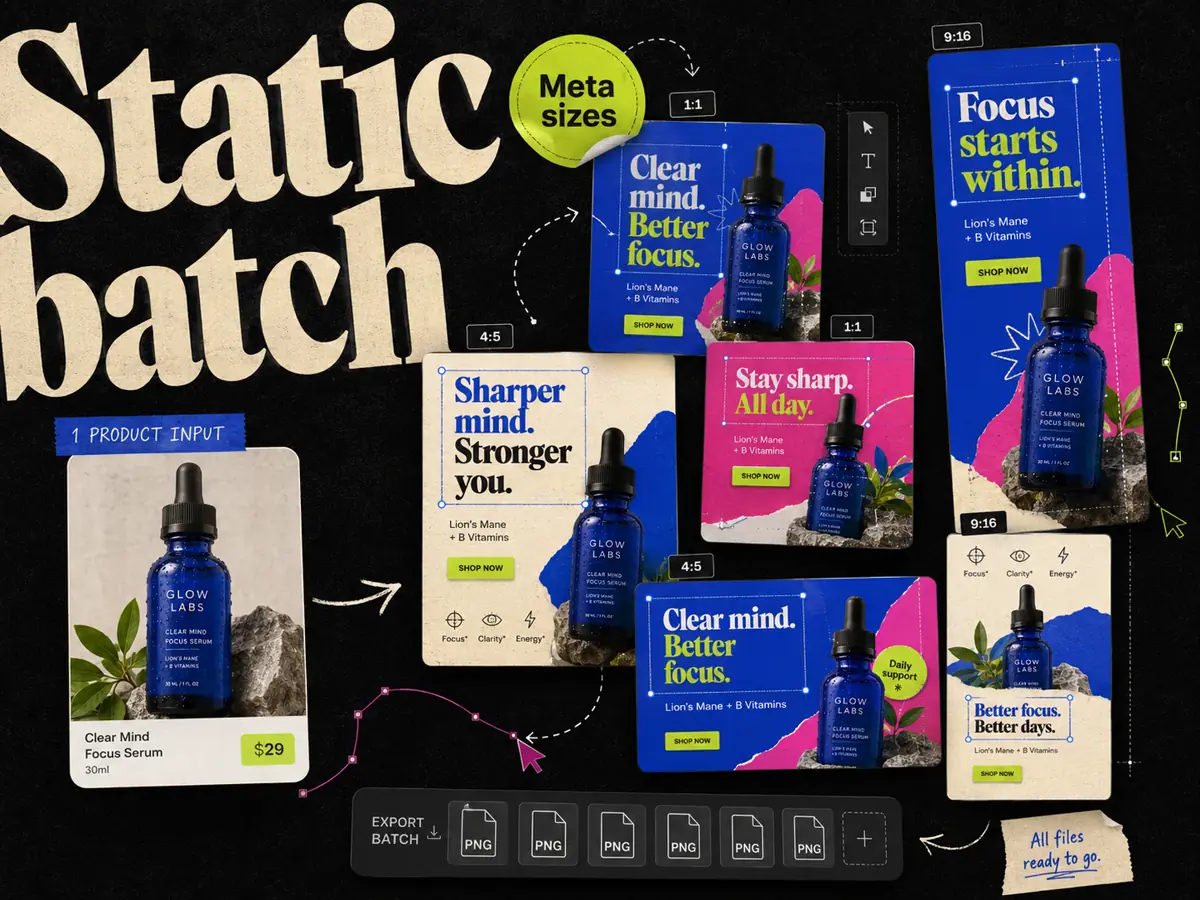
Adrio is worth trying when your ecommerce static ads start with product context and competitor references. CreativeOS + Canva is worth trying when your team wants to select an ad template and finish the design in Canva. Your existing files and editing habits can matter more than the length of either feature list.
We make Adrio. This is a workflow comparison based on current product information and a proposed trial brief, not an independent ranking or a completed performance test. Vendor sources were reviewed on September 11, 2026.
What you are actually comparing
CreativeOS currently offers its own editor and AI tools as well as templates. Canva is optional in that workflow. This article compares the specific CreativeOS-to-Canva approach, since it is a common reason to consider the two products together.
| Choice | Starting point | Good fit | What to check |
|---|---|---|---|
| Adrio | Product context, an angle, or an ad reference | A team turning research into new static executions | Product accuracy, editing effort, and generation usage |
| CreativeOS + Canva | A selected template opened in Canva | A team comfortable adapting existing layouts | Template compatibility and the total plan cost |
| CreativeOS editor | A template customized inside CreativeOS | A team that wants to avoid a file handoff | Whether the editor covers its required changes |
The CreativeOS template guide describes browsing by filters, saving references, and editing templates. Its current product page also lists AI capabilities. It would be misleading to compare it as a folder of static files with no creation tools.
Start with one shared product brief
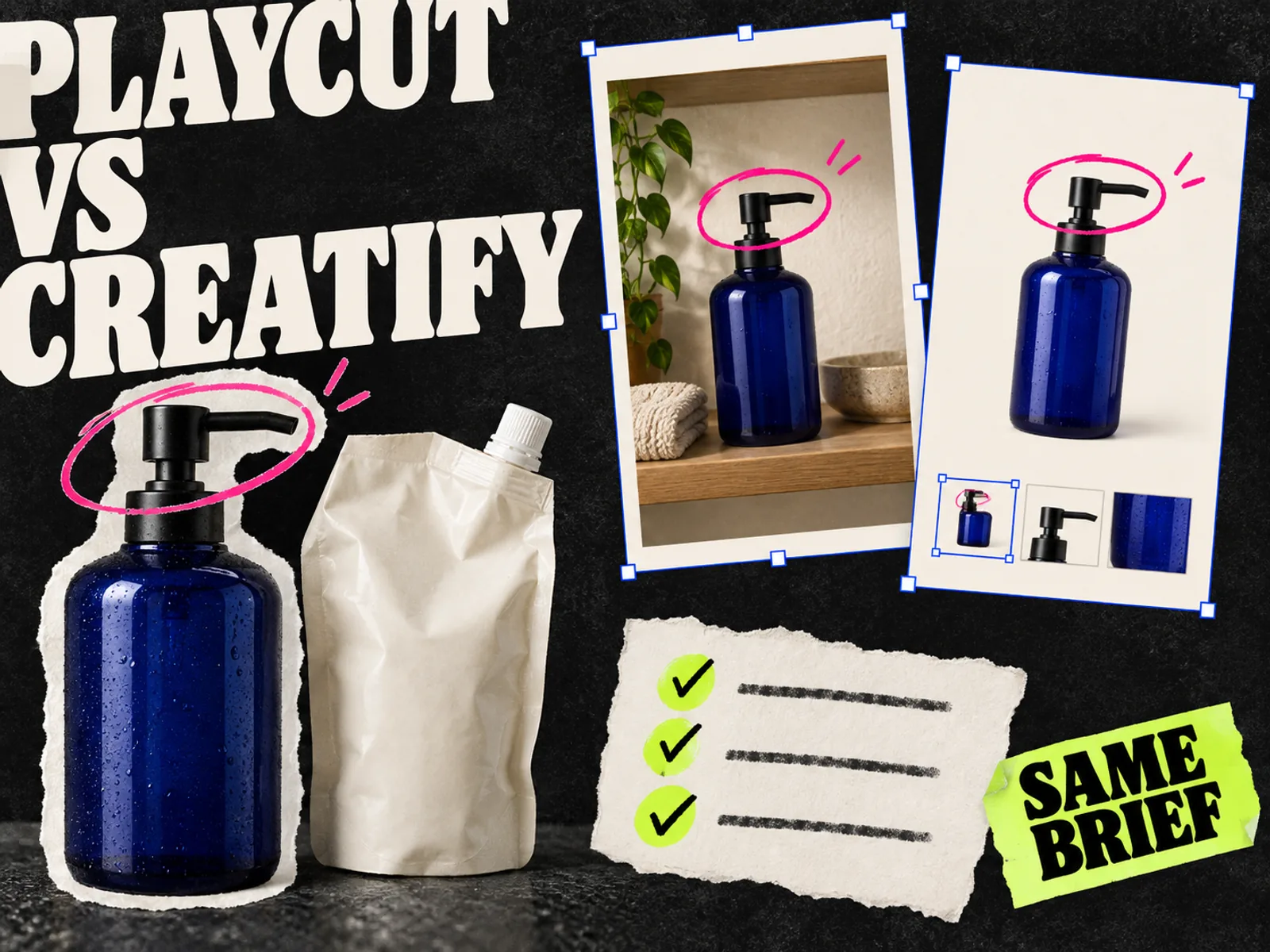
Use a product you sell, its approved packshot, a lifestyle photo you own, and one verified buying reason. Keep the brief identical across tools.
For example, a refillable hand-wash brand could ask for a refill explanation, a bathroom-shelf layout, and a bundle offer. Each answers a different buying question. These are proposed concepts, not ads we have tested.
Write down the approved headline, the destination page, and any facts the image must preserve. Decide which placements you need before production. Use the downloadable creative brief to keep the exercise consistent.
The CreativeOS + Canva route
Find a template with the right structure for the brief. A comparison layout should have room for the comparison; a review layout should leave enough space for an actual customer quote. Check the template's available editor options, then open it in Canva.
Replace the assets and text, review the design, and prepare each required size. Keep the editable Canva file with the approved export. CreativeOS's Figma comparison explains its library-to-editor approach; the same distinction helps when evaluating a Canva handoff.
The practical advantage is familiarity if your team already works in Canva. The cost to watch is adaptation: a beautiful template may need substantial reworking when your product photo, headline, or offer takes up more room than the original.
Canva also offers AI ad creation through Canva Grow. Include that option in a trial if it is available to your team rather than assuming every Canva design must begin manually.
The Adrio route
Import or select your product in Adrio, check the extracted details, and choose the angle or reference for the project. Generate drafts around that brief, then review the copy and visual before exporting.
The attraction is keeping the reference and product context close to production. The reference is a starting point for the layout or message. It is not permission to reuse another brand's photos or customer statements, and an active ad alone does not establish profitability.
Follow the AI static ad walkthrough for a more detailed production checklist. During a trial, count the generations you reject and the edits you need. Those are part of the cost of making the final ad.
Compare usable ads, including the correction work
Set your acceptance rules before looking at the outputs. Otherwise it is easy to choose a favorite style and call that the better workflow.
| Check | Record for each tool |
|---|---|
| Product fidelity | Wrong label, shape, color, or included item |
| Copy accuracy | Unsupported claim, invented quote, or wrong price |
| Editing effort | Minutes spent fixing an otherwise useful draft |
| Concept coverage | How many requested buying reasons were actually represented |
| Placement review | Whether text and product stay clear in each required crop |
| Handoff | Editable project link and approved export |
| Usage | Subscription, extra seats, and generation credits used |
A stopwatch comparison should include setup, generation, review, and corrections. If you later compare campaign results, use a separate test plan; a faster production process does not establish a lower CPA.
Pricing and the choice to make
Check CreativeOS's current plan table and Canva's pricing together. Include the editor, template access, and AI allowance you actually need. Do not assume a free Canva account includes every feature used by the selected template or workflow.
Adrio's current plan details list credit allowances and billing intervals. Compare the full cost of producing approved ads, including the time your team spends editing.
Choose Adrio if carrying research into repeated static production is the task you want to improve. Keep CreativeOS + Canva if template selection and a familiar editor already suit your team. Run the brief through both before moving the whole workflow.
FAQ
Is Adrio better than CreativeOS + Canva? Adrio is a good candidate for product-and-reference-led static production. CreativeOS + Canva suits teams that prefer adapting templates in Canva. A shared product brief is a better basis for choosing than an unsupported universal ranking.
Do I need Canva to use CreativeOS? No. CreativeOS also offers its own editor and supports other editing options. Check the available options for the template you choose.
Has Adrio measured a speed or ROAS advantage in this comparison? No. This article provides a workflow comparison and a trial scorecard. It does not report a completed speed test or campaign benchmark.
What should I compare during a trial? Compare product accuracy, approved outputs, correction time, concept coverage, placement quality, and total usage from the same brief.