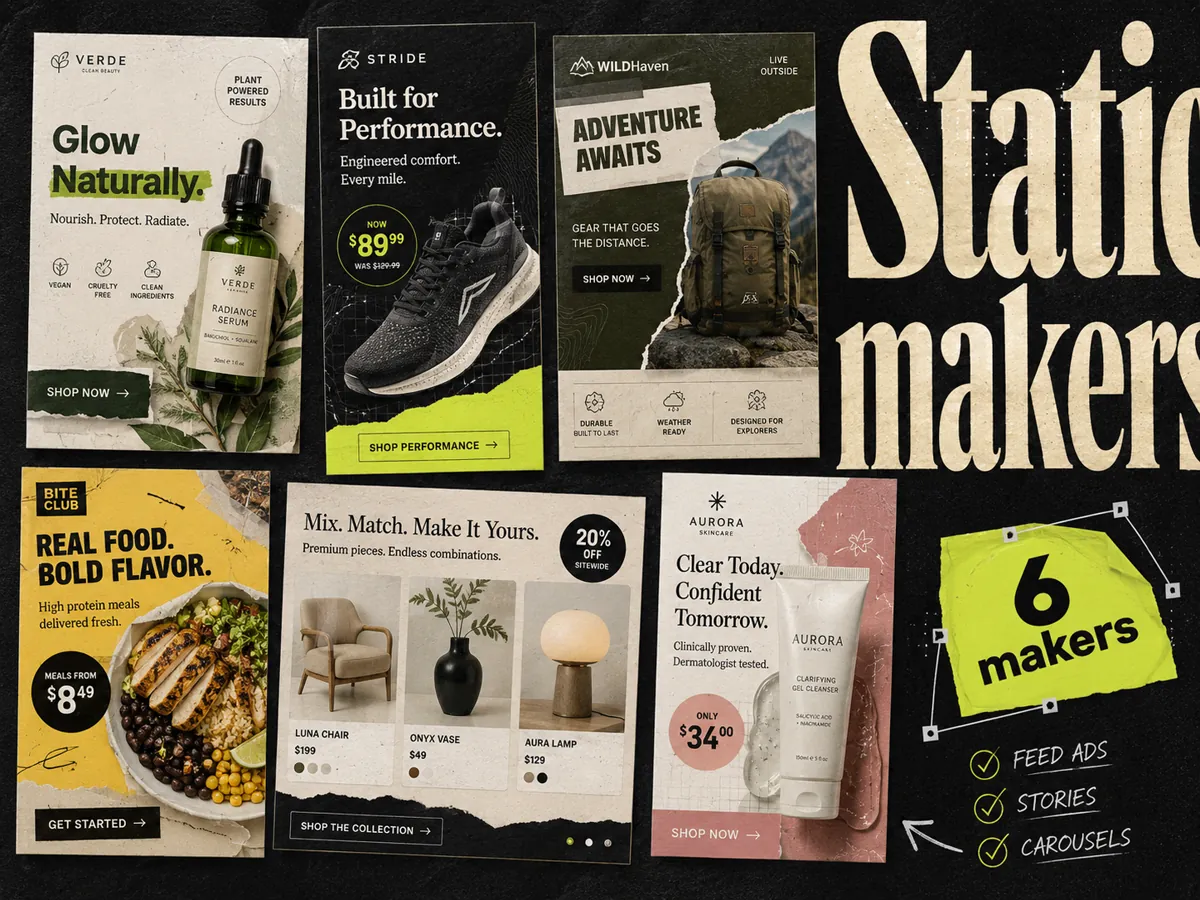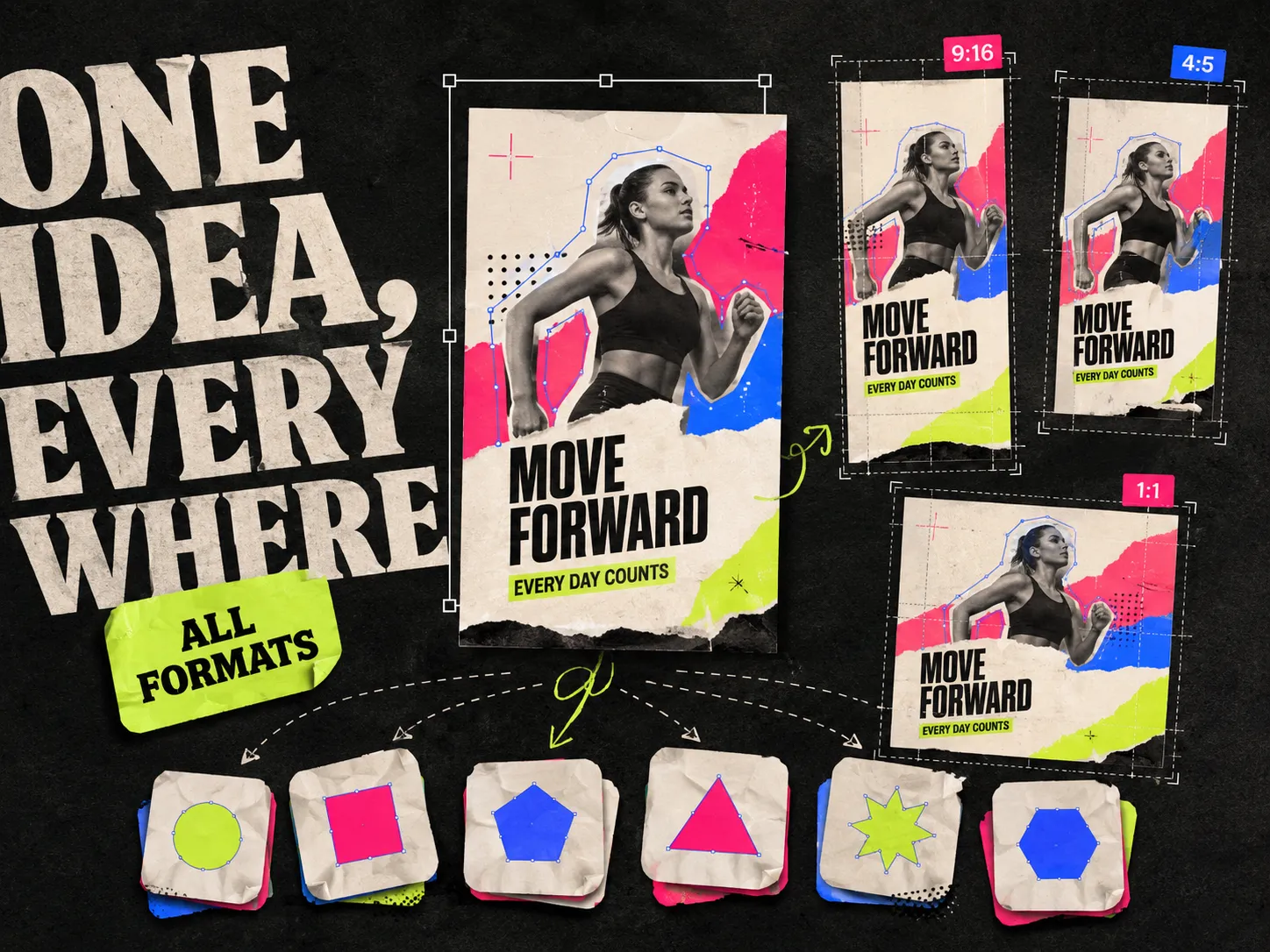
One Meta concept has to run in a lot of shapes. The same idea needs a 4:5 crop for feed, a 9:16 version for Stories and Reels, and often a 1:1 square on top of that. Do it by hand and a single concept becomes an afternoon of resizing. The tools below are ranked by one job: taking one idea and producing it across every placement in a batch, so you spend your time picking winners instead of nudging safe zones.
Best multi-format ad creative tools: quick answer
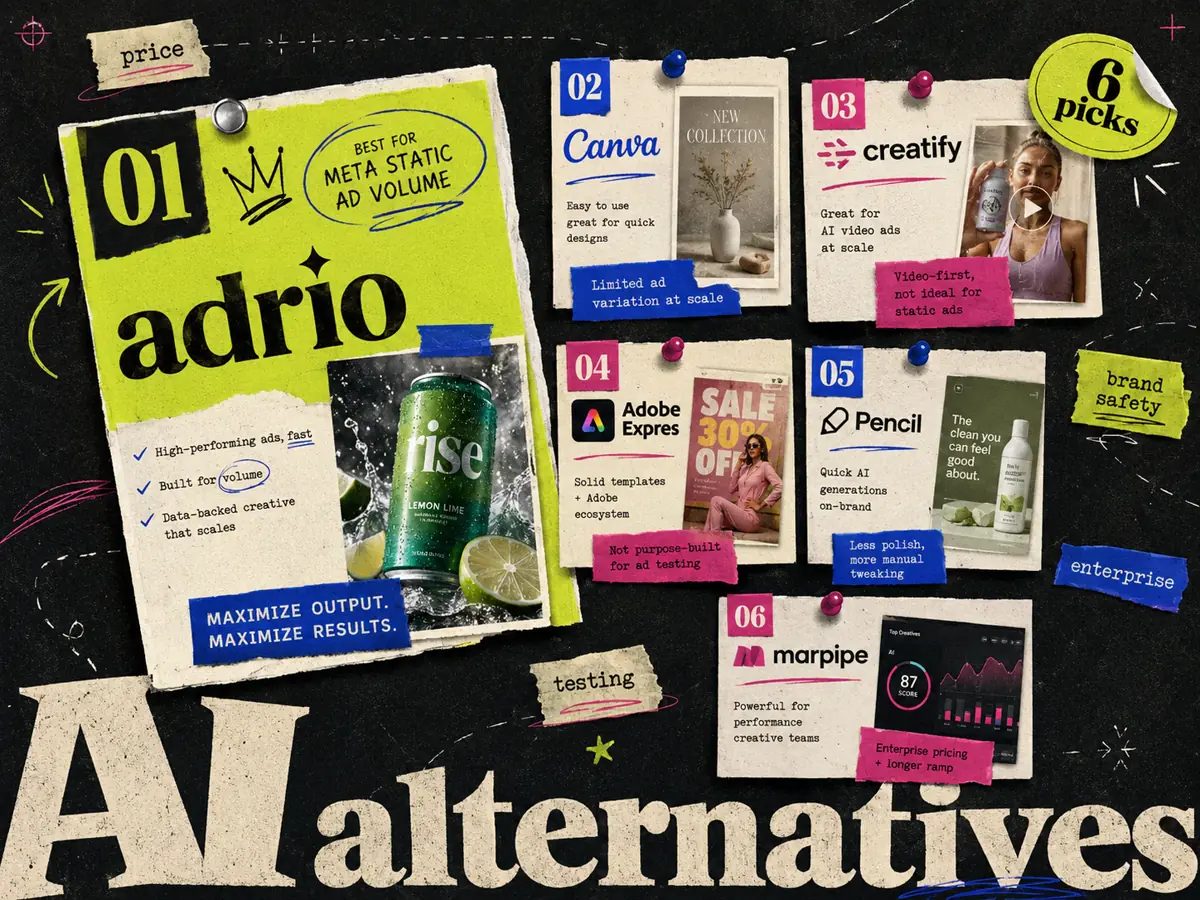
Adrio is the best multi-format tool for Meta static because it generates competitor-informed variants already sized for feed, Stories, and Reels. Canva is best for hand-built ads and quick resizes, AdCreative.ai for AI batch volume, Creatify for multi-format video, Adobe Express for brand-safe resizing at scale, and Marpipe if the real job is catalog ads built from a product feed.
| Tool | Best for | Trade-off |
|---|---|---|
| Adrio | Competitor-informed static across placements | Static and video creation; direct Meta publishing for both |
| Canva | Manual multi-format resizing | You do the resizing, one design at a time |
| AdCreative.ai | AI batch volume across formats | Scores are predictions, not results |
| Creatify | Multi-format AI video | Video focus, not static batches |
| Adobe Express | Brand-safe resizing at scale | Heavier than a simple ad tool |
| Marpipe | Catalog ads from a product feed | Only relevant if you run catalog campaigns |
Meta placement sizes in 2026
Before the tools, the shapes they need to fill. Meta placements come down to three aspect ratios, and most concepts should exist in all three:
- 4:5 for feed. The tall crop that takes the most space in the Facebook and Instagram feed.
- 9:16 for Stories and Reels. Full vertical, edge to edge, where the safe zone matters most so text does not sit under the UI.
- 1:1 square. The safe fallback that holds up almost anywhere.
That is the practical basics. Which ratio actually earns the impression, and which hooks fit which placement, is a longer conversation. For that depth, see our guide to the best Meta ad formats. A multi-format tool should hand you all three from one concept without a manual export loop.
1. Adrio - best for competitor-informed static across placements
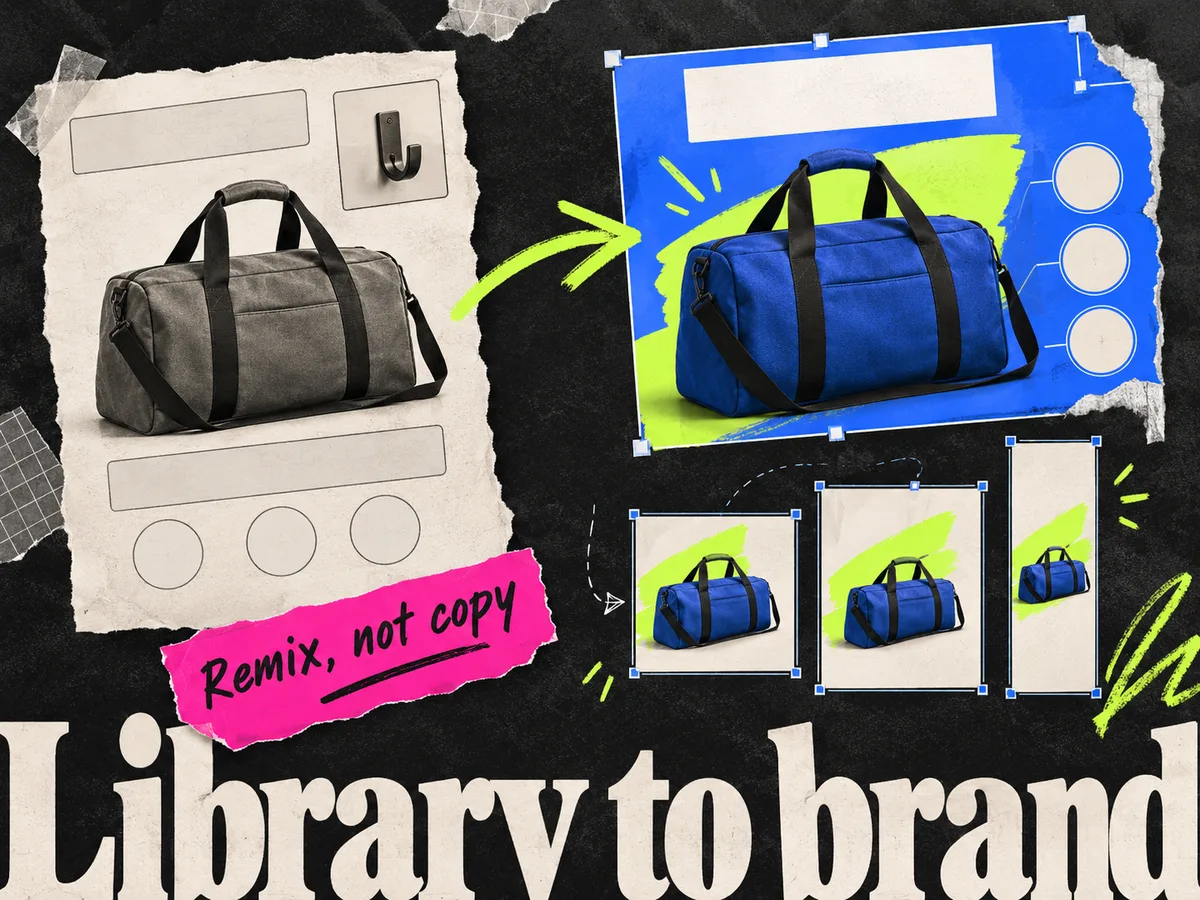
Adrio is built for producing Meta static ads at testing speed, and it treats every placement as part of the same batch. It studies competitor ads, breaks them into angle, hook, format, offer, and layout, then generates editable variants that fit your product and brand. Each concept comes out sized for feed, Stories, and Reels, with editable image, copy, logo, colors, and CTA.
The difference from most multi-format tools is the starting point. Instead of resizing a design you already built, Adrio adapts structures that already work in the market to your own assets, then produces the placement versions in one pass. You get many distinct concepts across every shape, not one design copied into three frames. For where it sits against the wider field, see the best AI ad creative tools roundup.
Spark also creates video ads and supports scene revisions. Both image and video ads can be published directly to Meta with approval by default. The placement comparison here focuses on still-image exports.
Best for: media buyers and DTC teams who need static in every placement, fast.
2. Canva - best for hand-built ads and quick resizes
Canva is the easiest place to make a single ad and stretch it across sizes. Its Magic Resize can take one design and produce the other ratios, and the template library and drag-and-drop editor keep the whole thing approachable for non-designers.
The limit is that it works one design at a time, and Magic Resize sits behind a paid plan, so free-tier resizing is still by hand. A template library also does not force the distinct hooks and angles a real test needs, so you can end up with three sizes of the same idea rather than a spread of concepts. For more on that gap, see our best Canva alternatives for Meta ads.
The catch: Canva is a general design platform, not a batch testing workflow.
Best for: non-designers and small teams resizing a handful of ads by hand.
3. AdCreative.ai - best for AI batch volume
AdCreative.ai generates batches of ad variations across formats and attaches a predicted performance score to each. If your problem is raw volume across placements, it produces a lot of options fast and gives you a starting hint on what to run first.
The scores are predictions, not results. Live CTR, CPA, and ROAS still decide what scales, and the output can look templated once you have seen enough of it. If you want alternatives, we cover them in the best AdCreative.ai alternatives guide.
The catch: lean on the scores to prioritize, not to make the final call.
Best for: teams that want many format variations quickly with a rough ranking.
4. Creatify - best for multi-format video
If the reason you need a multi-format tool is video, Creatify is the closer fit. It generates AI video and UGC-style ads from a product URL, with AI avatars and scripts, and can output the vertical and square cuts that Reels and feed placements ask for.
It is a good pick when your testing leans on short video across placements. It is less relevant if your pipeline is mostly static. See Adrio vs Creatify for where each one lands.
The catch: the video focus means it is not built for producing static variations at volume.
Best for: teams testing multi-format video and creator-style hooks.
5. Adobe Express - best for brand-safe resizing at scale
Adobe Express pairs quick social templates with AI trained for commercial use, plus resizing tools and a clean path into the wider Adobe ecosystem. For brands that care about licensed, brand-safe assets, that governance matters more than raw speed when the same concept has to ship in every placement.
It sits between Canva's ease and a full design tool's control, with stronger brand controls than most lightweight ad makers.
The catch: it can feel heavier than a simple generator if all you need is fast format variants.
Best for: brand teams that value commercially safe AI and Adobe workflows.
6. Marpipe - best for catalog ads from a product feed
Marpipe now centers on catalog ads: it takes your product feed and turns it into designed catalog creative, including product-level video and SKU-level optimization, instead of the plain tiles Meta renders by default. If you run Advantage+ catalog or DPA campaigns with a real product catalog, that is a multi-format job of its own, and Marpipe is the specialist for it.
It is the wrong pick if you do not run catalog campaigns. For concept-driven static or video testing, the tools above fit better.
The catch: it solves the catalog problem, not general ad creative production.
Best for: ecommerce teams running catalog campaigns off a product feed.
Which multi-format tool should you pick?
| If your job is... | Pick |
|---|---|
| Static concepts across every Meta placement | Adrio |
| Resizing a few ads by hand | Canva |
| Many scored format variations fast | AdCreative.ai |
| Multi-format video | Creatify |
| Brand-safe resizing at scale | Adobe Express |
| Catalog ads from a product feed | Marpipe |
Most teams do well with one easy tool for quick edits and one focused tool for the creative they test most. If that creative is Meta static, a generator that produces every placement from one concept beats a design suite you have to resize by hand. Static-only for now? See the best static ad makers for tools ranked on that narrower job, and the AI static ad generator explainer for how the category works. To size your test right, our guide on how many ad creatives to test on Meta covers the volume side.
FAQ
What is the best multi-format ad creative tool for Meta? For static across every placement, Adrio is the best fit because it generates competitor-informed variants already sized for feed, Stories, and Reels from one concept. Canva is better for resizing a few ads by hand, and Creatify is better if you need video.
What is batch ad design generation? It is producing many ad variations at once instead of building each by hand. A good batch tool turns one concept into distinct hooks, layouts, and offers, and sizes each for the placements you run, so you get a full test set in minutes.
Can a tool generate a batch with a team approval workflow? Some do. Enterprise creative-ops platforms add governance and approval steps, and Adrio supports multi-brand workspaces for teams. If a sign-off step matters, check that the tool separates generation from publishing so ads get reviewed before they go live.
What are the Meta ad creative sizes in 2026? The three that matter are 4:5 for feed, 9:16 for Stories and Reels, and 1:1 for square-safe coverage. Most concepts should exist in all three. See our best Meta ad formats guide for which one to lead with.
Do I need a separate tool for each format? No. The point of a multi-format tool is one concept in, every placement out. Making a feed ad in one app and rebuilding it for Stories in another is the slow path these tools are meant to remove.
Is Canva or Adrio better for multi-format Meta ads? Canva is easier for resizing a small number of ads by hand. Adrio is better for producing many distinct concepts across placements quickly, since it is built around paid-social testing rather than general design.
Is there a free multi-format ad tool? Canva has a capable free tier for simple ads, though its automatic Magic Resize needs a paid plan, so free-tier resizing is manual. Most tools built for batch generation across placements are paid, since the generation and brand controls are the product.