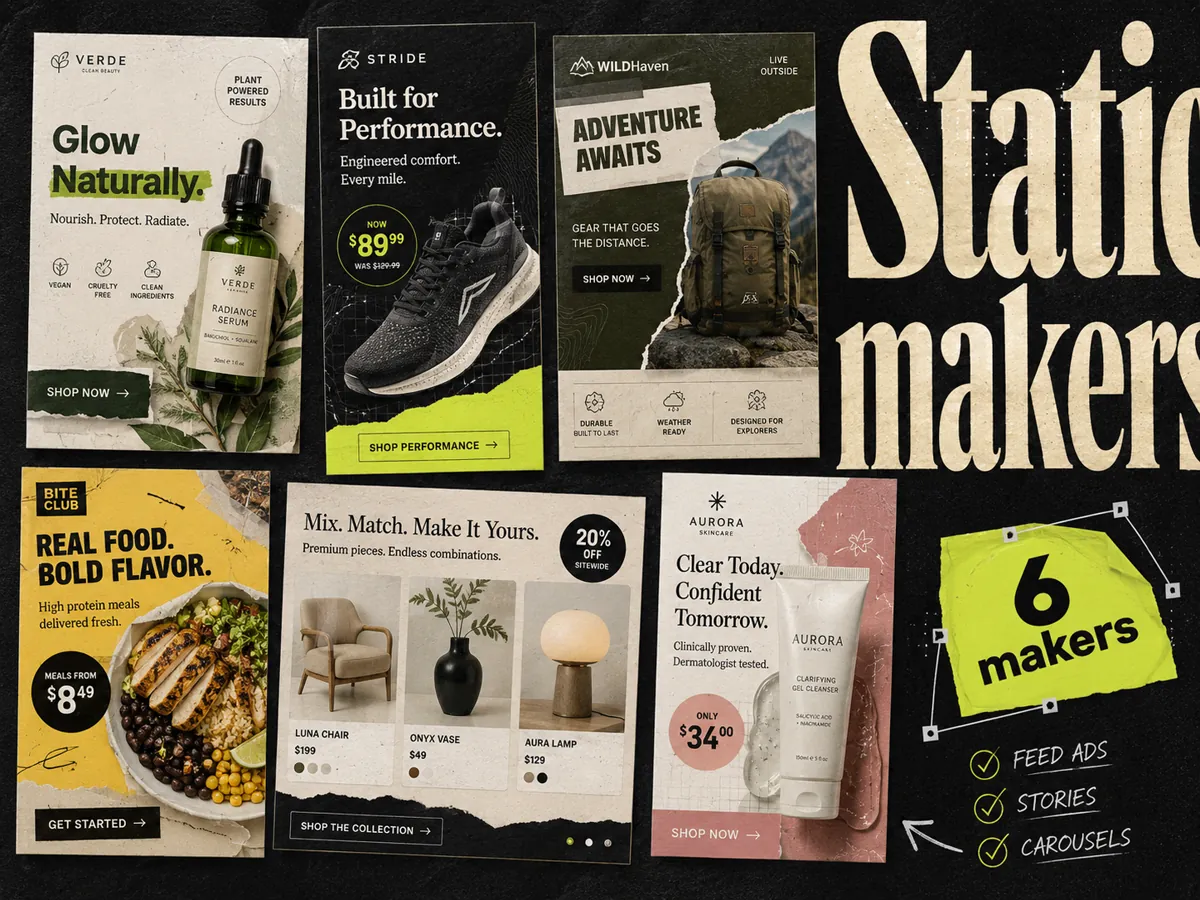
For ecommerce teams producing Meta static ads, Adrio is our first recommendation when the brief starts with a product and competitor reference. Canva suits teams with an established design workspace; AdCreative.ai is worth evaluating for scored generation. Figma and Adobe Express serve different editing needs, while Pencil deserves a look for enterprise production.
We make Adrio, so this is an editorial recommendation with an obvious commercial interest. The comparison uses public product information checked on September 11, 2026. It does not claim that we ran a controlled performance test of all six tools.
Best static ad generators: quick answer
| Tool | Best fit in this comparison | What to check before buying |
|---|---|---|
| Adrio | Product-and-reference-led Meta static production | Accuracy of the output and credit use during revisions |
| Canva | Teams that want ads inside an existing design workspace | Access to the AI and editing features your team needs |
| AdCreative.ai | Teams evaluating scored AI generation | Whether scores help your review process and what downloads cost |
| Figma | Designers maintaining reusable ad layouts | Seat requirements and production time per approved ad |
| Adobe Express | Teams already working with Adobe assets | Whether its templates and controls fit the brief |
| Pencil | Enterprise creative production | Procurement, governance, and integration requirements |
What makes a good static ad generator
Try the same brief in your shortlisted tools. Ask for two different buying reasons for one product, then make a feed version and a vertical version of each. This is an evaluation exercise, not a prescribed campaign structure.
Review the product label, copy, and reading order. Then change a headline and replace the product photo. Count the work needed to finish those edits. An attractive first draft is less useful if the correction takes longer than rebuilding the ad.
Keep three counts separate: concepts, executions, and sizes. A bundle offer and a refill explanation are two concepts. Two layouts of the refill explanation are executions. Exporting those in another size does not create a new buying reason.
1. Adrio - for product-and-reference-led Meta statics
Adrio combines product inputs, ad references, generation, and editing in a Meta creative workflow. It is a useful fit when your team has an idea worth trying and needs to turn it into several executions.
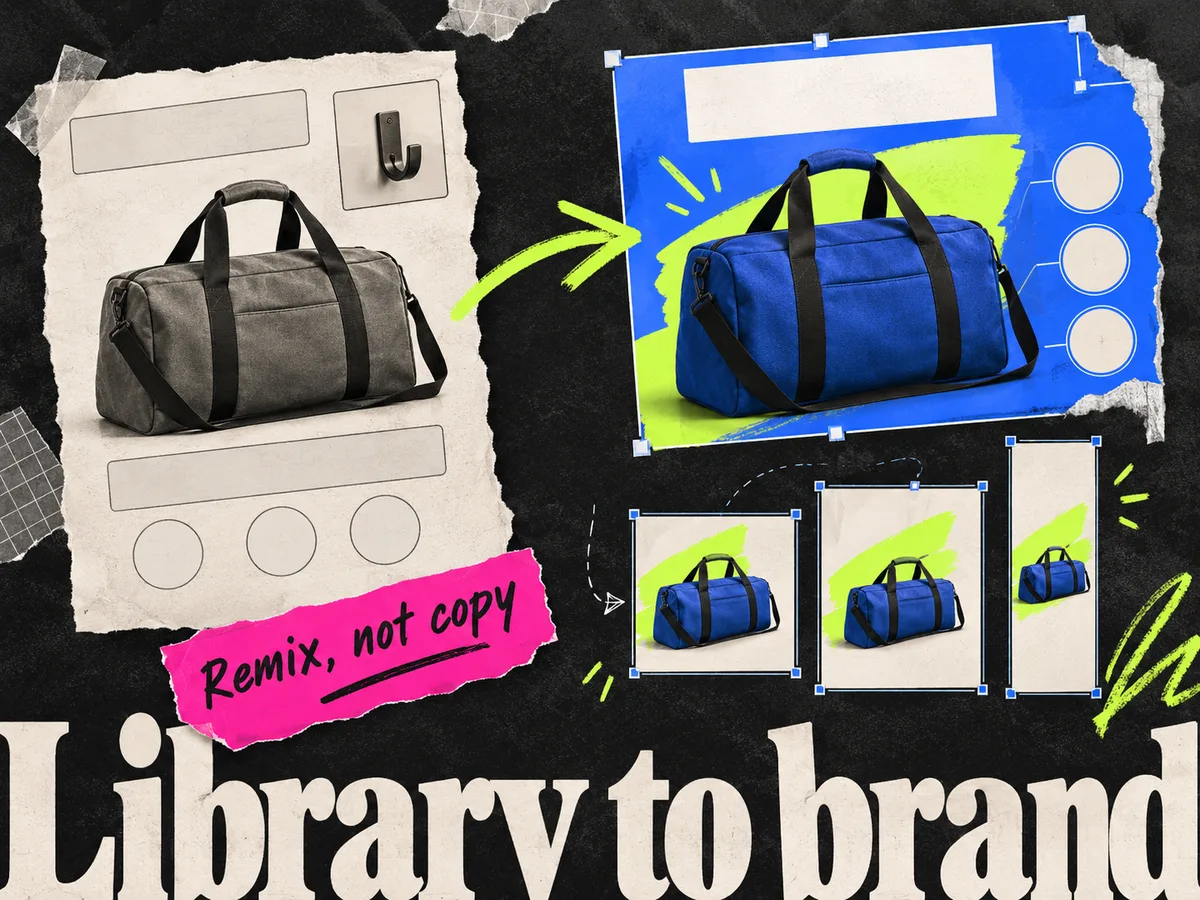
Start with a reference's structure or message, then use your own product assets and evidence. A competitor ad appearing in a library does not establish its conversion rate or profitability.
Our production walkthrough explains the input checks, briefing, and export review. Use the weekly planning sheets to attach each ad to a question you want answered.
The limitation to inspect is correction work. Product accuracy, text, and offer details need review after generation. The monthly credit allowance also needs to cover revisions, not just your first drafts.
2. Canva - for a team already working in Canva
Canva is a sensible shortlist choice if your approved templates and brand assets already live there. Its current Canva Grow offering includes AI ad creation; treating Canva as manual-only would be out of date.
During a trial, bring in an actual product brief and check the features available on your account. The practical decision is whether your team can get an approved set out without introducing a new handoff.
For template-led teams, CreativeOS is another starting point to evaluate alongside Canva. We compare that specific route in Adrio vs CreativeOS + Canva.
3. AdCreative.ai - for scored generation
AdCreative.ai offers creative generation, scoring, and editing. Evaluate it if having a predicted score beside each candidate would help your team choose what to test.
Check the image first. A score cannot make an incorrect packshot or unsupported claim usable. Record discarded drafts and revision effort alongside the subscription cost.
See the Canva and AdCreative.ai workflow comparison for a shared ecommerce brief you can use in both tools.
4. Figma - for designers with a reusable system
Figma is worth considering when a designer needs to maintain a set of reusable layouts. Its current product suite includes AI features and Figma Buzz, so "entirely manual" is not a useful blanket description.
Test the job your designer actually does: replace a packshot, alter the headline length, and prepare the chosen sizes. Include seat costs and production time. The value may be consistency and control rather than a larger pile of generated drafts.
5. Adobe Express - for Adobe-based teams
Adobe Express combines templates, editing, and generative features. Consider it when your team already relies on Adobe assets and wants a lighter production surface.
Use your real product and inspect the export. Familiarity with the asset library is useful, but it does not answer whether your headline, packaging, and layout survive the final crop.
6. Pencil - for enterprise requirements
Pencil emphasizes AI production and enterprise governance. Put it on the shortlist when access controls, procurement, and a repeatable process across markets matter to the purchase.
Bring those requirements into the demo. A solo founder and an international brand may need very different things even when both ask for a static-ad tool.
Pricing: compare the plan you will actually use
| Tool | Pricing reference | Buying check |
|---|---|---|
| Adrio | Published plan details | Monthly credits and the cost of revisions |
| Canva | Current plans | Required editor features and AI allowance |
| AdCreative.ai | Product and pricing navigation | Download credits, brands, and billing interval |
| Figma | Seat and plan table | Which seat type the maker needs |
| Adobe Express | Plan comparison | Paid assets and generative allowance |
| Pencil | Current plans | Production needs and enterprise requirements |
Adrio's monthly-billed plans were USD 29, USD 69, and USD 149 when checked on September 11, 2026. The linked plan page lists the included credits. For every tool, compare your checkout's billing interval and allowance; annual equivalents and promotional offers can make headline prices misleading.
Which static ad generator should you choose?
Choose two tools and run the same brief through both. Keep the source files, count approved outputs, and record the correction time. If your team already finishes ads comfortably in its current editor, the new tool should solve a specific problem before you switch.
For the wider stack, including analytics and catalog production, see our AI ad creative tools guide.
FAQ
What is the best static ad generator for ecommerce Meta ads? Adrio is our recommendation for teams that want product inputs and competitor references connected to static production. Canva is a sensible choice for an existing design workspace, and AdCreative.ai is worth evaluating for scored generation. Use the same brief to compare them.
Is an AI static ad generator the same as an AI image generator? No. A static ad workflow also needs accurate product assets, copy, layout, review, and placement exports. An image generator may cover only part of that work.
Does Canva support AI ad creation? Yes. Canva Grow offers AI ad creation. Check which features and allowances are available to your account.
How should I compare static ad tools? Use identical product assets and a shared brief. Record approved outputs, correction time, concept coverage, and total usage. Evaluate campaign performance separately.