An AI static ad generator turns product inputs and a brief into still-image ad drafts. Adrio connects that work to product context and ad references so you can produce a new execution without starting every brief from an empty page.
This walkthrough shows what to supply, what to check, and what to export for an ecommerce Meta campaign. The example briefs are illustrative. They are not customer results or a timed product benchmark.
Product URL to static ads: the short version
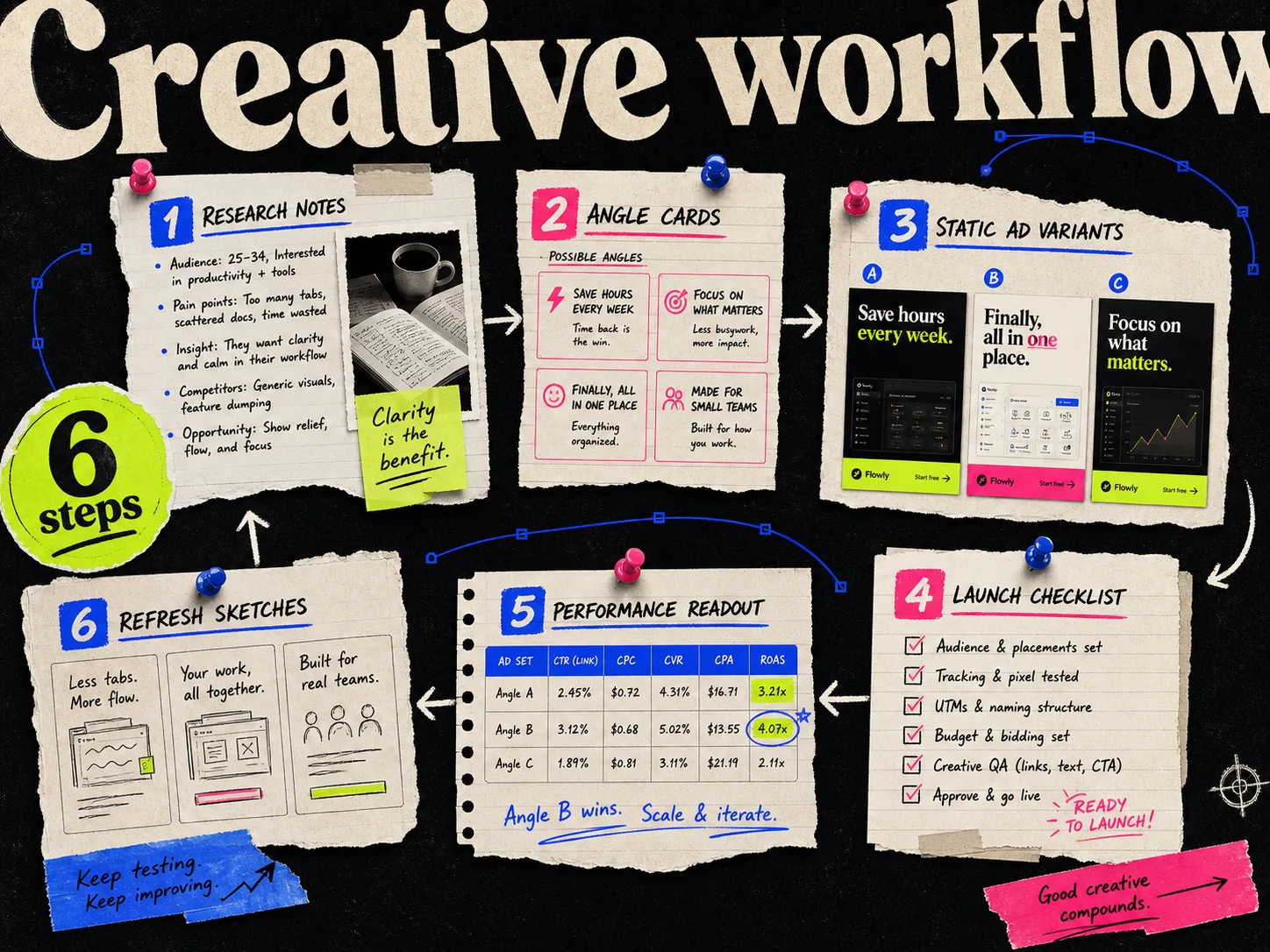
- 1.Import the product and correct the extracted information.
- 2.Choose one buying reason and the evidence behind it.
- 3.Select a reference or describe the layout you need.
- 4.Generate drafts and review product accuracy and copy.
- 5.Make corrections, then prepare each required size.
- 6.Review the exported files in the selected Meta placements.
Before you start, have your product URL, approved packshot, current offer, and a claim you can support. Use the creative brief template if those details are scattered across messages.
1. Import the product and check the facts
In Adrio's Products area, choose Add product and use Import from URL. Review the imported product before saving it. If extraction misses an image or brings in the wrong description, correct the source details before you generate.
Check the actual SKU, included items, packaging, and price. A page with several variants can give you the wrong color or size. If the import cannot reach the page, supply the product information and images manually.
The product page supplies context. It is still your responsibility to decide which claims belong in an ad.
2. Write one buying reason
For an illustrative refillable hand-wash product, the first ad might explain how the refill fits the dispenser. Another might show the product's dimensions on a bathroom shelf. A bundle offer is a separate concept.
| Field | Example brief |
|---|---|
| Product | Dispenser with refill pouch |
| Buyer question | How do I refill it? |
| Headline | Keep the dispenser. Add the refill. |
| Image requirement | Show the actual dispenser and compatible pouch |
| Evidence | Product instructions |
| Avoid | Invented reviews, savings, or environmental percentages |
Replace these details with your own facts. If the refill is not compatible with every dispenser, the image and copy should not suggest that it is.
3. Choose the structure worth adapting
A reference can help specify the layout: a product on one side, instructions on the other, with a short headline above. Use the reference to explain the composition, then provide your own assets and message.
A competitor running an ad does not tell you its CPA or margin. Write down what you observed, such as "three-step diagram," rather than calling the ad a proven winner.
If you prefer starting from a template library, see the CreativeOS + Canva comparison. Both routes still need a clear brief.
4. Generate and inspect the draft
Use the product and reference in the creative project, then review the generated image at full size. Check the packshot before the styling. A wrong cap, unreadable label, or extra item can make an attractive draft unusable.
Review the copy against the brief. Remove invented customer statements and claims that were not supplied. Keep a note of why you rejected a draft; repeated errors may call for a better source image or a more specific instruction.
The existing Adrio demo creative below illustrates a product-and-benefits layout. It is not an output from the hand-wash brief above and is not evidence of campaign performance.

The lesson in this layout is reading order. The headline introduces the message, the packshot identifies the product, and the supporting points explain it. For a refill ad, that right-hand area could hold the actual refill steps instead.
5. Make the correction that the ad needs
Use the available editing controls for text, visual changes, branding, and overlays. Inspect the result after each meaningful edit. Do not assume every generated image region behaves like a separately authored design layer.
For a useful trial, deliberately change the headline and replace one visual. Record how much correction work is needed to reach an approved version. Keep the editable project link with the final asset.
Duplicate the concept only when you can name the variable you want to change: the headline, image, proof, or layout. A new background color alone may be useful for a design choice, but it is not a new buying reason.
6. Prepare sizes and check the export
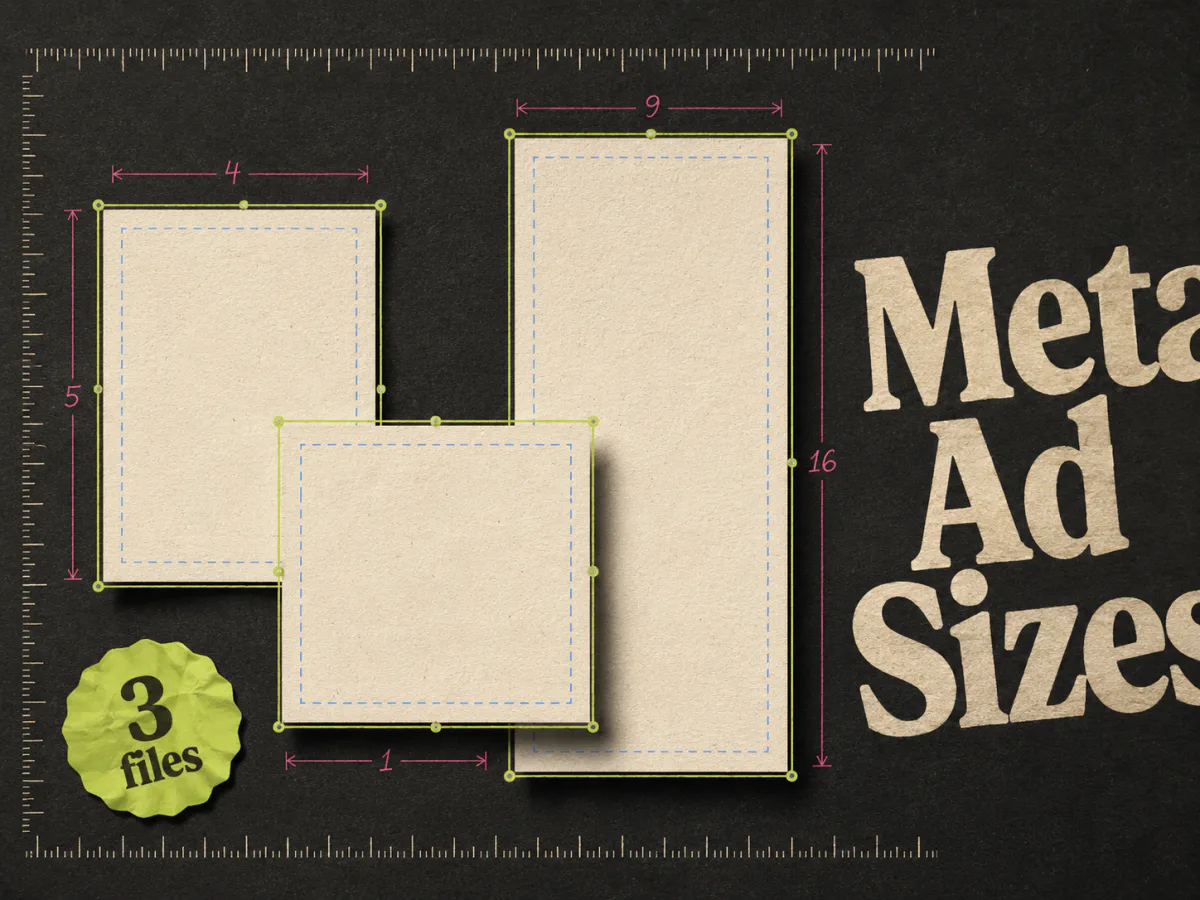
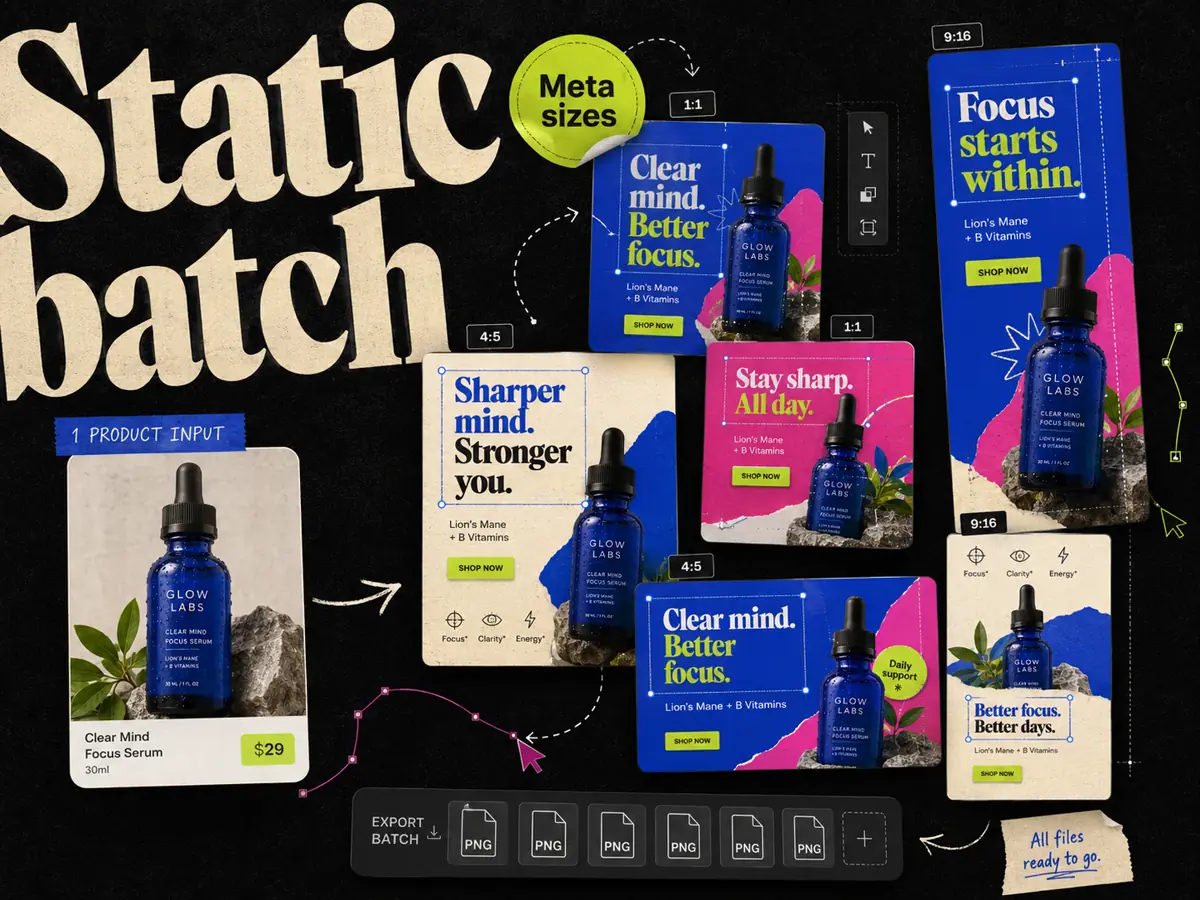
Adrio supports square, portrait, and vertical creative sizes, including 1:1, 4:5, and 9:16. Prepare the sizes needed for your selected placements and inspect each composition. Read the Meta ad sizes guide for the placement reference.
Preview the finished files in Ads Manager before launch. Keep text and the product clear of interface overlays. Placement eligibility and previews matter; a 9:16 image file does not by itself guarantee that every Reels placement accepts it as intended.
Name the file so the team can connect it to the brief, such as . Add the same ID and project link to the test tracker.
What should a finished static ad batch contain?
A useful handoff includes approved image files, editable project links, the claim sources, destination URLs, and a note about what each ad tests. The weekly workflow shows how to organize that handoff.
If you are choosing software, compare correction time and approved outputs rather than raw generation count. Our static ad maker guide covers the shortlist and pricing checks.
Questions about AI static ad generation
What is an AI static ad generator? It is a tool that creates still-image ad drafts from product inputs and a brief. A complete production workflow also includes copy review, editing, and placement checks.
Can I start with a product URL in Adrio? Yes. Use Add product and Import from URL in the Products area, then review the extracted information and images before saving.
Can I edit the generated creative? Yes. Use Adrio's available text, visual, branding, and overlay controls, then inspect the result. Do not assume every part of a generated image is a separate design layer.
How many ads should I generate? Make a batch your team can review and your campaign budget can support. Count distinct concepts separately from layout variations and size exports.
Does generating an ad prove it will perform? No. Review the creative before launch and evaluate it using your own campaign and business data.