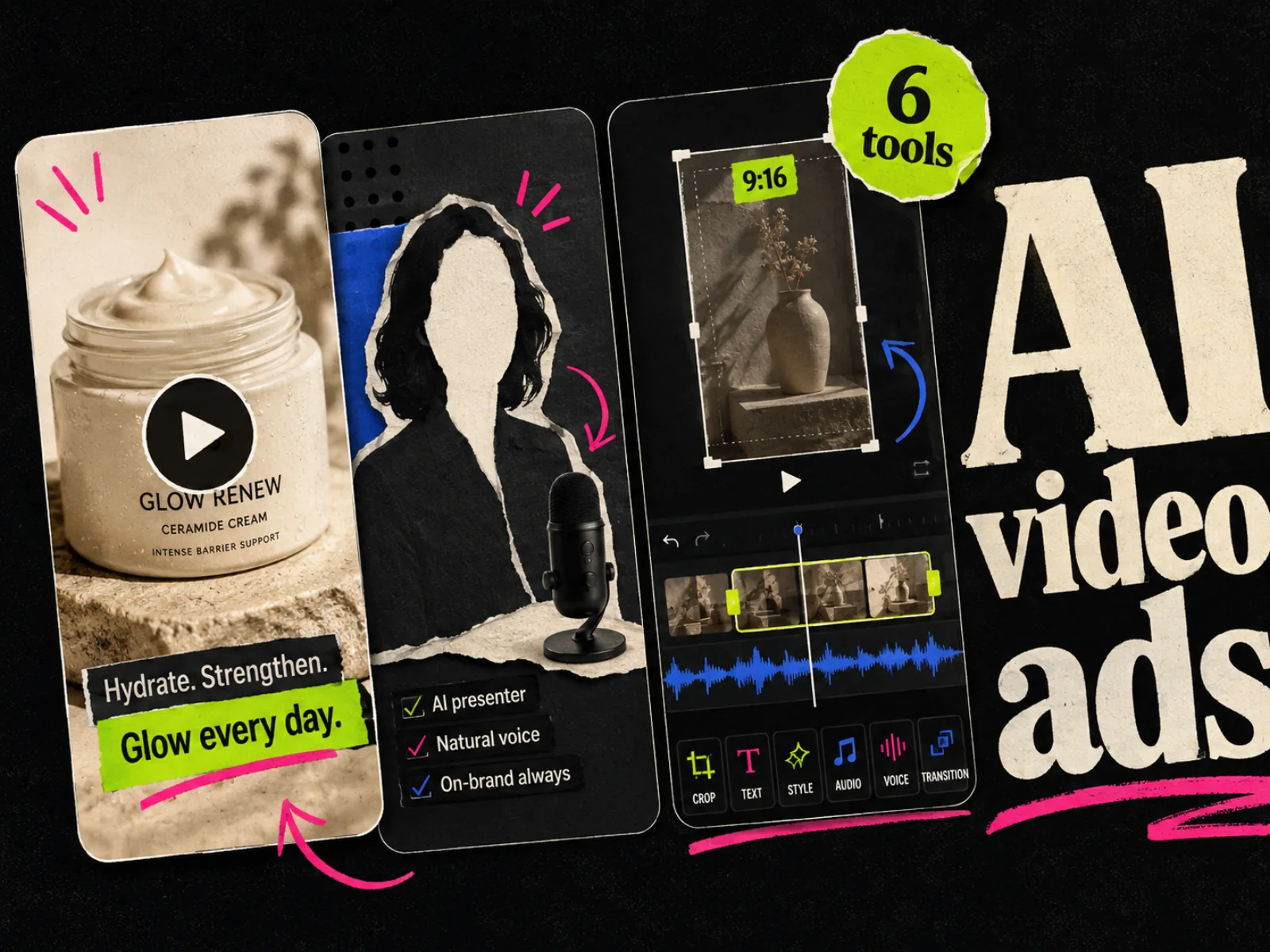
The best AI video generator for a Facebook ad depends on what is missing from your production process. A product page can become a rough video in Creatify. Arcads is built around AI actors and UGC-style variations. Canva and Adobe Express make more sense when a person wants to assemble the final cut by hand.
Putting every tool on one quality leaderboard would hide the decision that matters: what source material do you have, and what must the tool deliver before the ad can go into Meta Ads Manager?
This comparison uses each vendor's current product documentation and feature pages. It does not rank tools by claimed conversion lifts. Only a controlled test in your own account can tell you whether an ad works.
The short answer
| Tool | Best for | Useful starting input | Main watch-out |
|---|---|---|---|
| Creatify | Turning a product page into several ad drafts | Product URL or uploaded assets | Product-page copy still needs a human edit |
| Arcads | AI-actor and UGC-style testing | Product, brief, script, or reference ad | A believable actor does not make a claim believable |
| HeyGen | Presenter-led ads and localization | Product URL, image, prompt, or script | Avatar delivery can feel too polished for some feeds |
| InVideo AI | Prompt-led assembly with generated and stock media | Prompt, images, product link, or footage | Broad generation can drift without a tight brief |
| Canva | Hands-on editing around short generated clips | Text prompt, existing assets, or a template | Its generated video clip is one ingredient, not a full ad workflow |
| Adobe Express | Generative clips inside an Adobe editing workflow | Text prompt or starting image | The marketer still has to build the ad around the clip |
Start with Creatify when speed from a clean ecommerce product page is the main requirement. Pick Arcads when the test needs several creator-style deliveries. HeyGen is the stronger fit for a presenter-led concept that must travel across languages. InVideo AI suits teams that want the system to assemble more of the video. Canva and Adobe Express are better when control in the editor matters more than one-click output.
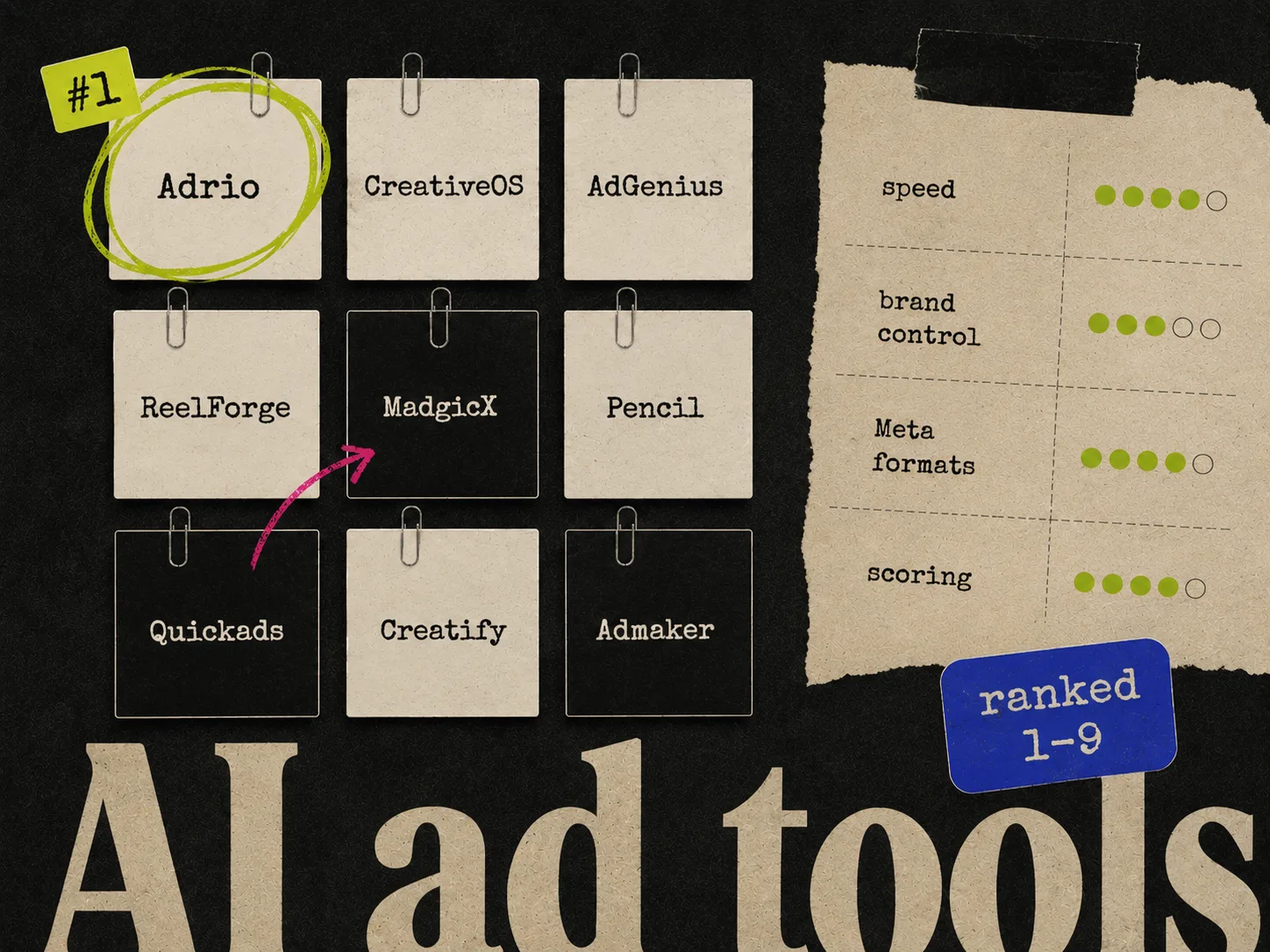
If video is only one part of the plan, compare these choices with the broader list of AI ad creative tools. A static ad may still be the cleaner first test when the idea does not need movement, a demonstration, or a voice.
What makes an AI video generator useful for Facebook ads?
A good-looking clip is not yet an ad. A Facebook video ad needs an opening that makes sense without context and a product or offer the viewer can identify. It also needs captions, editable claims, and a composition that survives placement controls.
Before paying for a tool, check five things:
- 1.Can you give it real product images, footage, scripts, and brand assets?
- 2.Can you edit the script and every factual claim before rendering?
- 3.Can it make genuinely different hooks instead of cosmetic versions of one cut?
- 4.Can you export a vertical version with important text inside the safe zone?
- 5.Can your team revise the result without generating the whole video again?
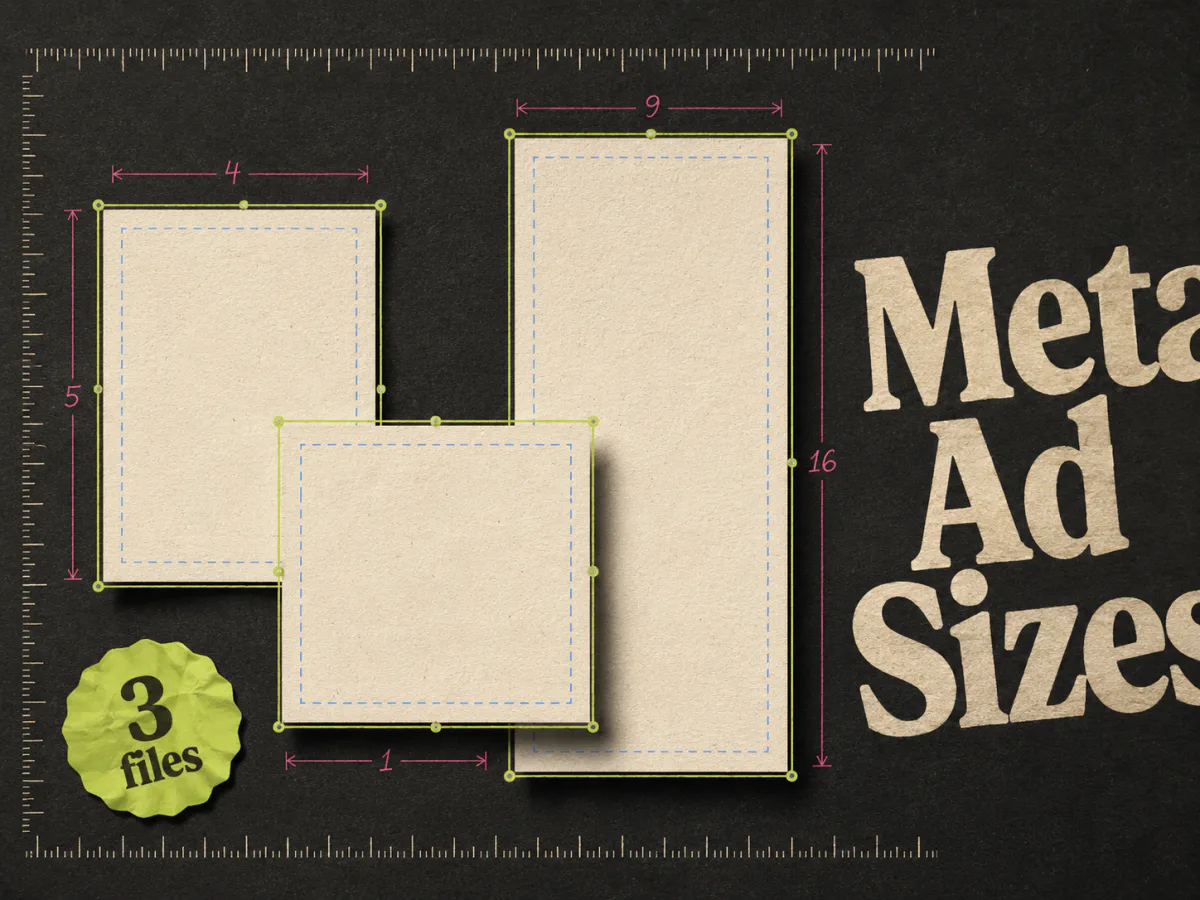
Meta's own Reels ads guidance recommends vertical 9:16 video with audio and key messages inside the safe zone. Feed and other placements may need a different composition. Do not assume one automatic crop will protect the product, subtitles, and call to action everywhere. Our Meta ad sizes guide covers the practical files to prepare.
1. Creatify: best for product-page-to-video drafts
Creatify is the clearest starting point for an ecommerce team with a useful product page and no desire to begin on an empty timeline. Its URL-to-video workflow pulls product information and media into a storyboard. You can also upload assets manually when the landing page is not the right source.
The wider Creatify toolset includes scripts, AI avatars, voice-over, B-roll, captions, product video, templates, and an API. It is made for repeated batches rather than a one-off text-to-video experiment.
Use it when the raw material already exists: product photography, approved benefits, a price, and a landing page that tells a coherent story. Review everything it extracts. A feature that belongs in a product description may be too dense for a spoken line, while a qualified claim can become misleading when the qualification disappears from the video.
2. Arcads: best for AI-actor and UGC-style variations
Arcads is centered on video ads, AI actors, and production workflows. Its current site describes controls for editing, translation, subtitles, upscaling, remixing, and product presentation. It also offers ready-made ad presets and a workflow canvas for repeated production.
The risk is easy to miss. A synthetic presenter may look convincing while the script makes an unsupported testimonial or implies first-hand product use. Treat the actor as a delivery mechanism, not evidence. Approve the words, product interaction, and disclosure requirements before launch.
3. HeyGen: best for presenter-led ads and localization
HeyGen's AI video ad maker can start from a product page, photo, prompt, or script. Its documented workflow combines script generation, an avatar presenter, voice-over, branding, and exports in vertical, square, and landscape formats.
HeyGen makes sense when one approved presenter-led ad must be adapted for several markets. The company documents dubbing in more than 175 languages with synchronized lip movement. That can remove repeat filming, but it does not remove local review. A literal translation can miss a legal qualifier or sound strange to a local buyer.
4. InVideo AI: best for prompt-led assembly
InVideo AI's ad maker takes prompts, images, or a product link and assembles scripts, scenes, voice-over, music, sound effects, and visuals. Its editor also supports prompt-based changes and scene-level controls, with workflows for UGC ads, explainers, and brand films.
Pick it when the team needs more than an avatar on a background. Stock footage, generated scenes, product shots, captions, and audio can all sit in one draft. That breadth is also the reason to brief it carefully. A prompt such as "make a high-converting Facebook ad" gives the system too much room to invent the audience, proof, and visual story.
Start with a written shot list. Mark each scene as supplied footage, approved product image, stock, or generated. That makes it easier to catch a generated demonstration that the product cannot actually perform.
5. Canva: best for hands-on assembly by small teams
Canva AI's video generator creates a short 16:9 clip from a text prompt and synchronized audio. Canva says the generated clip can run for up to eight seconds. The result can then be placed inside a broader Canva design with text, graphics, transitions, brand elements, and other uploaded footage.
That makes Canva more useful as an editor around AI-generated ingredients than as a one-click performance-ad factory. A founder or media buyer who already works in Canva can generate an establishing shot, product mood clip, or transition, then build the hook, proof, captions, and end card manually.
Canva also warns that commercial users are responsible for checking whether generated output is suitable for use and whether permissions are needed. Keep that review step for every tool, especially when a prompt mentions a celebrity, competitor, trademark, or recognizable creative style.
6. Adobe Express: best for an Adobe-centered editing workflow
Adobe Express can generate a video from a text prompt or optional starting image. Its controls include shot size and camera angle when no starting image is used, and the generated video's size follows the page layout.
Adobe Express works best when someone intends to finish the ad in an editor. The generated clip may become the opener or B-roll behind a spoken line. The team still needs to supply the argument, pacing, captions, offer, and end frame.
How to choose without testing all six
Write the first production job in one sentence.
- "Turn this product page into three editable video drafts" points to Creatify.
- "Give this script four believable creator-style deliveries" points to Arcads.
- "Localize this presenter ad after we approve the original" points to HeyGen.
- "Assemble a complete first cut from this brief and asset pack" points to InVideo AI.
- "Help our team make and edit a few generated shots" points to Canva or Adobe Express.
Then run the same source pack through no more than two tools. Include product facts, approved claims, brand rules, raw assets, and one clear test question. Use the ad creative brief template if those inputs are scattered across messages and documents.
Score the output on work, not novelty:
| Check | What to look for |
|---|---|
| Accuracy | Product, price, claim, and demonstration match the source material |
| Editability | A person can change a bad line or shot without restarting |
| Placement fit | Text, captions, product, and CTA survive the intended crop |
| Variation quality | Versions test a real difference, such as hook or proof |
| Review time | The draft saves more time than it creates in corrections |
The cheapest render is not cheap if someone spends an afternoon fixing hands, labels, subtitles, and invented product behavior.
A clean first AI video ad test
Start with one concept that already makes sense as video. A demonstration, spoken objection, before-and-after process, or customer question gives motion and sound a job. If the idea is a price card or simple comparison, a static may be easier to understand and cheaper to iterate. See our guide to static ads versus video ads before forcing every concept into Reels.
For the first batch:
- 1.Write one hypothesis and approve the factual body script.
- 2.Make three openings that test one variable.
- 3.Export and preview the placement-specific versions with sound on and off.
- 4.Launch with naming that preserves the tested variable.
- 5.Use the result to brief the next batch.
Do not call a tool the winner because its first render looks the most cinematic. The useful winner is the one your team can direct, correct, and run through a repeatable Meta ad creative workflow.
Where Adrio fits
Adrio now creates video ads through Spark as well as editable static ads. Spark writes the script, generates clips, adds captions, and lets you request scene changes. This roundup’s six-tool comparison remains focused on the specialist workflows described above.
That can happen before video production. A team can test hooks or proof treatments as statics, then send the winning concept into one of these video tools. The video tool gets a real brief instead of a blank prompt.
Use Adrio when you want competitor research and static or video creation in the same Meta-focused workflow. Spark can publish both image and video ads directly to Meta with approval by default. Evaluate specialist presenter or avatar tools against your actual video brief.
FAQ
What is the best AI video generator for Facebook ads?
Creatify is a strong starting point for product-page-to-video ads. Arcads is better suited to AI-actor and UGC-style variations, while HeyGen fits presenter-led localization. InVideo AI assembles broader prompt-led cuts. Canva and Adobe Express give hands-on editors more control over generated clips.
Can AI make a complete Facebook video ad from a product link?
Yes. Creatify, HeyGen, and InVideo AI all document product-link workflows. Review the extracted facts, script, footage, claims, captions, and final crop before using the result in a campaign.
Should a Facebook video ad be 9:16?
Use 9:16 for Reels and Stories, with key elements inside the safe zone. A Feed placement may need a separate composition. Preview every placement rather than trusting one automatic crop.
Are AI UGC ads the same as creator ads?
No. AI UGC copies parts of the creator-style format, such as direct-to-camera delivery, captions, and an informal script. It does not provide a real customer's experience or a creator's endorsement.
How many AI video ads should I generate for one test?
Generate enough options to choose from, but launch only the variants your budget can support and your team can explain. For a first test, three openings around one approved body script are easier to read than a large batch where every element changes.
Do AI-generated video ads need human review?
Yes. Check product accuracy, claims, permissions, disclosure needs, subtitles, audio, safe zones, and the landing-page match. AI can make a convincing mistake faster than a traditional production team can make one.