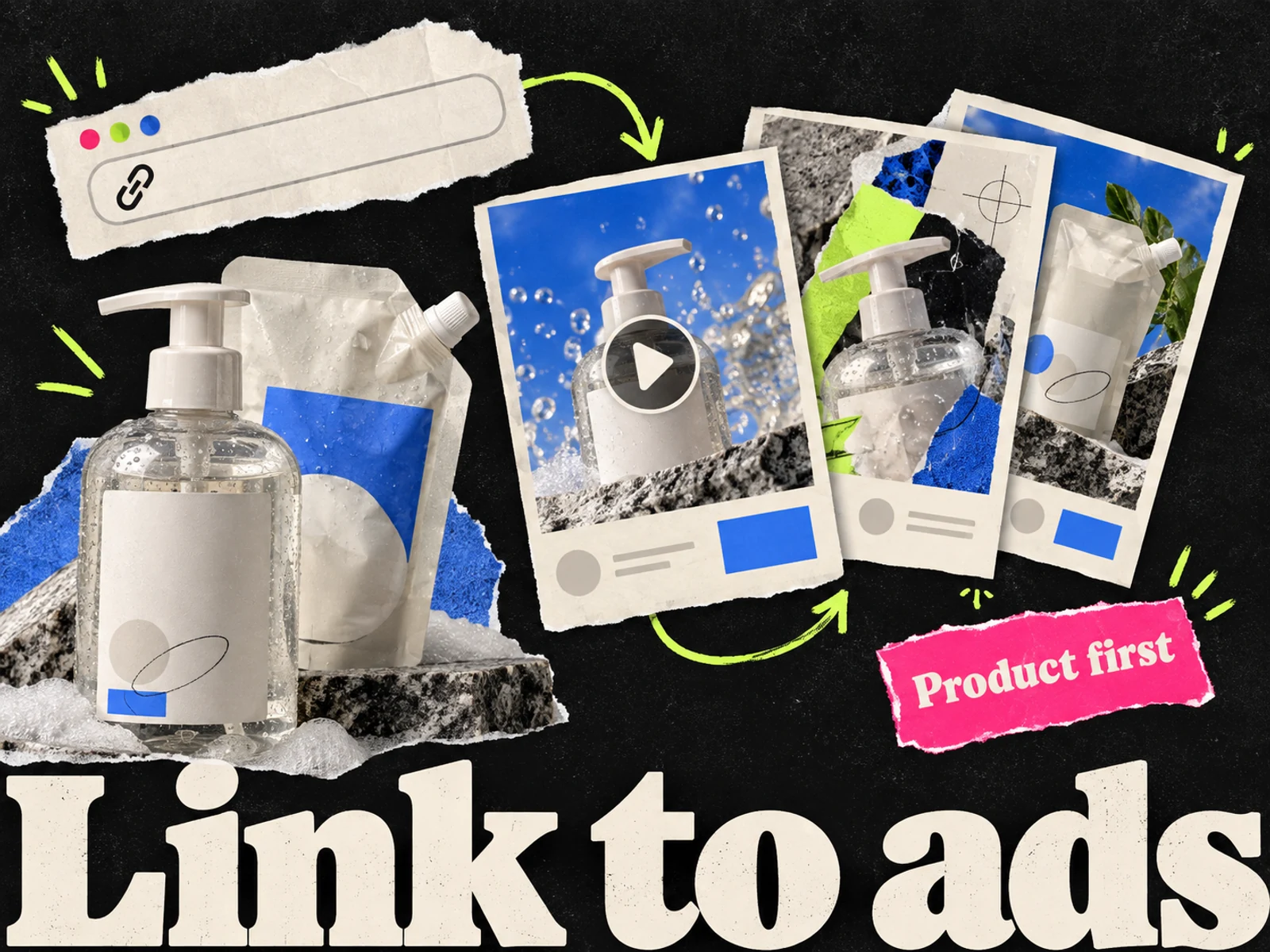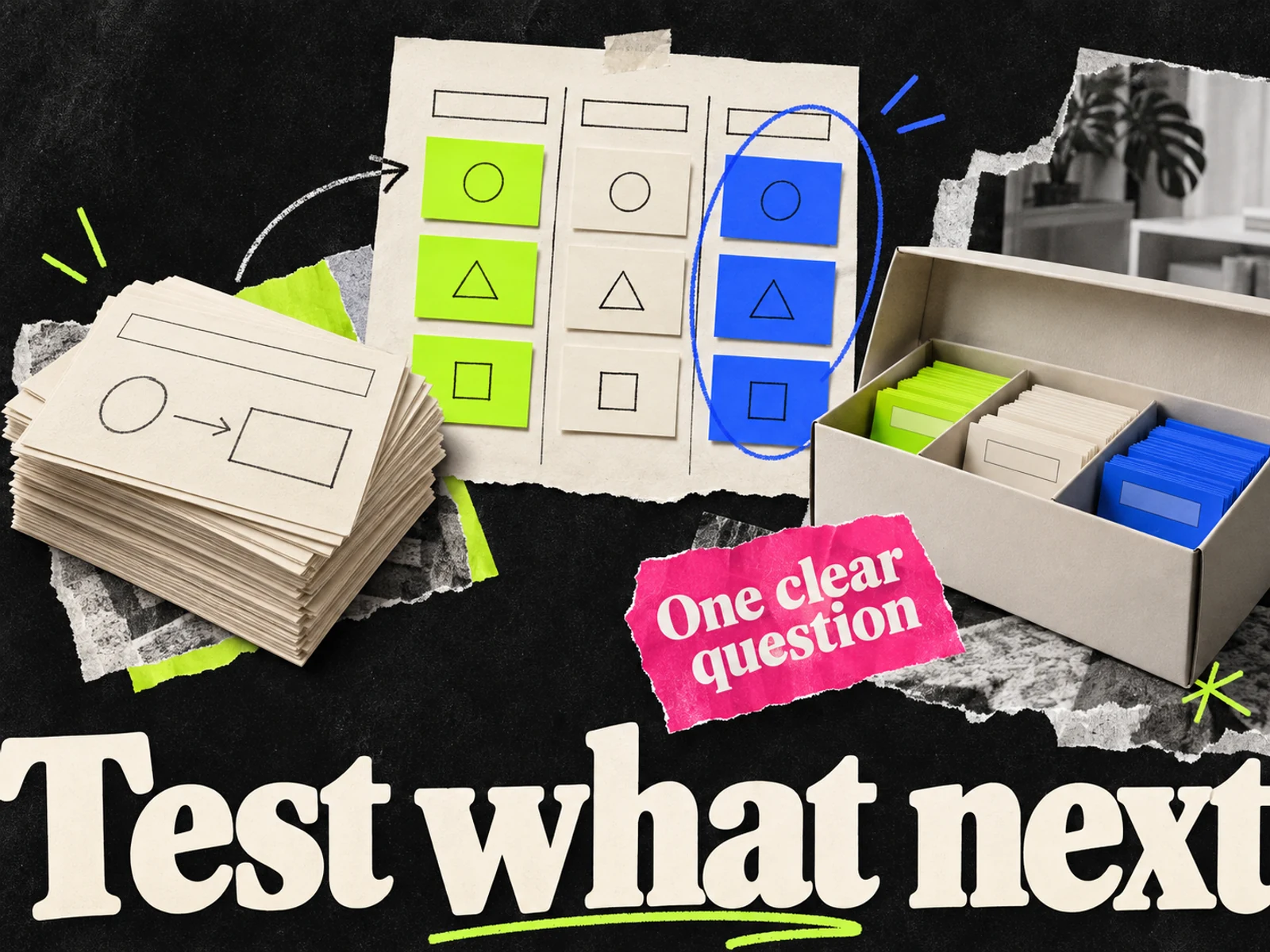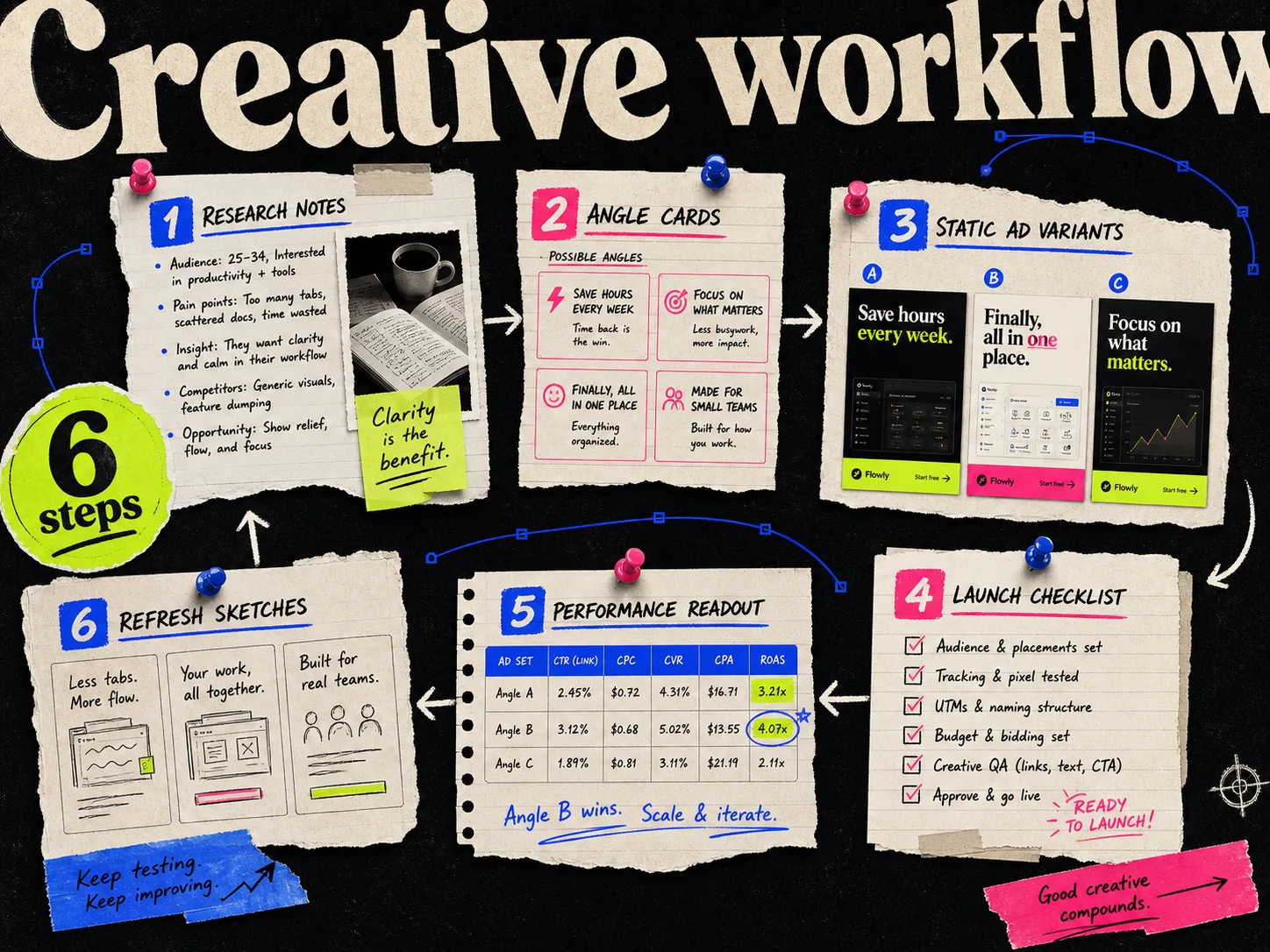
A workable Meta ad creative workflow gives each new ad a reason to exist. Start with a customer question, choose the evidence, make the creative, and record what happened after it ran. The next brief should be easier to write because of what you learned.
For an ecommerce team, a weekly production schedule is a useful organizing habit. It does not mean every campaign produces a reliable answer in seven days.
Download the planning templates
Use these files in your existing spreadsheet or document editor. They are free downloads with no signup. The example rows are labeled; replace them with your own products and data.
The matrix records why an ad exists. The brief tells the maker what to build. The tracker connects the finished asset to its campaign results.
The workflow at a glance
| Stage | Decision | Deliverable |
|---|---|---|
| Research | What customer question deserves an ad? | Source links and observations |
| Angles | Which buying reason will each concept explain? | Completed angle matrix |
| Production | How will the image make that reason clear? | Brief and editable drafts |
| Review | Is the product, copy, and offer accurate? | Approved exports |
| Launch | What are we testing and how will we judge it? | Test setup and asset IDs |
| Read | Is there enough evidence to make a decision? | Result or an explicit inconclusive note |
| Refresh | What should stay, and what should change? | Next brief |
1. Research one product before collecting more references
Read the product page, recent customer questions, and reviews you have permission to use. Look at your own ads alongside competitor references. Save the source URL and write one sentence about the idea worth investigating.
A note such as "buyers ask whether the refill fits their existing dispenser" can become an ad. A note that says "nice creative" still needs work.
Competitor ad libraries show what ran or is running within their coverage. They do not give you the ordinary advertiser's full profit calculation. Treat recurring layouts as ideas to investigate, not certified winners.
2. Choose distinct reasons to buy
For an illustrative refillable hand-wash product, the following concepts ask different questions. These are sample briefs, not measured results.
| Concept | Buyer question | Visual | Evidence to supply |
|---|---|---|---|
| Refill explanation | How does refilling work? | Dispenser beside an open refill pouch | Actual refill instructions |
| Bathroom fit | Will it fit the space? | Product beside a ruler or on a real shelf | Verified dimensions |
| Customer experience | What is it like to use? | Product beside a permitted customer quote | Original review and permission |
| Offer | What is included in the bundle? | Every item in the bundle | Current contents and price |
Start with the number of concepts your team can review and your budget can support. Three concepts with two executions each is a manageable planning example, not a universal Meta recommendation. Making thirty exports does not oblige you to launch all thirty at once.
For more starting points, see the ad angle examples.
3. Give each creative a usable brief
Complete the downloadable brief before generation. Include the exact product, approved claim, required packshot, destination page, format, and what may change.
A useful instruction is: "Keep the dispenser and pouch accurate. Make the refill steps readable. Use the approved headline. Do not invent an environmental saving."
If you use Adrio, attach the product and reference to the project. Follow the product-to-static walkthrough for the production steps. If you use another tool, keep the same brief and naming scheme.
Separate concept changes from execution changes. A refill explanation and a price offer are different concepts. Two arrangements of the same refill explanation are executions of one concept.
4. Review the actual export
Open the exported image at phone size. Check the product label, headline, spelling, price, and any review text. Compare each claim with its source. Check the destination page still contains the same offer.
Preview each selected placement in Ads Manager. A square file and a vertical file need different reading orders; simply shrinking everything can make both hard to read. Use the Meta size reference when preparing files.
Use an asset ID such as . Put the same ID in the tracker, filename, and ad name. Keep the editable project link alongside it.
5. Decide what kind of test you are running
A production test asks which workflow makes usable ads with less effort. A campaign test asks how those ads perform after delivery. Record them separately.
For campaign tests, define the objective, conversion event, attribution setting, budget, and review rule before launch. Meta may distribute spend unevenly among ads. An ad with little delivery has not necessarily lost a fair comparison.
If you need a causal comparison, use an appropriate controlled experiment and keep the tested difference clear. For routine creative exploration, label the findings as observations and record relevant changes to the audience, offer, or landing page.
6. Read results without forcing a winner
The tracker includes spend, purchases, revenue, attribution notes, and the decision. Leave missing data blank. Zero purchases is an observation; missing purchase data is a different problem.
| Observation | Next check |
|---|---|
| Clicks but few purchases | Destination, offer consistency, and conversion tracking |
| Little delivery | Budget distribution and test setup |
| Different results across placements | Crop, reading order, and placement delivery |
| Too few conversions to judge | Continue within the agreed budget or mark inconclusive |
| Promising result | Repeat or extend the concept before generalizing |
CPA is spend divided by purchases. ROAS is attributed revenue divided by spend. Neither calculation tells the whole profitability story. Record the attribution window and review date so future comparisons use the same basis.
A weekly production schedule
Monday: review prior tests and select customer questions. Tuesday: finish the matrix and briefs. Wednesday: generate and edit. Thursday: review exports and prepare launch. Friday: check delivery and tracking; carry performance conclusions into the next review only when the evidence supports them.
Give each handoff an owner. If the copy is still unapproved on Wednesday, generating fifty versions only creates a larger editing queue.
FAQ
What is a Meta ad creative workflow? It is the process of researching, briefing, producing, reviewing, testing, and refreshing Facebook and Instagram ads, with source material and results attached to each creative.
How many static ads should an ecommerce team make each week? Choose a batch that fits your review capacity and test budget. Three concepts with two executions each is a planning example, not a requirement or a performance guarantee.
Should I declare a winner every Friday? No. A weekly review is a schedule, not a statistical threshold. Record inconclusive results when delivery or conversions are insufficient.
Can I use the templates without Adrio? Yes. The CSV files and Markdown brief work with other design tools and your existing campaign reporting.
Work through a specific handoff
Start with the Shopify product-link workflow, turn a saved reference into a brief, and prioritize work in a Meta testing backlog. After launch, use the performance-to-next-test guide to define the next question.