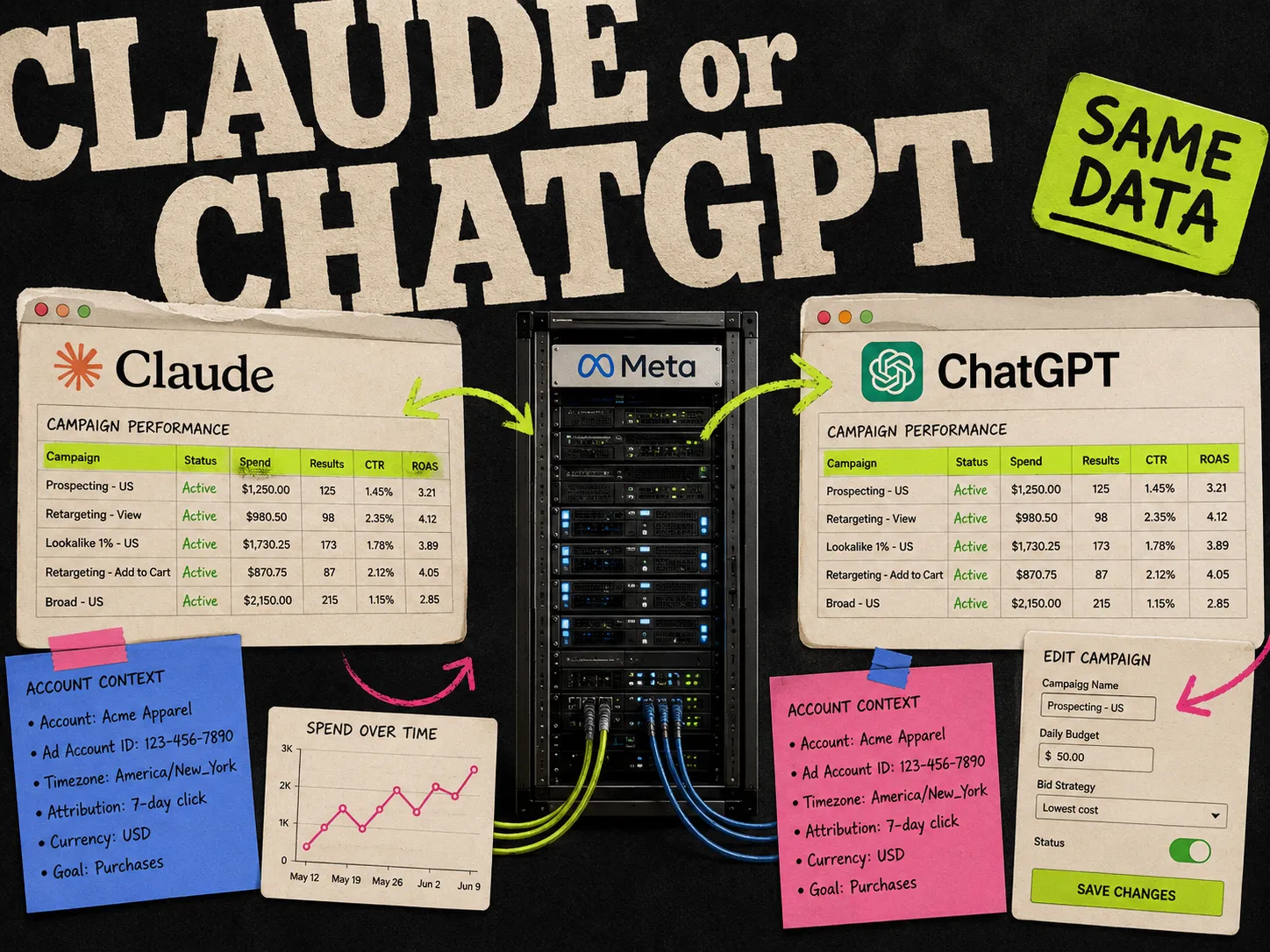
Claude and ChatGPT both run Meta's official Ads MCP server at , so the reports they pull and the edits they make are identical. The difference is friction. Claude adds the MCP as a custom connector with no developer mode, and it lets you save account context in a Project so every chat starts warm. ChatGPT does the same work once you turn on developer mode and re-enable the connector inside each chat, which is the part people forget.
If you want the short answer: pick Claude for daily media buying, and only use ChatGPT if your team already lives there. Below is the honest comparison, plus what each one actually feels like when you are pausing ad sets on a Monday morning.
This page assumes you have already connected, or are deciding which to connect. If you have not set anything up yet, use the Meta MCP setup guide first and come back to compare.
The one thing that decides the rest
Both assistants talk to the same Meta server. There is no separate ChatGPT version and no separate Claude version. The MCP does the reading and writing, and the assistant is just the chat window on top of it. So neither one is "better at Meta Ads" in the way the numbers come back. They score identically on accuracy because the account data comes from Meta, not from the model.
That means the choice comes down to three boring things: how long setup takes, how easy it is to keep the connection working, and where you already spend your day.
Claude vs ChatGPT for Meta Ads MCP
| Claude | ChatGPT | |
|---|---|---|
| MCP support | Custom connector, no developer mode | Custom app through developer mode |
| Setup path | Settings, Connectors, Add custom connector | Settings, Apps, Advanced settings, developer mode, Create app |
| Server URL | ||
| Auth | OAuth | OAuth |
| Keeping context | Save account details and prompts in a Project | Re-enable the connector per chat |
| Best-fit workflows | Daily reporting, quick edits, saved report templates | Same workflows if ChatGPT is already your home base |
| Plan needed | Free works for one custom connector; paid plans allow more | ChatGPT Plus, Pro, Business, Enterprise, or Education |
| Shared limits | Beta rollout, no creative generation | Beta rollout, no creative generation |
The rows that matter are "keeping context" and "setup path." Everything else is a tie.
Running Meta Ads with Claude
Setup is the shorter of the two. You add a custom connector under Settings, then Connectors, paste the URL, and log in with Meta. No developer mode, no risk checkbox. Full steps are in the setup guide if you need them. If you want to script reports or run them on a schedule, the Claude for Meta ads guide covers the Claude Code setup.
Where Claude pulls ahead is the daily grind. Two things help.
First, Projects. You can drop your account name, your usual date ranges, and your standard metrics into a Claude Project once, then every chat inside that Project already knows the context. That kills the most common reason these tools give useless answers, which is that you forgot to name the account or the date range. Save your reporting prompts there too, so the Monday report is one click instead of a retype.
Second, the connection stays on. You add the connector once and it is live across your chats.
The workflows themselves are the ones we run every week. A daily report:
Pull yesterday's spend, ROAS, CTR, and CPA for every active campaign in [account name]. Sort by spend. Flag anything where ROAS dropped more than 25% from the 7-day average.
A creative fatigue check:
List every active ad with frequency above 3 and a CTR drop of more than 15% over the last 7 days. Group by campaign.
A budget call, where Claude reads the trend instead of a single snapshot:
Find any active ad set with CPA above $40 and spend above $100 in the last 7 days. For each one, suggest whether to pause, reduce budget, or refresh creative based on the trend.
For the full set with the tweaks we use, see 5 Claude prompts every Meta media buyer should save. These are not Claude-only tricks. They work in ChatGPT too. Claude just makes them easier to save and rerun.
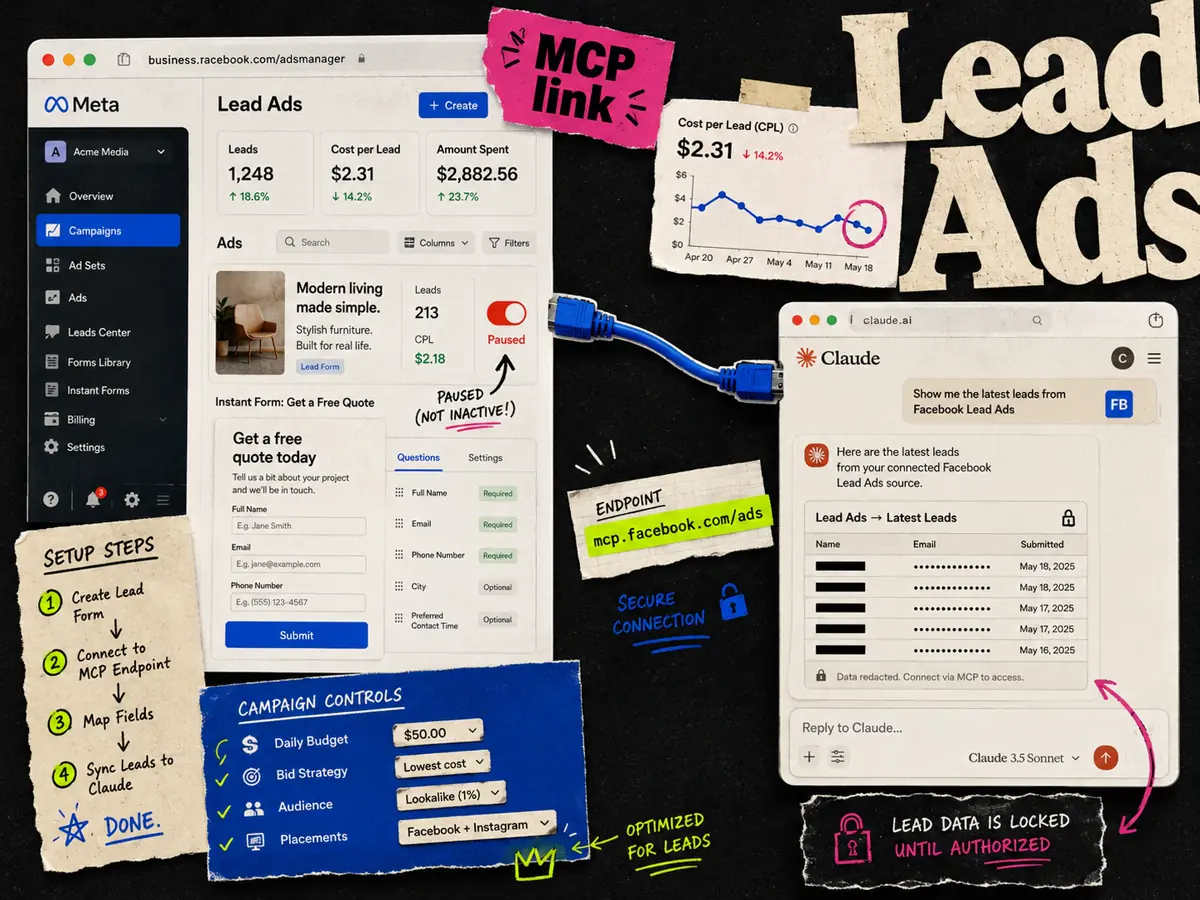
Lead gen buyers get the same deal. Claude can create, edit, and report on Lead Ads campaigns through the MCP, though pulling the actual submitted lead records is a separate Meta pipe. That distinction is worth reading before you rely on it: connect Facebook Lead Ads to Claude.
Running Meta Ads with ChatGPT
ChatGPT does everything Claude does once it is set up. The catch is two extra steps at the start and one recurring habit.
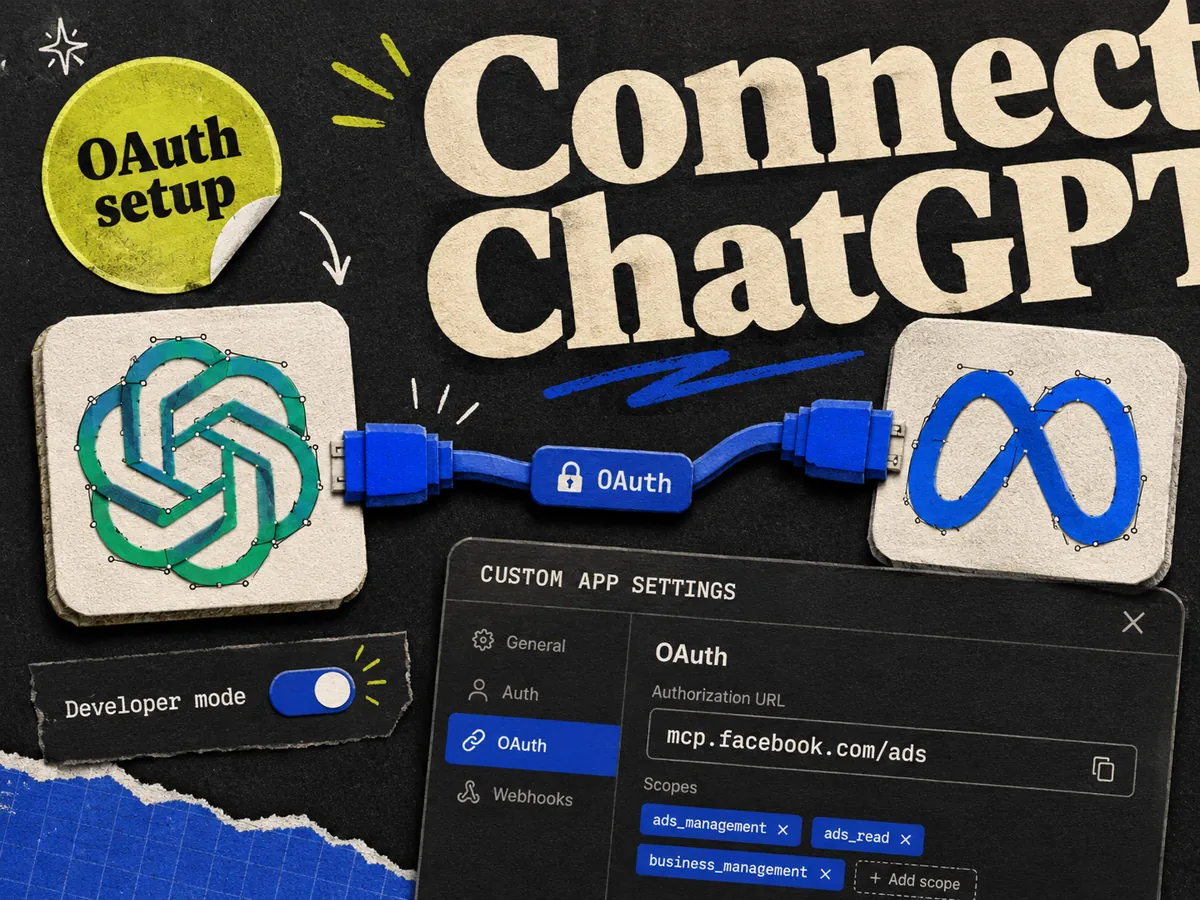
The setup runs through developer mode. You turn it on under Settings, Apps, Advanced settings, then create a custom app, paste the URL, pick OAuth, and tick the risk warning. It is a couple more clicks than Claude, nothing hard. The full walkthrough is in how to connect Meta Ads to ChatGPT.
The recurring habit is the one that trips people up. In ChatGPT you often have to enable the connector inside each new chat before it will read your account. Skip that and the answers come back generic, like the model never saw your data, because it did not. If ChatGPT keeps giving you vague advice instead of real numbers, this is almost always why.
Run the exact same prompts here. The daily report, the fatigue check, the audience breakdown, the budget call, the signal health check all behave the same, because the MCP is doing the work. ChatGPT is a fine home for this if it is already where your team writes briefs and lives all day. Switching tools just to save two clicks per session is not worth breaking a habit that works.
Where both of them stop
Neither assistant escapes the MCP's limits, because the limits are Meta's, not the model's.
Both are in open beta and rolling out in waves, so some ad accounts are not switched on yet. Both can read your account, edit and pause campaigns, manage catalogues, and check signal health. Both ask for confirmation before any change that touches your account. And neither one makes creative. The MCP can launch an ad from creative you already uploaded, but it will not design the image or write the copy. When a prompt comes back with "test new creative," that is your cue to go make some, not something either assistant can do for you.
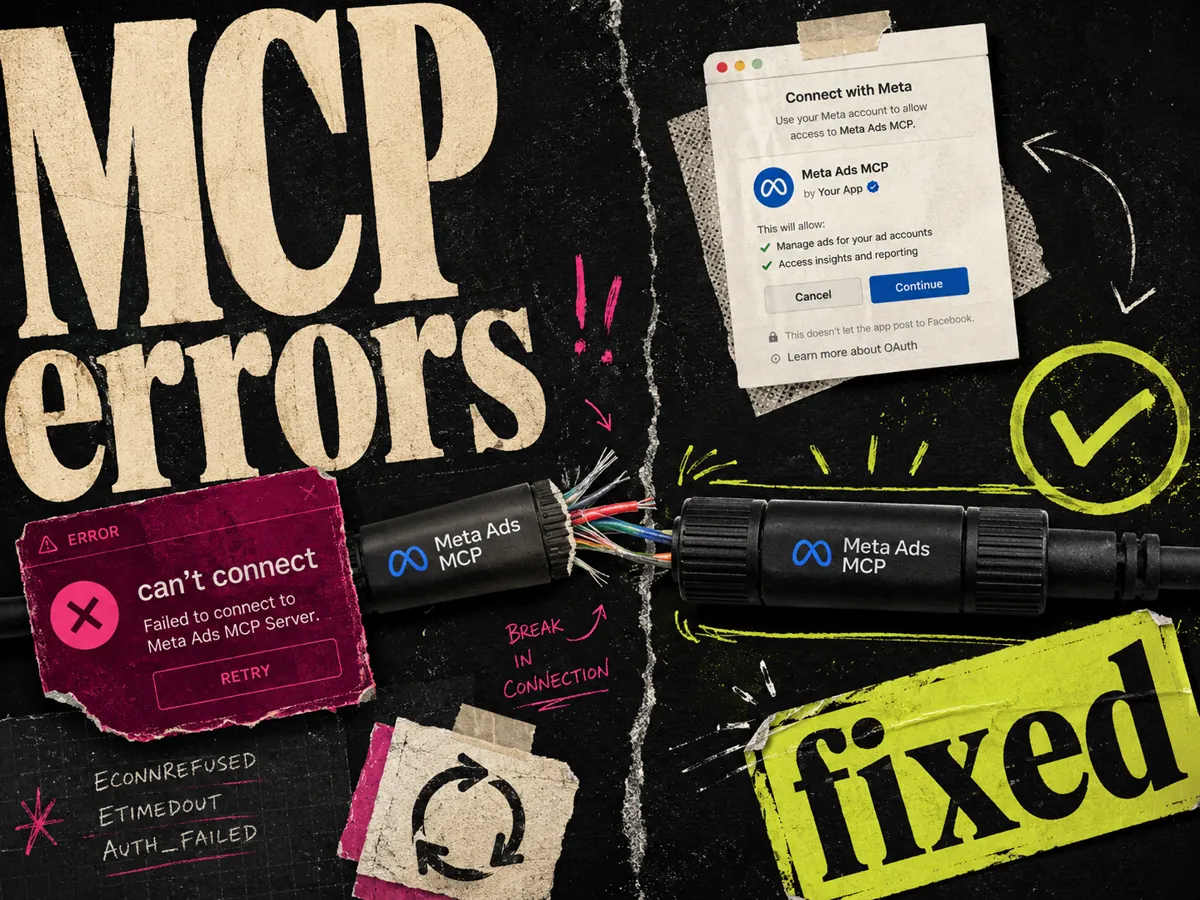
If a connection fails on either side, the fixes overlap heavily. Wrong auth, wrong URL, or an account not yet in the beta cover most of it. The full list is in the Meta Ads MCP troubleshooting guide.
So which one
For most media buyers, Claude. The setup is shorter, the connection stays put, and Projects solve the context problem that makes these tools feel dumb. If ChatGPT is already your daily driver, stay there and just remember to enable the connector in each chat. You lose nothing on the data side.
Honestly, plenty of buyers end up using both. Claude for the saved reporting routines, ChatGPT when they are already mid-thought in a chat and want a quick number. There is no lock-in. Both point at the same server, so you can add the connector in each and switch whenever. If you are still choosing a tool rather than an assistant, the best Meta Ads MCP tools rundown compares the wider options.
One thing worth saying out loud: the MCP closes the ops side of media buying, the reporting and the launching and the pausing. The creative side, which is what actually decides whether an ad works, is still a manual job in both Claude and ChatGPT. That gap is the part we build at Adrio, a static ad maker for media buyers who want to ship four to six variants per concept without losing a day. If creative is your real bottleneck, the assistant you pick matters a lot less than fixing that.
FAQ
Can ChatGPT use MCP servers?
Yes. ChatGPT connects to MCP servers through developer mode. Turn on developer mode under Settings, Apps, Advanced settings, then create a custom app with the server URL and OAuth. For Meta Ads the URL is .
Is Claude better than ChatGPT for Meta Ads?
Not on accuracy. Both run the same Meta MCP server, so the reports and edits are identical. Claude is easier for daily use because it adds the connector without developer mode and lets you save account context in a Project. ChatGPT does the same job if you already work there.
Do Claude and ChatGPT use the same Meta MCP URL?
Yes. Both use . There is no separate URL per assistant, region, or language.
Can I use both Claude and ChatGPT with the Meta MCP?
Yes. You can add the connector in both and switch whenever you like. Many buyers keep Claude for saved reporting routines and reach for whichever one they already have open.
Why does ChatGPT give generic answers about my ad account?
Usually because the connector is not enabled in that chat. In ChatGPT you often have to turn the connector on inside each new chat before it reads your account. Naming the account and setting a date range also helps.
Can either one create ad creative?
No. The MCP can launch an ad from creative already in your account, but it does not design images or write copy. Use a creative tool for that, then let the MCP handle reporting and launching.
Which plan do I need?
Claude allows one custom connector on the free plan, so the Meta MCP works without paying; paid plans (Pro, Max, Team, Enterprise) allow more connectors. ChatGPT needs Plus, Pro, Business, Enterprise, or Education for developer mode. The MCP itself is free from Meta.