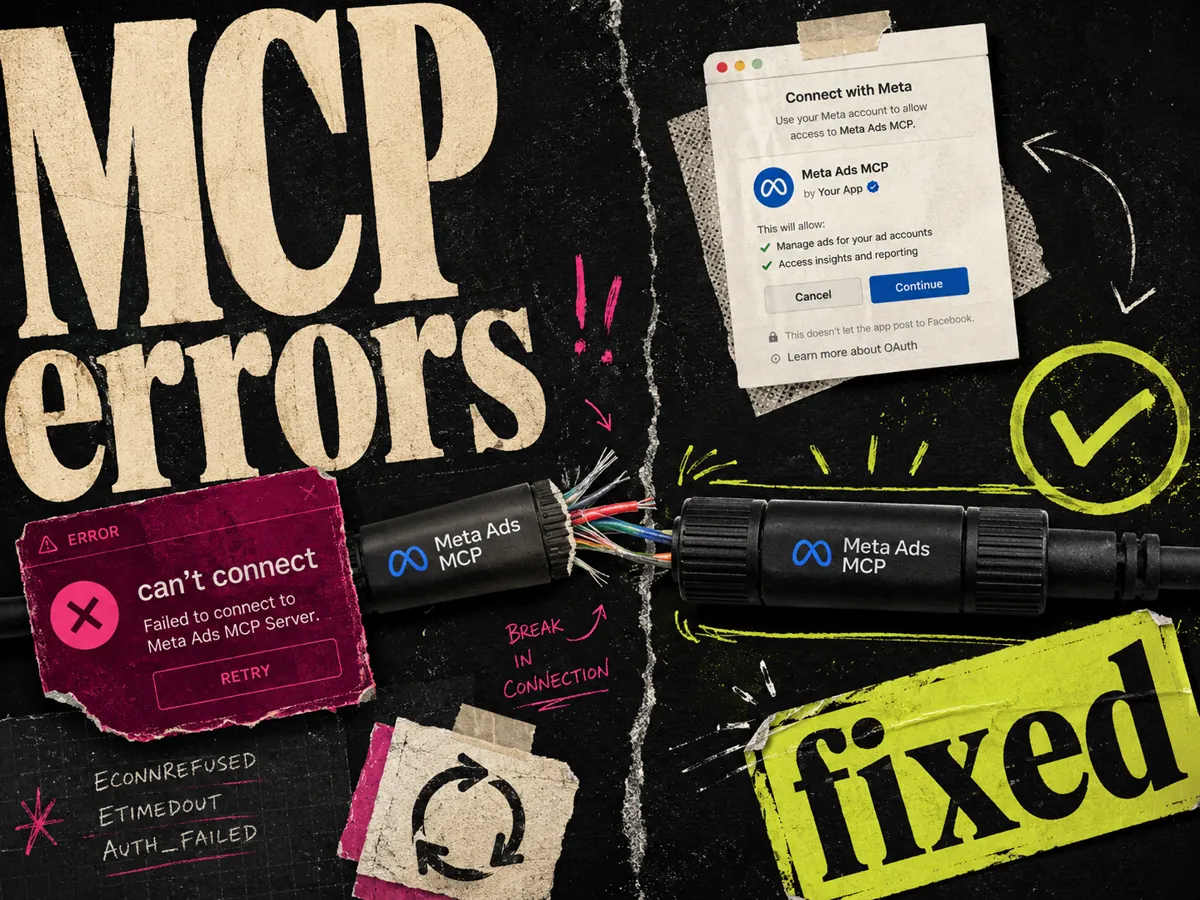
Most Meta Ads MCP problems come down to three things: the wrong auth option, the wrong server URL, or an ad account that is not in the beta yet. Fix those and the connection works. The server URL is , the auth is always OAuth, and you log in with a Facebook profile that has admin or advertiser access to the ad account.
Below are the exact errors people hit and what fixes each one. If you have not connected yet, start with the Meta MCP setup guide and come back here if something breaks.
Run this checklist first
Nine times out of ten, one of these is off:
- The URL is exactly . No trailing slash, no , no typos.
- Auth is set to OAuth, not No Auth or Mixed.
- You logged in with a Facebook profile that has admin or advertiser access to the ad account.
- You have a paid plan: Claude Pro or Team, or ChatGPT Plus, Business, or Enterprise.
- During the Meta login, you granted access to the specific ad account you want to query.
If all five are right and it still fails, find your exact error below.
"You can't connect to Ads MCP server with this account"
This one is about permissions, not the URL. Meta is telling you the Facebook profile you logged in with does not have the right access to the ad account, or you picked the wrong profile during login.
Fix it:
- 1.When the message offers to choose a different account, do it. Pick the profile that actually manages the ad account.
- 2.If you only have one profile, check your role. Open Meta Business Manager, go to the ad account, and confirm you are an admin or advertiser. A "viewer" or "analyst" role is not enough to connect.
- 3.Ask the account owner to bump your role if you are stuck on viewer access.
Personal ad accounts created under a personal profile usually work. The trouble is almost always shared or agency accounts where your role is too limited.
You added the connector but every query says "no access"
The connector is live, but it cannot see your ad account. Two usual causes:
- You picked No Auth instead of OAuth. No Auth means no login happened, so Meta has no idea who you are. Delete the connector and recreate it with OAuth.
- You skipped the ad account during the grant step. OAuth ran, but you did not tick the ad account you want. Redo the login and approve the right account.
After fixing, start a fresh chat and ask "What is my total spend this month?" A real number means you are in.
"Where do I get the OAuth client ID and client secret?"
You don't. This trips up a lot of people, so it is worth being blunt: the Meta Ads MCP does not need a client ID or client secret. You never create a Meta developer app, and you never paste keys anywhere.
You just pick OAuth and log in through the popup. That's the whole auth flow.
If a tutorial tells you to register an app and copy a client ID and secret, it is describing the old Marketing API route or the developer CLI, not the MCP. Different tool, different setup. For the chat connector, ignore all of that.
Your ad account doesn't have MCP access yet
The MCP is in open beta, and Meta is rolling it out in waves. Some accounts and regions are not switched on yet. There is no public date for general availability.
If you cannot find it or the login dead-ends:
- Confirm you have admin access to a real ad account with spend history. Brand-new accounts are more likely to be gated.
- Try a different ad account under the same Business Manager.
- Wait a few days and try again. Beta access genuinely appears later for some accounts.
There is no waitlist button to press. Access shows up on Meta's schedule, not yours.
"Unable to upload ads to Meta via Claude"
The MCP can launch ads from creative you have already uploaded to your account. It does not take a fresh image or video from the chat and publish it. So "upload my new ad and launch it" will not work the way you expect.
What to do instead:
- 1.Upload the creative in Ads Manager or the asset library first.
- 2.Then ask the MCP to build the campaign or ad set and attach that existing creative.
- 3.Confirm the result in Ads Manager before it spends.
Write actions can also be flaky in beta. If a launch or edit stalls, check Ads Manager to see what actually happened before you retry. Running the same command twice can create duplicates.
ChatGPT keeps failing where Claude works
ChatGPT needs one extra switch that Claude does not. If the app will not save or connect:
- Developer mode is off. Go to Settings, then Apps, then Advanced settings, and turn Developer mode on. Without it, you cannot create a custom MCP app.
- You created the app without OAuth. Recreate it and set Authentication to OAuth.
- You skipped the risk checkbox. ChatGPT will not finish the app until you tick "I understand and want to continue."
Reset the connection when nothing else works
When you have tried the fixes and it is still broken, a clean reset clears most ghost states:
- 1.Remove the connector or app from Claude or ChatGPT.
- 2.Log out of the Meta account in your browser, or open a private window.
- 3.Add the connector again with the URL and OAuth.
- 4.Log in fresh and grant the ad account.
A stale or half-finished OAuth session is a common reason a connector looks added but never responds.
FAQ
What is the Meta Ads MCP server URL? The server URL is . Use it exactly, with no trailing slash. Paste it into Claude as a custom connector or into ChatGPT as a custom app with OAuth.
Do I need a Meta developer app or API keys for the MCP? No. The MCP uses a hosted OAuth login. You do not create a developer app, and you never enter a client ID or client secret. If a guide asks for keys, it is describing the Marketing API or CLI, not the chat MCP.
Why does it say I can't connect with this account? Your Facebook profile does not have admin or advertiser access to that ad account, or you chose the wrong profile. Pick the correct profile, or fix your role in Business Manager.
When will my ad account get MCP access? There is no public date. The MCP is in open beta and rolling out in waves. Confirm you have admin access to an established ad account, try a different account, and check back in a few days.
Can the MCP upload and launch a brand-new creative? Not directly. It launches ads from creative already uploaded to your account. Add the asset in Ads Manager first, then ask the MCP to attach it and build the campaign.
The connector shows as added but does nothing. What now? Remove it, clear your Meta login in a private window, then re-add it with and OAuth. A half-finished OAuth session is the usual cause.