AI can help a mobile game team turn one gameplay capture into more hooks, storyboards, static concepts, and platform-ready versions. It cannot decide what makes the game satisfying, and it should never invent gameplay that the player will not find after installing.
The workable setup is a production loop. Start with real game footage and a testable player promise, use AI to explore ways to frame it, then send only the strongest concepts into video or playable production. That keeps the output fast without turning the ad account into a pile of lookalike variations.
The short answer
Use AI for the repetitive parts of game ad production:
- Turning one mechanic into several clear concepts
- Drafting hooks and short storyboards
- Pulling still frames from real gameplay
- Cleaning backgrounds and composing static ads
- Resizing an approved idea for different placements
- Tagging concepts so the team can read the test later
Keep the central decisions with the team. Someone should choose the player motivation, confirm that the footage represents the game, approve every claim, and decide whether a new file is a new concept or just another cosmetic edit.
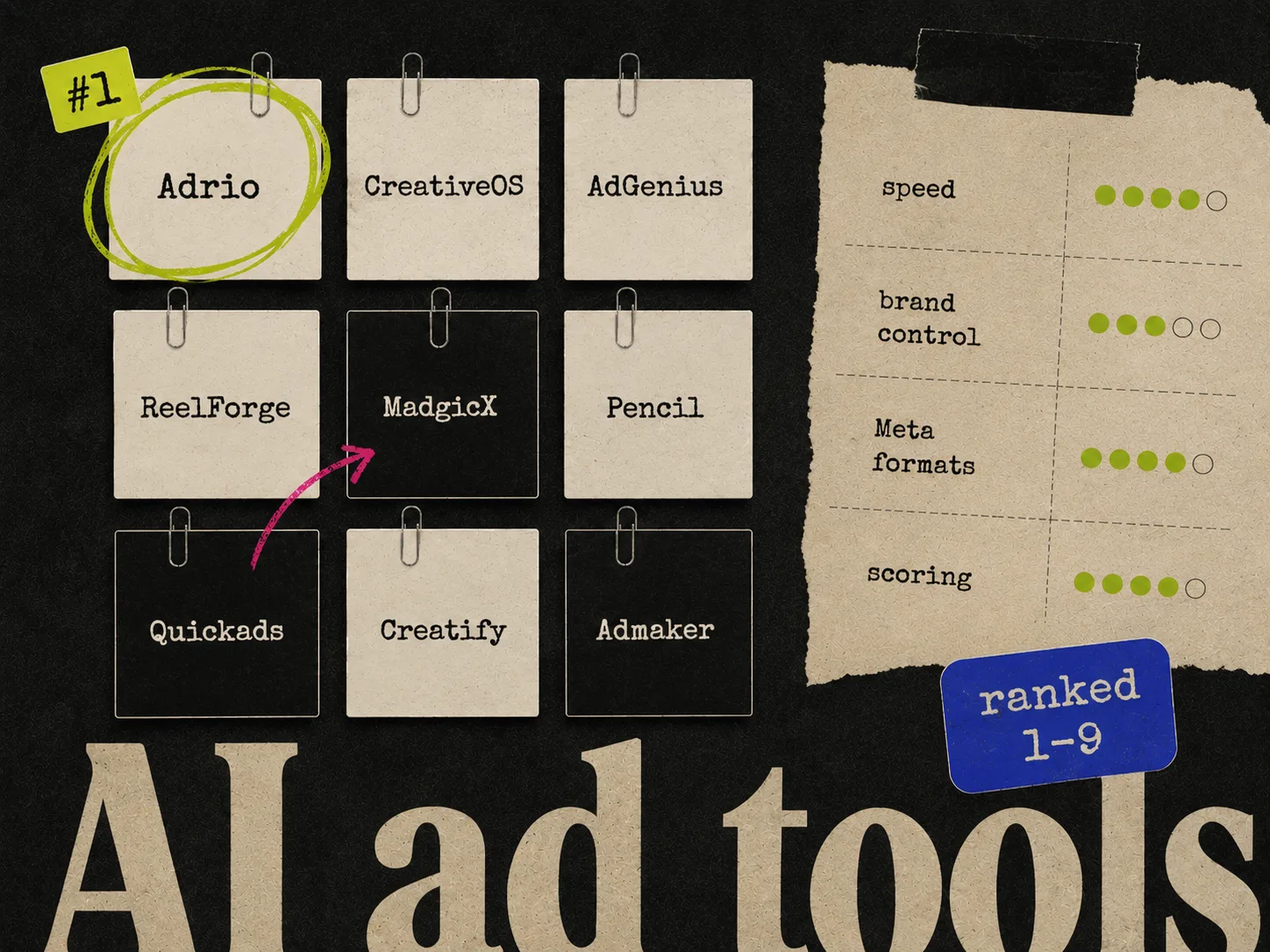
If you are choosing software, start with the broader guide to AI ad creative tools. This article focuses on the workflow a mobile game needs around those tools.
Why game ads need a different creative brief
An ecommerce ad can often make its case with a product, a benefit, and proof. A mobile game ad has another job: it needs to make the next action feel worth taking.
That usually means showing at least one of these:
- A mechanic the viewer understands quickly
- A choice they want to make themselves
- A failure they believe they could avoid
- A visible upgrade, unlock, or transformation
- A world or character they want to spend time with
"Make an exciting game ad" is not a useful prompt. It leaves the model to fill in the genre, stakes, mechanic, and tone. The output may look polished while saying almost nothing about the actual game.
A workable brief is more concrete:
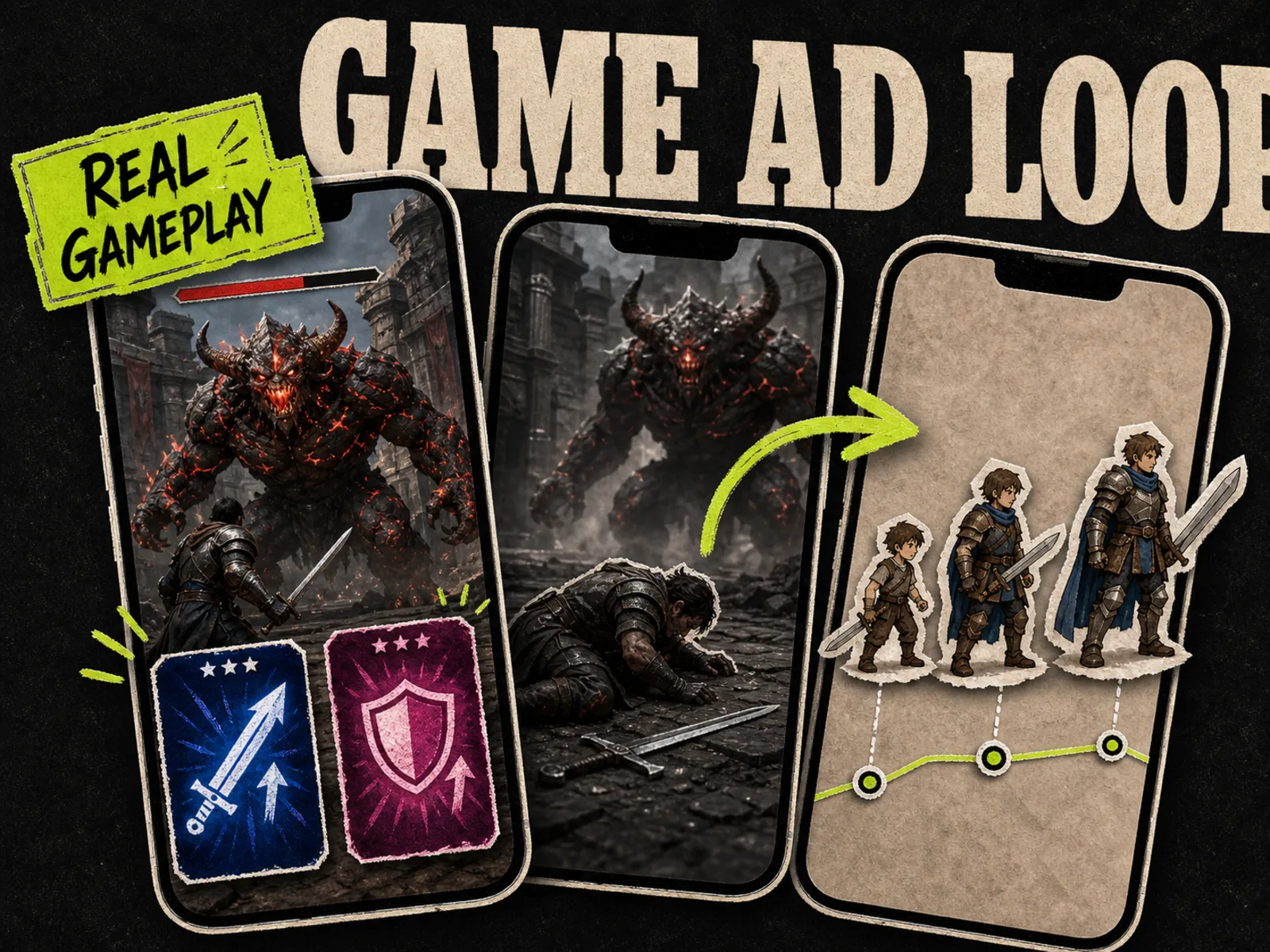
Show the moment a player chooses one of two upgrades before a difficult boss fight. Use real combat footage, make the choice readable on a phone, and end on the consequence of the decision. The test is whether a choice-led hook earns more installs than a power-progression hook.
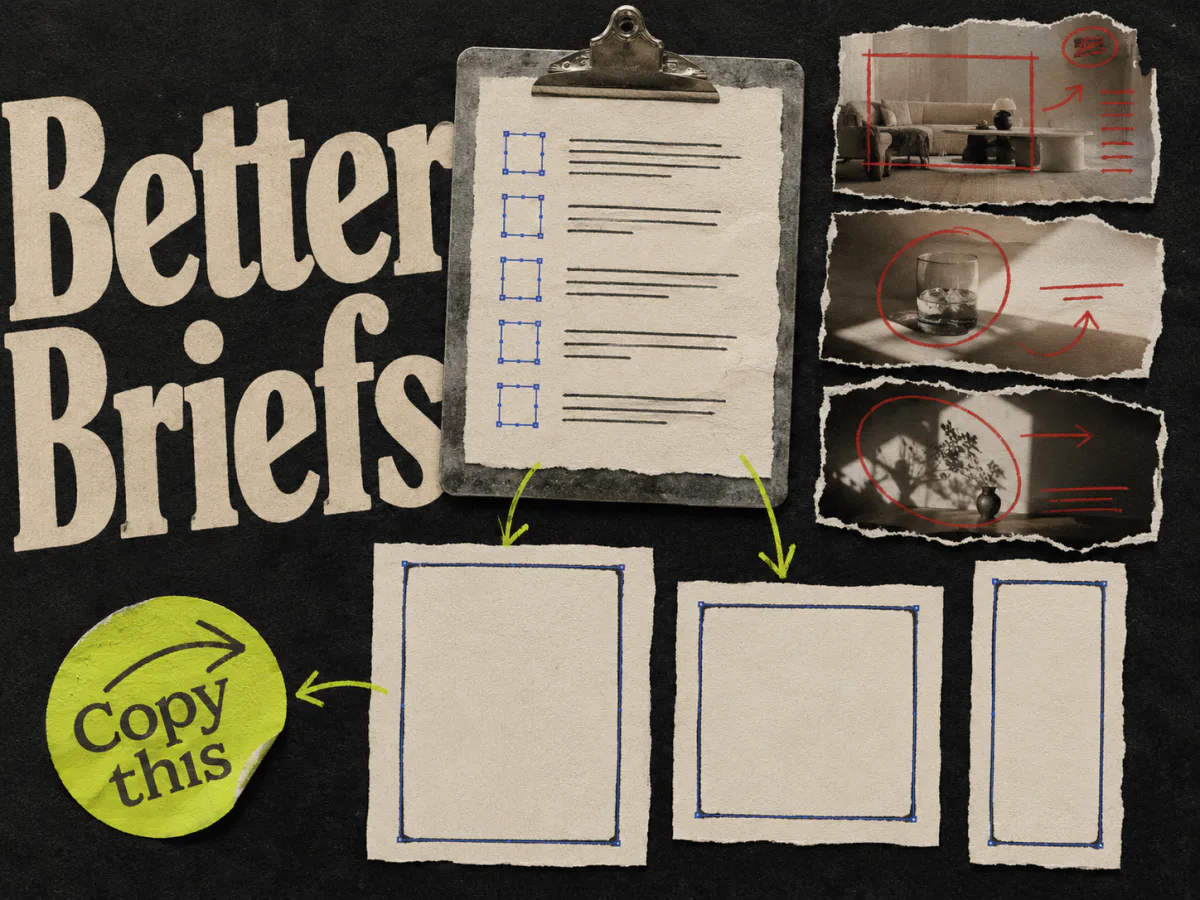
Now the model has enough direction to produce options, and the team has a clear way to judge them. The ad creative brief template covers the same structure in more detail.
Build a source pack before opening an AI tool
The model should work from a controlled source pack, not a vague description of the game.
Include:
- 1.Clean gameplay captures of the mechanic you want to sell
- 2.Approved logos, characters, interface elements, and store artwork
- 3.A plain-language description of the player motivation
- 4.The app-store promise and any claims the team has approved
- 5.A short list of visual or narrative treatments the brand will not use
- 6.Examples of past ads, labeled with what was tested and what happened
Keep raw captures separate from edited footage. Otherwise, a future editor may treat an old ad's fake pointer, reaction shot, or exaggerated interface as part of the real game.
It also helps to label every input by source: gameplay build, store listing, licensed asset, generated asset, or competitor reference. That small habit makes review much easier when a batch contains dozens of files.
Five game ad concepts worth generating
AI earns its keep when it explores different ideas instead of repainting one layout. Start with concept families that give the player a different reason to care.
1. The readable mechanic
Show one action and its immediate result. A merge creates a stronger unit. A swipe clears an obstacle. A placement completes a route.
This works best when the mechanic can be understood without a paragraph of setup. Use a crop that keeps the relevant controls and consequence in the same frame.
2. The choice
Put the viewer at a decision point: left or right, save or spend, attack or defend. The choice should exist in the game or honestly represent its strategy.
Generate different choices, not twenty colors of the same button. The hypothesis is that participation creates curiosity.
3. The failure and fix
Open on a mistake, then show the better move. This gives the ad a compact story and makes the viewer feel they already understand something about the game.
Do not manufacture a deliberately foolish failure if the real game never presents that problem. The ad should sharpen the gameplay, not replace it.
4. The progression payoff
Show a before-and-after state that the player can actually reach: a base after upgrades, a character after unlocking gear, or a board after a successful run.
The useful variable is the payoff. Test a power payoff against a collection or customization payoff instead of changing only the headline.
5. The world or character promise
Some games are sold by atmosphere, humor, or character attachment more than a single mechanic. Use real environments and approved character art to build a clear promise about where the player will spend time.
This concept still needs an action. A beautiful scene with a logo is closer to a store banner than a performance ad.
For more ways to separate the underlying argument from the opening line, see the guide to Facebook ad angles and examples.
A practical AI game creative workflow
Step 1: Write the test before the prompt
Name the concept, audience motivation, and expected behavior. Keep it to one sentence.
Players who enjoy optimization puzzles will respond better to a visible upgrade choice than to a general action montage.
You do not need to pretend this is true. It is a hypothesis. Writing it down stops the batch from drifting toward whatever looks most dramatic.
Step 2: Ask for storyboards, not finished ads
Generate rough sequences first. A six-frame storyboard is cheap to reject and easy to discuss. A finished video with generated motion, captions, sound, and effects can make a weak idea feel more complete than it is.
For each concept, ask for:
- The opening frame
- The player action
- The consequence
- The end frame and call to action
- Which source asset each frame needs
Reject any board that depends on footage or a feature the game does not have.
Step 3: Use statics to pressure-test the premise
A static frame forces the idea to become legible. If the team cannot explain the concept in one image and one sentence, the video will probably need too much setup.
Build two or three static directions from the strongest storyboards. These can run as their own ads on Meta, or act as internal concept boards before video production. Static is especially useful for testing a choice, progression payoff, character promise, or offer.
The tradeoff between the two formats is covered in static ads vs video ads for Meta.
Step 4: Produce platform-specific compositions
Meta can distribute app ads across feeds, Stories, Reels, and other eligible placements. A practical batch normally needs square, 4:5, and vertical compositions. Do not assume one automatic crop will protect the game interface, captions, and call to action in every placement.
Snapchat's common single-image and video format is vertical 9:16. Its current specifications accept image or video files and keep the on-platform headline short. Design the vertical version as its own composition rather than stretching a feed ad.
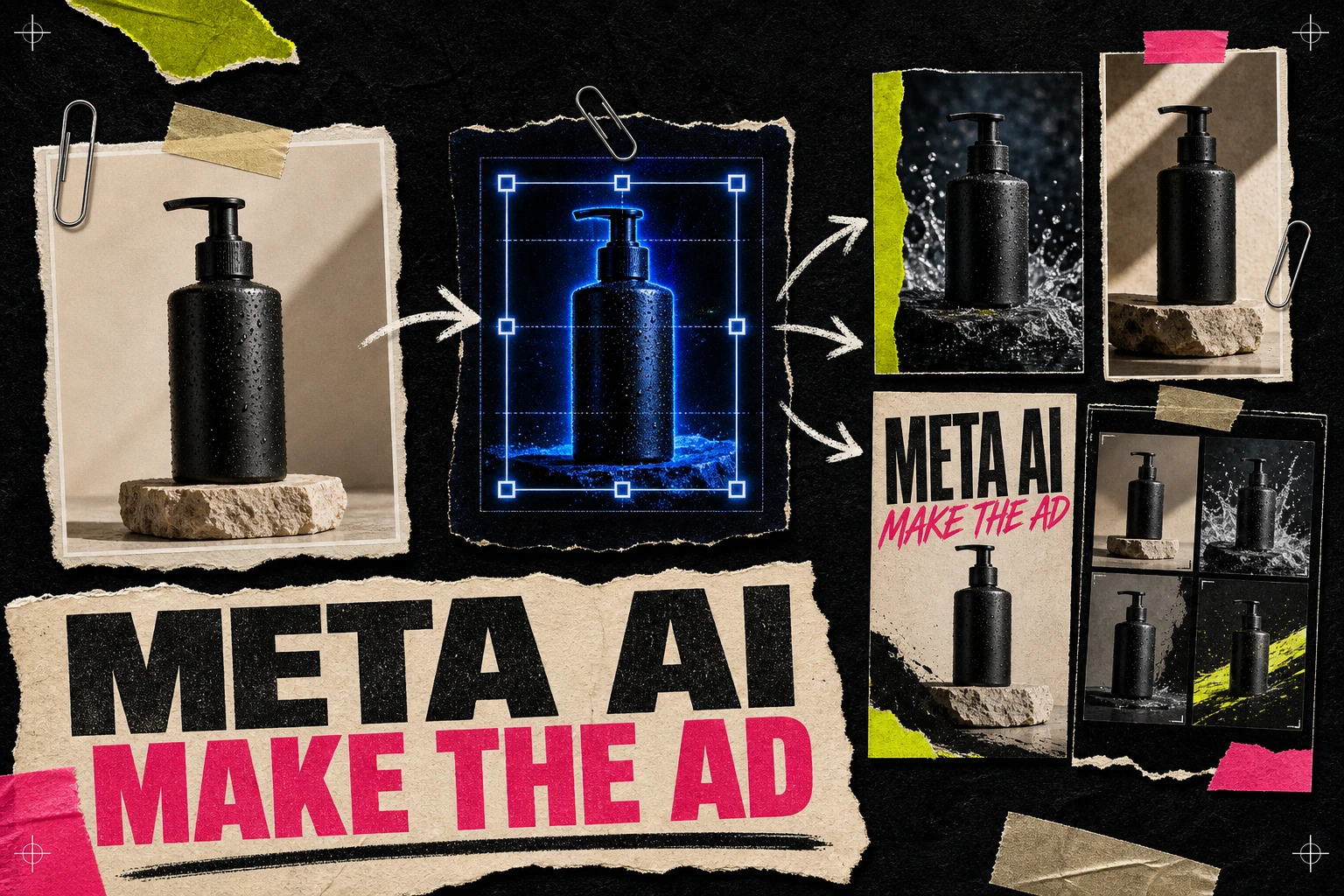
Meta's Advantage+ creative can expand images, generate text or backgrounds, animate a static, and create variations from approved input. Treat those features as a final adaptation layer. Review the output against the source pack before it enters an app campaign. The walkthrough on using Meta AI for ad creation explains that review step.
Step 5: Move proven concepts into video or playable production
Video is the right next step when motion explains the mechanic or the ad needs pacing, sound, and consequence. A playable is useful when interaction itself is the promise.
Meta's playable format uses a lead-in video, an interactive demo, and an install call to action. The demo and lead-in should match the game. A static-generation tool cannot build that full experience by itself, so plan for gameplay capture, editing, sound, and playable development where the concept needs them.
Step 6: Launch a test you can read
Separate concepts from variants in the naming. For example:
| Level | Example | What it changes |
|---|---|---|
| Concept | Choice before boss | The reason to care |
| Hook variant | "Which upgrade?" | The opening line |
| Visual variant | Split-screen cards | The presentation |
| Format version | Meta 4:5, Meta 9:16, Snap 9:16 | The placement composition |
Compare concepts first. Once one earns further spend, make variants inside that concept. Testing six headlines on one weak premise is still a weak test.
How many files to launch depends on budget and conversion volume. The guide to how many ad creatives to test on Meta gives a practical way to size the batch.
Step 7: Feed the result back into production
Record the concept, hook, mechanic, format, source footage, and result. Then give the next AI session the labeled history.
The prompt should not be "make more winners." It should say what the team learned:
The upgrade-choice concept beat the action montage. Keep the same player motivation and real boss footage. Explore three new decisions with different consequences. Do not change the art style or add mechanics.
That produces a useful second generation. It also makes the difference between iteration and a new concept visible to the team.
How to evaluate an AI game ad tool
Ignore the size of the template library for a moment. Ask the vendor to complete one real job with your assets.
Check whether the tool can:
- Work from real gameplay captures without redrawing the interface
- Keep characters, logos, and item art consistent across a batch
- Create different concepts as well as small variants
- Export editable compositions for the placements you run
- Preserve source information for generated and licensed assets
- Support a review step before files reach the ad account
- Keep concept labels attached to performance data
If it only produces polished images, you still need a briefing system, video editor, playable pipeline, and reporting process. That may be fine. It is better to know the boundary before buying the tool.
Where Adrio fits
Adrio is useful at the static concept and Meta production stage. A team can research competitor patterns, turn a game angle into editable static directions, build variants, and export Meta placement sizes.
It is not a gameplay recorder, video editor, playable-ad builder, or Snapchat campaign tool. A mobile game team can use it to pressure-test hooks and static concepts before heavier production, then move the ideas that survive review into the rest of the creative pipeline.
The complete Meta ad creative workflow shows how that research, production, launch, and learning loop fits together.
FAQ
Can AI make mobile game ads from gameplay footage?
Yes. AI tools can help select moments, write hooks, build storyboards, remove backgrounds, create static compositions, resize assets, and assist with editing. A person still needs to confirm that the ad represents the real game.
Should a mobile game test static ads or video first?
Use a static when the idea is a choice, progression payoff, character promise, or simple mechanic that works in one frame. Use video when motion, timing, sound, or a sequence is the point. Many teams can use statics as inexpensive concept boards before producing video.
Can the same game ad run on Meta and Snapchat?
The concept can travel, but the composition should be rebuilt for each placement. Snapchat is centered on vertical 9:16 creative, while a Meta batch may also need 4:5 and square versions. Check the current platform specifications before export.
What should AI never invent in a game ad?
Do not invent gameplay, rewards, odds, characters, progression, or purchase terms. Generated scenery and transitions also need review if they could make the game look materially different from the install experience.
Are playable ads the same as AI-generated video ads?
No. A playable includes an interactive demo that a person can try before installing. A generated video can show a mechanic, but it does not provide that interaction.
How many AI game ad concepts should a team generate?
Generate enough rough options to compare different player motivations, then produce only the strongest few. The launch count should fit the account's budget and conversion volume. A large batch is not useful if every file is a minor version of the same idea.