With the Meta Ads MCP now live in Claude, you can run real reports and edits on your account by typing a sentence. The hard part is knowing what to type. Most prompts return generic, useless answers. The five below are the ones we use every week and they pull specific, useful data every time.
If you have not connected the MCP yet, start with our Meta MCP URL and setup guide.
TL;DR
Five copy-paste Claude prompts for Meta media buyers. They cover the daily report, creative fatigue checks, audience breakdowns, budget reallocation and signal health. Each one comes with the exact wording, what to expect back and one tweak you can make.
Before you start
You need:
- Claude Pro or Team
- The Meta Ads MCP connected to your account
- About 10 minutes to test all five
1. The daily report prompt
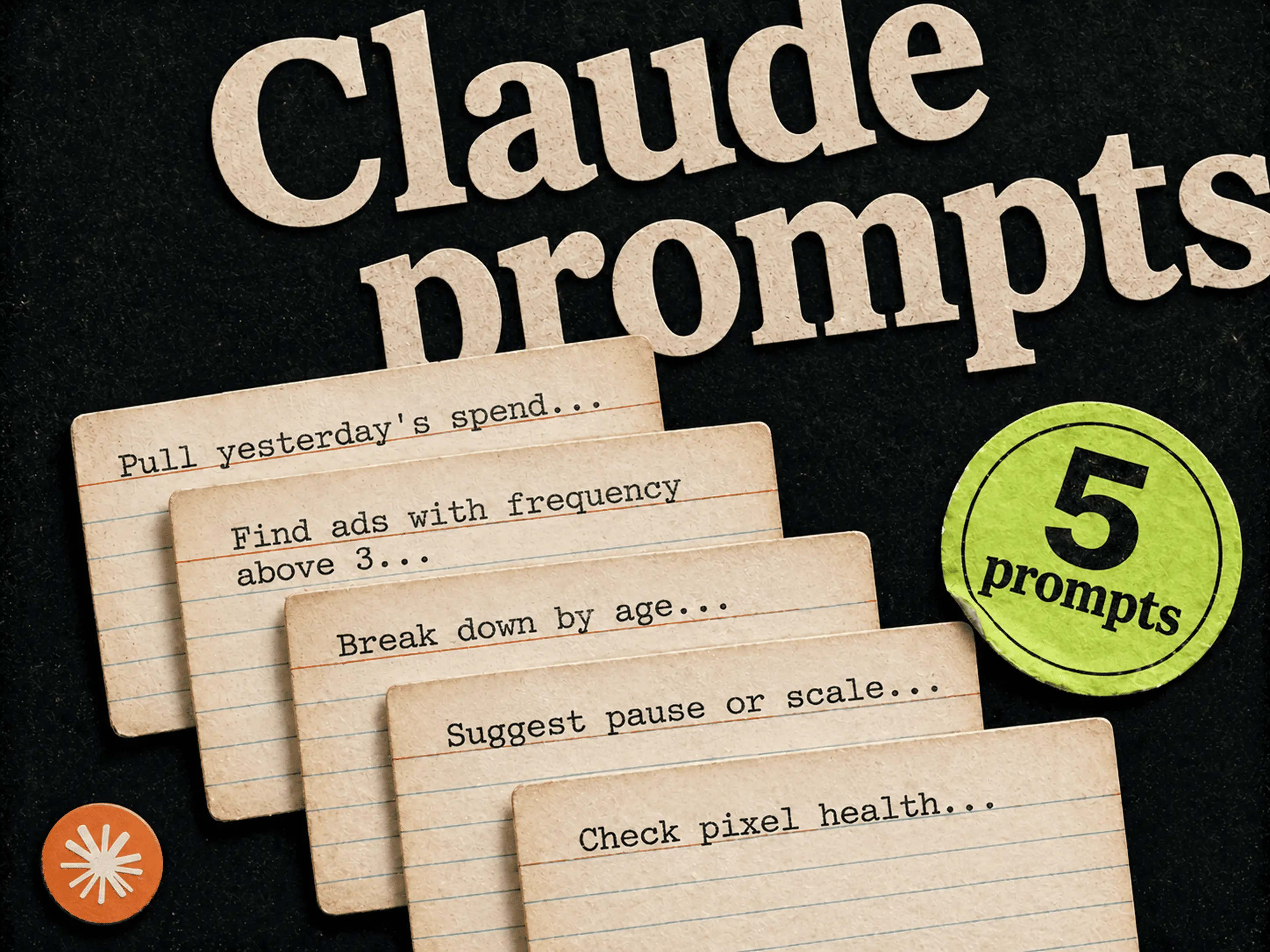
Pull yesterday's spend, ROAS, CTR and CPA for every active campaign in [account name]. Sort by spend. Flag anything where ROAS dropped more than 25% from the 7-day average.
What it returns: a sorted list with the underperformers flagged. Saves about 20 minutes of filter dragging in Ads Manager every morning.
Tweak: swap "yesterday" for "this week vs last week" for a Monday review.
2. The creative fatigue prompt
List every active ad with frequency above 3 and a CTR drop of more than 15% over the last 7 days. Group by campaign.
What you get back: a short list, usually 2 to 5 ads per campaign. These are your refresh candidates.
Tweak: add "and CPA above $X" to filter only the ads costing you money.
3. The audience breakdown prompt
Take my best campaign last month by ROAS. Break it down by age, gender and placement. Tell me which combinations over and under index.
Why it is useful: you get the breakdown plus a written read on the data, so you do not have to interpret a table at 8am.
Tweak: swap "ROAS" for "CTR" if you are still in testing and not yet optimising for profit.
4. The budget reallocation prompt
Find any active ad set with CPA above $40 and spend above $100 in the last 7 days. For each one, suggest whether to pause, reduce budget, or refresh creative based on the trend.
Why it works: Claude looks at the trend, not just the snapshot. You get a starting recommendation, not a raw filter.
Tweak: add "and recommend which working ad sets to scale, with new daily budgets" for a single combined view.
5. The signal health prompt
Check my pixel and Conversions API status for [ad account]. Are there any events with low match quality, drops in volume, or other issues from the last 14 days? Explain in plain language.
Why most people skip this: it is buried in Events Manager. Run this every Monday and you catch tracking problems before they show up as a spend drop on Friday.
Tweak: add "and tell me which events are most affecting my campaign optimisation" to prioritise fixes.
How to make any prompt work better
Four small habits that fix 90% of "why is Claude giving me generic answers" problems:
- 1.Always name the ad account
- 2.Always include a date range
- 3.Ask for sorting or grouping
- 4.Ask for the why, not just the data ("explain what changed", "tell me what stands out")
What Claude cannot do
The Meta Ads MCP can read your account, edit campaigns and manage catalogues. It cannot make ad creative. If your prompt comes back with "we should test new creative", that is the cue to actually go make some. We built Adrio for that part, so media buyers can ship 4 to 6 static ad variants per concept without losing a day.
FAQ
Will Claude pause my ads without asking? No. Any change to your account asks for confirmation in the chat first.
Can I save these prompts as templates? Yes. Use Claude's Projects feature to save prompts and account context once, then reuse them in any new chat in that project.
Do these work in ChatGPT too? Yes. The Meta Ads MCP works in both. ChatGPT requires you to enable the connector inside each chat, which is the most common reason answers come back generic.
Why am I getting generic answers? Specificity. Name the account, set a date range, name the metrics. Without those, Claude falls back to common-sense advice.
Does this cost extra? No. The Meta Ads MCP is free. Claude Pro covers the chat usage.