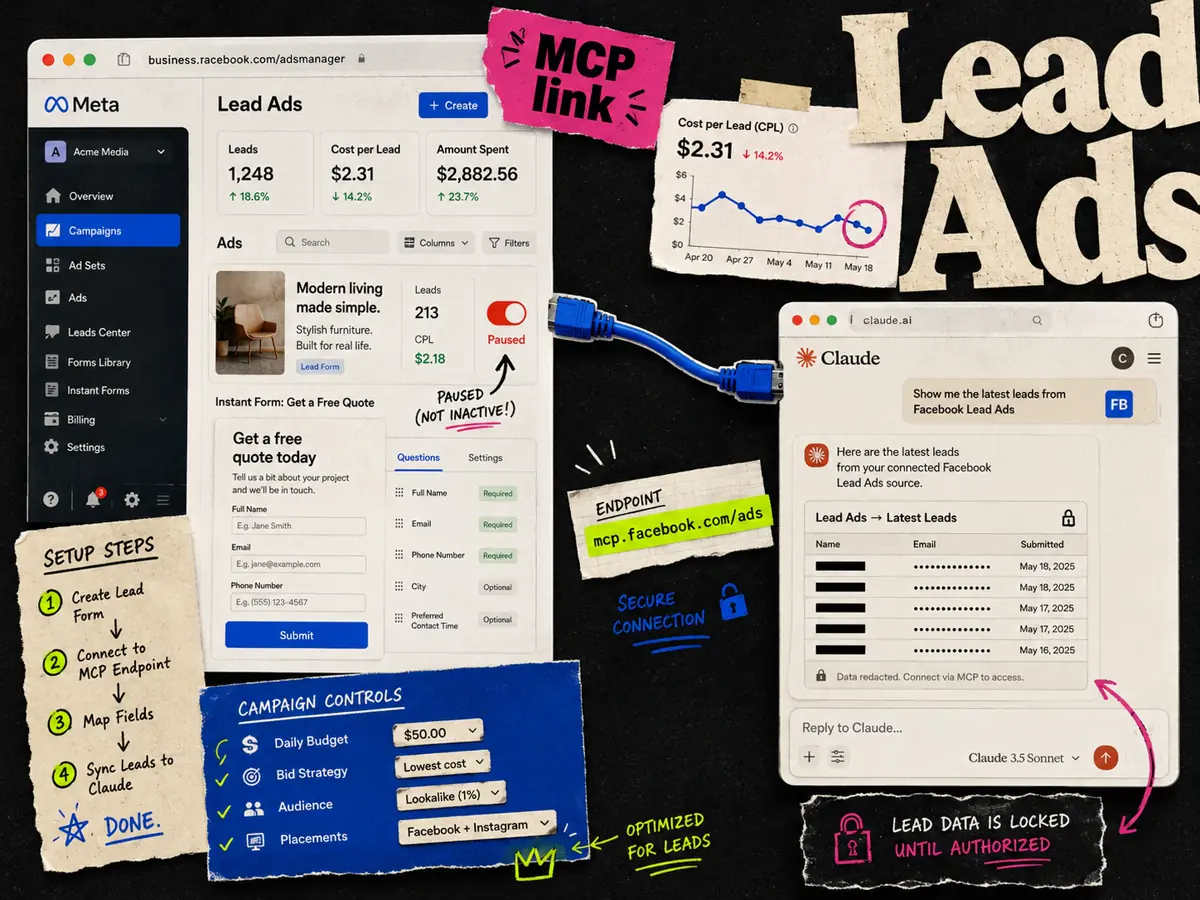
You connect Facebook Lead Ads to Claude through Meta's official MCP server. Add a custom connector in Claude, set the URL to , log in with OAuth, and Claude can manage your lead gen campaigns in plain English. It reads spend, cost per lead, and delivery, and it can create, edit, and pause Lead Ads campaigns.
One thing to get straight up front: the MCP manages the campaigns, not the leads themselves. It will not hand you the name and email a user typed into the form. That data comes from a different Meta pipe, and I will cover how to get it below.
What you need first
- A paid Claude plan (Pro, Max, Team, or Enterprise).
- A Meta Business account with admin or advertiser access to the ad account running your Lead Ads.
- The Meta MCP server URL: .
- About five minutes.
The MCP is free from Meta. The cost is your Claude plan.
Connect Meta to Claude, step by step
- 1.Open Claude on the web or desktop, then go to Settings, then Connectors.
- 2.Scroll to the bottom and click Add custom connector.
- 3.Set the name to and the URL to , then click Add.
- 4.Claude prompts you to log in to Meta. Choose the Facebook profile with access to your ad account and approve it.
- 5.Pick the ad account that runs your Lead Ads campaigns.
To check it worked, start a new chat and ask: _"What is my cost per lead across active campaigns this month?"_ A real number means you are connected. If it says it has no access, redo the login and confirm the right ad account was granted. This is the same setup as the full Meta MCP setup guide, so if you already connected Claude for regular campaigns, Lead Ads are already covered.
What Claude can do with your Lead Ads
Once connected, Claude treats Lead Ads like any other Meta campaign. The useful prompts are the ones that save you a trip to Ads Manager:
- Show cost per lead by campaign for the last 14 days, and flag anything above $30.
- Which lead gen ad set has the lowest cost per lead this week?
- Pause every Lead Ads ad with a CPL above $45 in the Retargeting campaign.
- Compare this month's lead volume and CPL to last month.
- Break down my best lead gen campaign by age, gender, and placement.
This is where it earns its keep. You get a fast read on lead cost and volume without exporting anything. Any action that changes your account, like pausing an ad or shifting budget, asks for confirmation in the chat before it runs. Test edits on a low-stakes campaign first.
What it will not do: pull the actual leads
Here is the part most guides skip. The MCP does not retrieve the submitted lead records. It will not give you the list of names, emails, and phone numbers people entered into your instant form. That is a separate Meta API for lead retrieval, and it is not what the ads MCP is built for.
So if you ask Claude "give me the leads from yesterday's campaign," it can tell you how many leads came in and what they cost, but not who they are.
To get the lead data itself, use one of these:
- Your CRM integration. If leads already flow into HubSpot, Salesforce, or a similar tool through Meta's native sync, that is still your source of truth.
- A webhook or Zapier-style automation. Meta can push each new lead to your system in real time.
- Ads Manager or the Meta Lead Center. You can download leads directly, though this is the manual route.
Keep that pipeline where it is. Let the MCP handle the reporting and campaign management on top of it.
Claude or ChatGPT for Lead Ads?
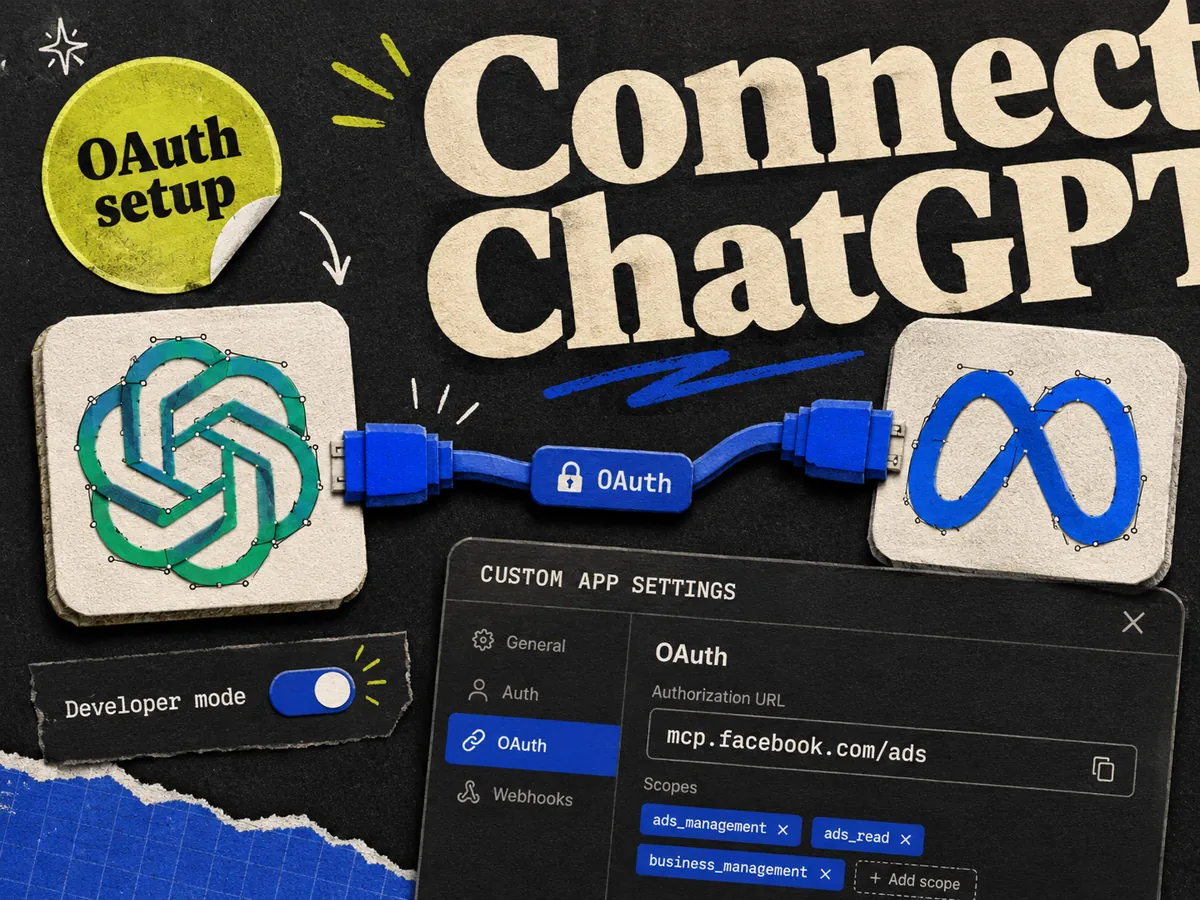
Both use the same server, so the data and the actions are identical. The difference is setup. Claude adds the connector with no developer mode. ChatGPT needs developer mode turned on first, which is a couple more clicks. If you want the walkthrough for the other side, see how to connect Meta Ads to ChatGPT.
| Claude | ChatGPT | |
|---|---|---|
| Setup | Add a custom connector | Turn on developer mode, then create a custom app |
| Auth | OAuth | OAuth |
| Server URL | ||
| Lead campaign management | Yes | Yes |
| Pull submitted lead records | No | No |
When the connection fails
The usual fixes:
- Wrong URL. Use exactly, with no trailing slash.
- Wrong account. Log in with a profile that has admin or advertiser access to the ad account.
- Account not switched on. The MCP rolls out in waves. Some ad accounts do not have access yet.
- Half-finished login. Remove the connector, clear your Meta login in a private window, and add it again.
For the full list of errors and fixes, see Meta Ads MCP not working.
The part the MCP still cannot do
The MCP is built for ops: reporting, campaign management, and edits. It does not design or write the ad. For Lead Ads, the creative still decides whether people fill in the form, and that is still a manual job. That is the part we build at Adrio, a static ad builder for media buyers. If your lead gen ads need fresh creative to keep the cost per lead down, that is where we fit.
FAQ
Can Claude connect to Facebook Lead Ads? Yes. Claude connects through Meta's official MCP server at . Add it as a custom connector, log in with OAuth, and Claude can create, edit, and report on your Lead Ads campaigns.
Can Claude pull the actual leads from a Facebook lead form? No. The ads MCP manages campaigns and reports on cost per lead and volume, but it does not retrieve the submitted lead records. Use your CRM sync, a webhook, or the Meta Lead Center to get the names and emails.
What is the Meta MCP server URL for Lead Ads? It is , the same URL used for all Meta campaigns. There is no separate Lead Ads URL.
Do I need a developer to connect Lead Ads to Claude? No. It is a no-code setup. You add a custom connector and log in with OAuth. Only the CLI and community MCP servers need a developer.
Can Claude pause a lead gen ad with a high cost per lead? Yes. You can ask it to pause ads above a CPL you set. Any change to your account asks for confirmation in the chat before it runs.
Is it better to use Claude or ChatGPT for Lead Ads? Both connect to the same server and do the same things. Claude has the shorter setup because it does not need developer mode. Pick whichever tool your team already uses.