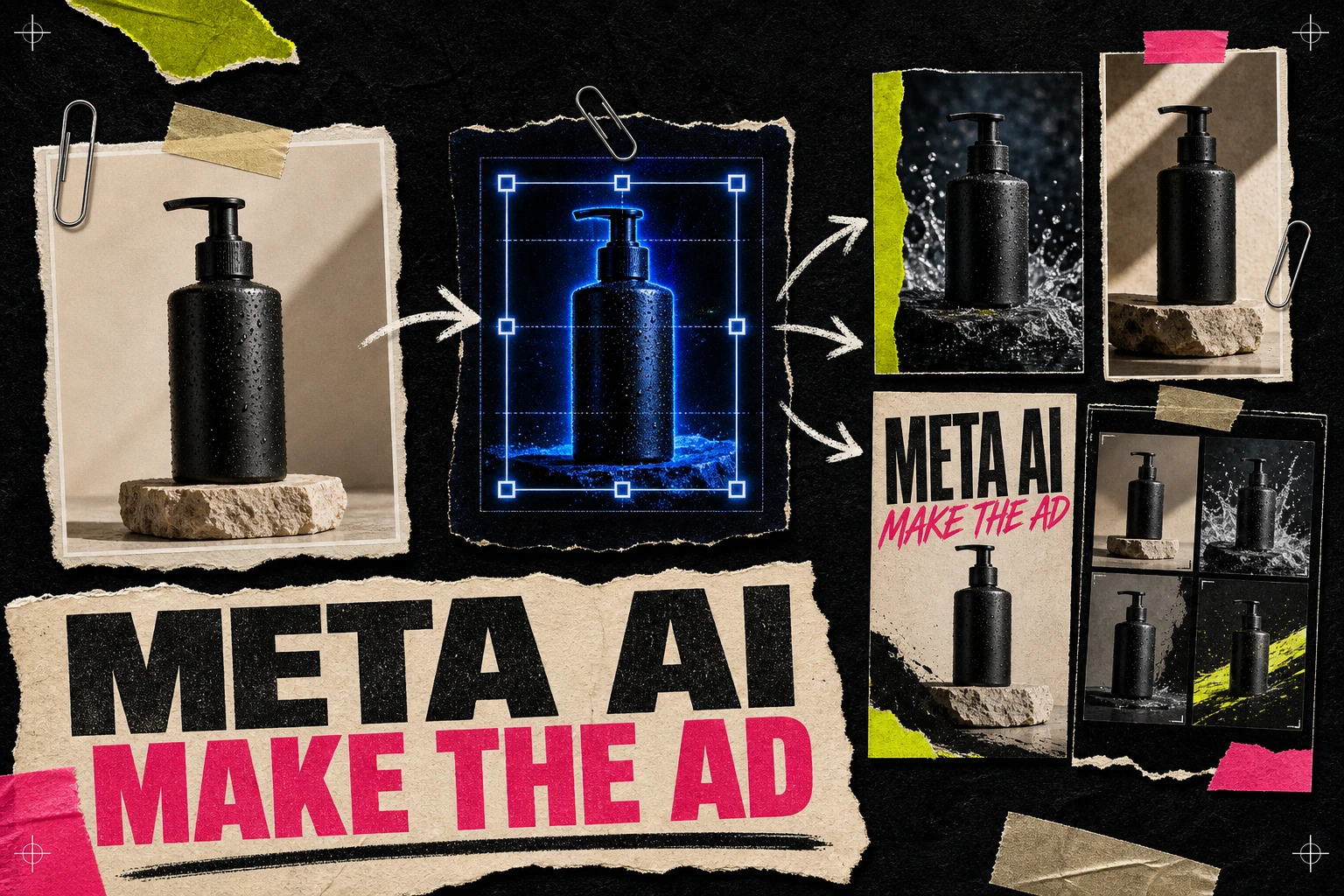
The easiest place to use Meta AI for ads is inside Ads Manager, under Advantage+ creative. Upload an image or video, then choose the AI features you want Meta to apply: text variations, image expansion, new backgrounds, animation, or music.
Use these features to adapt an approved idea. Your team still needs to choose the customer objection, supply evidence for the claims, and decide what the next test should answer.
Give it a clear idea and clean assets. Then inspect every variation before launch. The linked product and transparency sources were rechecked on October 21, 2026; availability still depends on the account and ad format.
What Meta AI can do for advertisers
Meta uses the name "Meta AI" across several products. For ad creation, there are two relevant routes:
- 1.Advantage+ creative in Ads Manager adapts and generates variations from the creative and text you upload.
- 2.Meta AI and Muse Image can create or edit images through conversation. Meta announced in July 2026 that Muse Image was coming to advertisers through Advantage+ creative, but access may still vary by account and country.
Meta's current Advantage+ creative overview lists these ad features:
- Text generation for primary text and headline options
- Image expansion for new placement ratios
- Background and full-image variations
- Animation from a static image
- Automatic music selection
- Text overlays and font changes
The exact controls depend on campaign type, format, region, and account eligibility. If a feature is missing, it may not be available for that ad rather than hidden in a different menu.
A practical workflow
Do not begin in Ads Manager with a blank product photo and hope automation finds the strategy. Start one step earlier.
1. Write down the job of the ad
Use one sentence:
Convince busy skincare buyers that this moisturizer absorbs quickly without leaving a greasy finish.
That sentence gives you a specific message to check in every draft. Replace the absorption claim with a benefit your own product can support.
Collect the inputs before opening the campaign:
- One product or offer
- One main angle
- Approved proof, such as a review or product fact
- Brand colors, logo, and product imagery
- The landing page the ad will open
- Any words or visual treatments the brand will not use
If competitor research informs the idea, describe the structure in the brief: "short objection headline over a product close-up with one review beneath it." Build it using your own photo, copy, and supporting evidence.
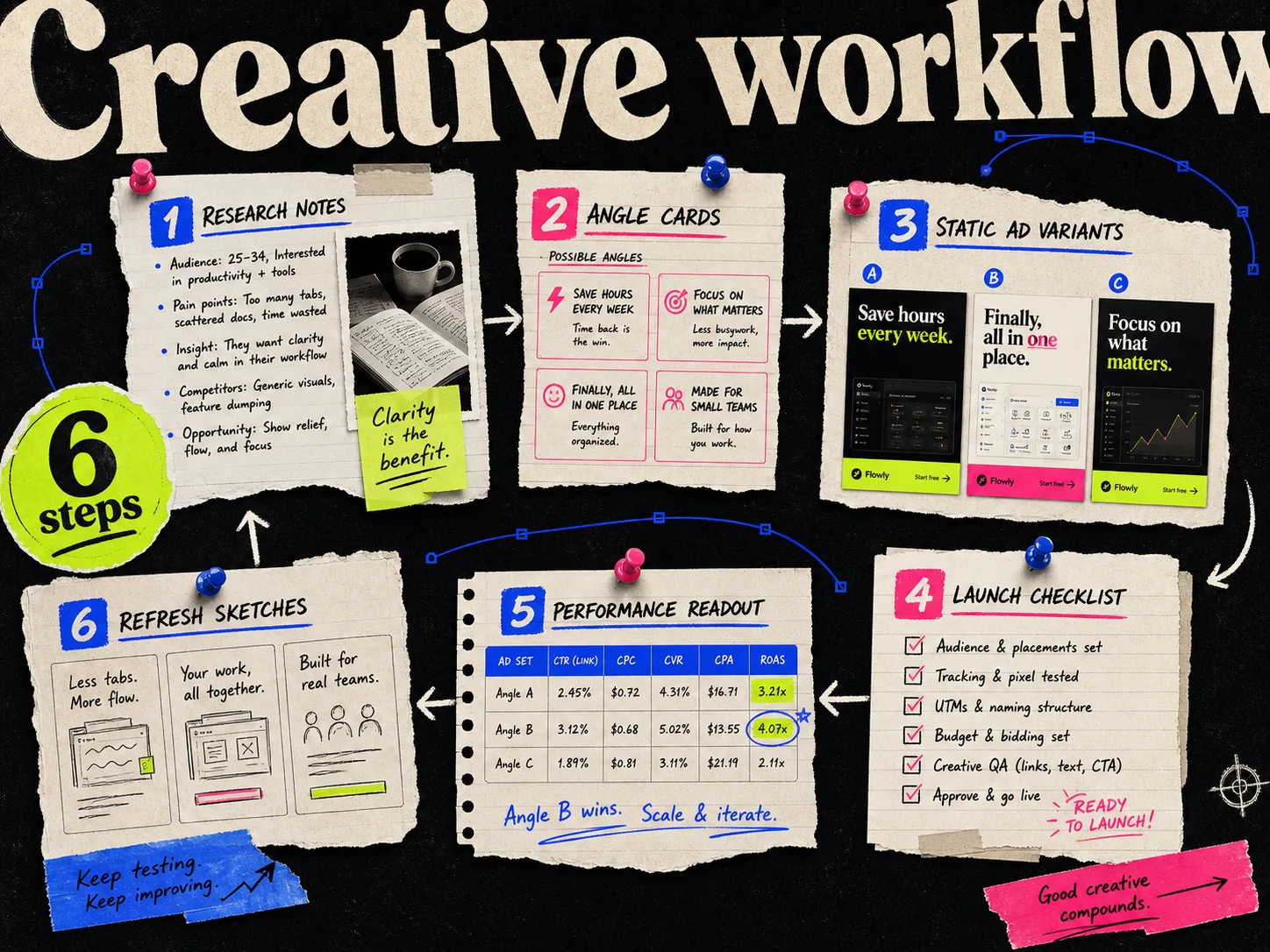
The Meta ad creative workflow goes deeper on choosing angles before production.
2. Make one solid base creative
Give the reviewer an approved base to compare with the generated versions. Build one clear ad with readable hierarchy and enough room for crops.
For a static, that usually means:
- The product is recognizable on a phone screen
- The headline survives at small size
- Proof is specific and approved
- The CTA does not fight the main message
- Important elements stay away from placement interfaces
You can make this base in your usual design tool. Adrio is useful when you want several competitor-informed static directions before Meta starts adapting them. The output stays editable, so you can approve the copy, product treatment, logo, and CTA first, then export 1:1, 4:5, and 9:16 files.
Save that approved version as your control.
3. Upload the creative in Ads Manager
Meta's published setup uses this route:
- 1.Create a campaign and choose the objective.
- 2.Finish the campaign and ad-set settings, including budget, audience, optimization, and placements.
- 3.At the ad level, choose the Facebook Page and Instagram account.
- 4.Select manual upload as the creative source.
- 5.Choose a supported format, then add the image or video.
- 6.Open Advantage+ creative and review the available enhancements.
Meta notes that manual placements need to include Facebook Feed for Advantage+ creative access. The interface changes often, so follow the labels in your account if the section order looks different.
4. Turn on one useful feature at a time
For the first test, choose one feature that solves a production problem.
Changing the headline, background, crop, music, and motion at once makes it harder to investigate a result.
| Problem | Meta AI feature to try | What to inspect |
|---|---|---|
| One image does not fit every placement | Image expansion | Product shape, hands, edges, text, and safe zones |
| Background looks generic | Background variation | Brand fit, realism, shadows, and product scale |
| Copy is repetitive | Text generation | Claims, tone, offer accuracy, and grammar |
| Static needs a motion test | Animate image | Warping, pacing, product movement, and first frame |
| Video feels empty without sound | Music generation | Mood, rights, voice clarity, and brand fit |
Meta may show several previews or variations. Click through them all. A good square preview can turn into a strange vertical crop, and generated product imagery deserves a closer look than a background color change.
5. Review the generated copy like a compliance editor
Text generation uses your existing headline, primary text, previous campaign context, and other inputs to propose options. It can write a cleaner sentence. It can also make the offer sound stronger than it is.
Check every variation for:
- Prices, dates, and discount terms
- Health, financial, or performance claims
- Guarantees the landing page does not support
- Superlatives such as "best" or "fastest"
- Tone that does not sound like the brand
- A headline that promises something different from the image
I would rather run three accurate variations than twelve versions that need explaining in the comments.
6. Preview the real placements
Do not approve an AI crop from a thumbnail alone. Preview Feed, Stories, and Reels separately.
Look at the first second of any animation. Check whether the logo disappears under interface controls. Make sure generated pixels have not changed the product or added an object that does not exist. If text is baked into the image, confirm it remains legible after the crop.
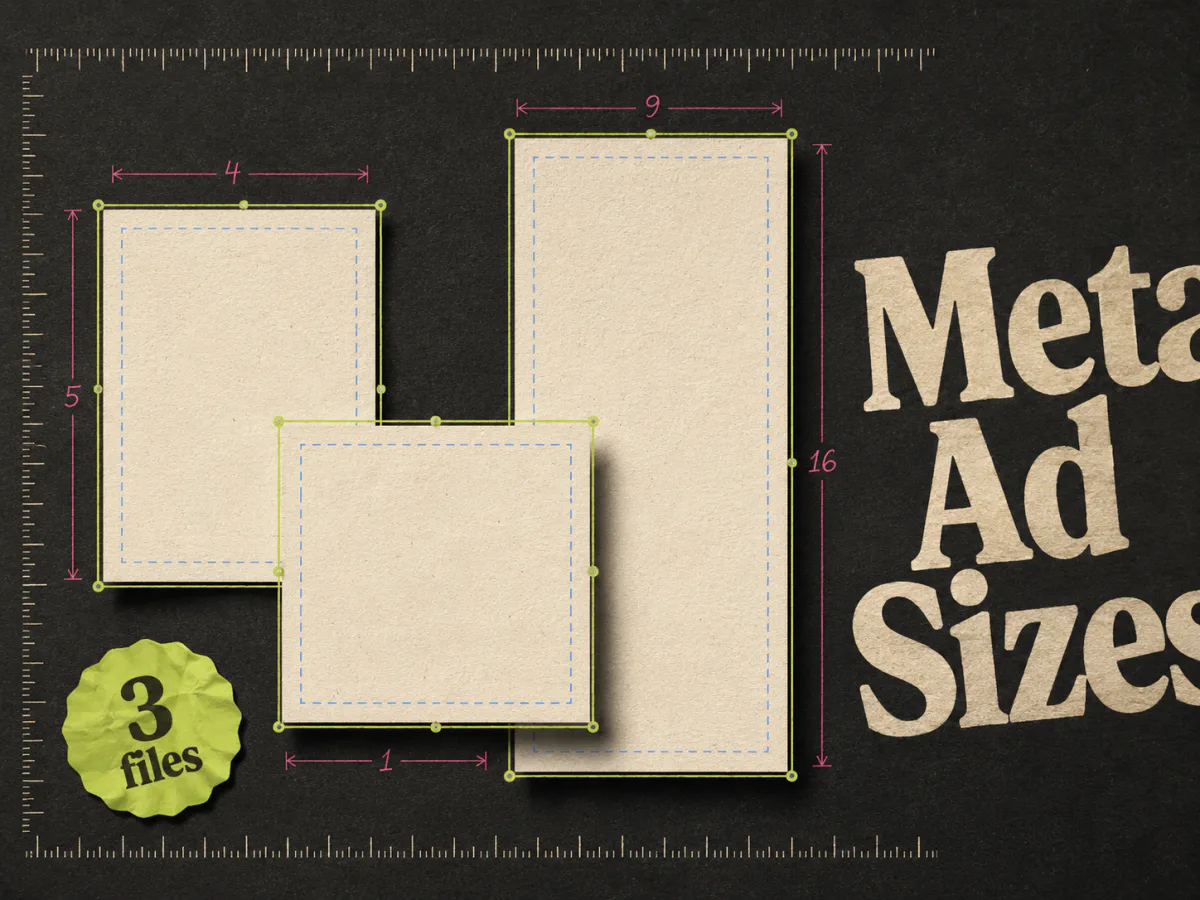
The Meta ad sizes guide covers the three working files most teams need and the safe-zone problem that automatic resizing cannot always solve.
7. Publish a test you can read
Meta can personalize creative variations during delivery. Record the settings so you can interpret the results.
Keep the offer, landing page, audience structure, and optimization event stable when you want to learn about the creative. Record which Advantage+ creative features were enabled. If the test wins, you need enough context to repeat the useful part.
A simple first test might be:
- Control: approved base static
- Variant A: image expansion only
- Variant B: approved text variations only
- Variant C: light animation only
Use a suitable experiment if you need to isolate the effect of a feature. Ordinary delivery across these ads may favor some variants.
Example: one moisturizer ad
Imagine a moisturizer positioned around fast absorption.
The base creative uses a close product shot, the headline "Hydration without the greasy wait," and a short customer quote. The landing page explains texture, ingredients, and use.
Here is a sensible Meta AI pass:
- 1.Use image expansion to create a 9:16 version while protecting the bottle and headline.
- 2.Generate headline options from the approved absorption angle.
- 3.Reject any copy that turns "absorbs quickly" into an unverified time claim.
- 4.Generate one background variation using the same bathroom context.
- 5.Animate the static lightly for a separate motion test.
- 6.Preview the product label at full size before publishing.
Check every version against the original absorption message and approved product facts.
Where Muse Image fits
Meta introduced Muse Image in July 2026 as an image-generation and editing model inside Meta AI. It can generate from a prompt, combine images, and accept sketched or conversational edits. Meta also said the model would come to advertisers through Advantage+ creative.
Use it for early visual exploration when it is available to you: a new environment, composition, or background direction. Do not assume a conversational image is ready to become a paid ad. Product accuracy, trademark use, claims, and brand approval still apply.
Meta's updated advertising transparency guidance places AI information in "About this ad" and says it will detect third-party AI edits through industry-standard signals. The page also retains its earlier labeling policy. Check the current update and the treatment in your region rather than relying only on the original Sponsored-label examples.
Meta AI versus a dedicated creative tool
Meta AI is closest to delivery. It knows the placements and can create variations inside the platform that will serve them. That makes it strong for adapting an approved asset.
A dedicated creative tool works earlier. It helps choose the reference, angle, structure, layout, and batch before the ad reaches Ads Manager. That separation is useful when a team wants approval and editability before Meta starts personalizing the output.
Use Meta AI when:
- You already have a strong base creative
- Placement adaptation is taking too long
- You want controlled copy or background options
- The team can review every generated variation
Use Adrio before Meta when:
- The bottleneck is finding and producing new static concepts
- Competitor patterns need to become original branded ads
- The team wants editable variants before upload
- You need deliberate 1:1, 4:5, and 9:16 compositions
You can use both: make the base batch in Adrio, approve it, then review the available Meta AI variations in Ads Manager.
What Meta AI should not decide
Keep these decisions with the team:
- Which audience problem deserves an ad
- Which offer the business can support
- Whether the evidence backs the claim
- Which brand rules are non-negotiable
- What the test is supposed to teach
- Whether a generated person, product, or setting is appropriate
Put those decisions in the brief before generating the batch.
FAQ
Can Meta AI create Facebook ads? Yes. Advantage+ creative can generate text options, expand images, create backgrounds and image variations, animate a static, and add music. Availability depends on the campaign, format, region, and account.
Where is Meta AI in Ads Manager? At the ad level, upload a supported image or video and look for Advantage+ creative. Meta's current instructions use manual upload and a supported single-image, video, or carousel format.
Is Meta AI the same as Advantage+ creative? Meta AI is the underlying generative technology used across Meta products. Advantage+ creative is the advertiser-facing part inside Ads Manager where many of those generation and adaptation features appear.
Can Meta AI make an ad from scratch? Its newer image models can generate full images. For a reviewable paid-ad workflow, supply an approved product, angle, offer, and landing page, then check each generated variation against those inputs.
Does Meta label AI-generated ads? Meta's updated policy describes AI information in "About this ad," including detection of third-party AI signals. Check the current linked update and regional treatment before assuming where a label will appear.
Should I turn on every Advantage+ creative feature? No. Start with the feature that solves a real problem and record what was enabled. A test that changes everything at once is difficult to learn from.
Can I use Adrio and Meta AI together? Yes. Use Adrio for research and static or video production through Spark, approve the batch, then evaluate the specific Advantage+ creative variations you want to allow.