You run Meta ads with Claude by connecting it to Meta's official Ads MCP server at . In the Claude app you add it as a custom connector. In Claude Code it is one terminal command. After you log in with Meta, Claude can read your reporting, build campaigns, ad sets and ads, and edit budgets, targeting and status in plain English.
That part takes five minutes. Deciding how much to let it do takes longer, and that's what most of this page covers: which setup fits how you work, what a weekly routine looks like, the guardrails to set before you connect, and what to do about creative, which Claude still can't make on its own.
If you only want the connection steps, the Meta MCP setup guide has them with screenshots.
Three ways to connect Claude to Meta ads
| Setup | Best for | Effort | Can it run on a schedule? |
|---|---|---|---|
| Claude app connector | Daily reporting and quick edits in chat | About 5 minutes, no code | No, you start each chat |
| Claude Code | Repeatable reports, bulk work, scheduled checks | One command plus a browser login | Yes, with and cron |
| Third-party MCP servers | Extra data sources or actions Meta doesn't expose | Varies, some need hosting | Depends on the tool |
Most media buyers should start with the app connector and move to Claude Code once they catch themselves pasting the same prompt every Monday. All three talk to the same Meta data, so the numbers match whichever one you pick.
Option 1: the Claude app
In Claude, open Customize, then Connectors, click the plus button and choose Add custom connector. Paste , connect, and sign in with the Meta account that has access to your ad account. The free plan allows one custom connector, so you can try this without paying.
Two habits make it work much better. Put your account name, target CPA or ROAS, and usual date ranges in a Claude Project, so every chat in that Project already knows them. And name the account and date range in every prompt anyway. Most "Claude gave me generic advice" complaints come down to one of those being missing.
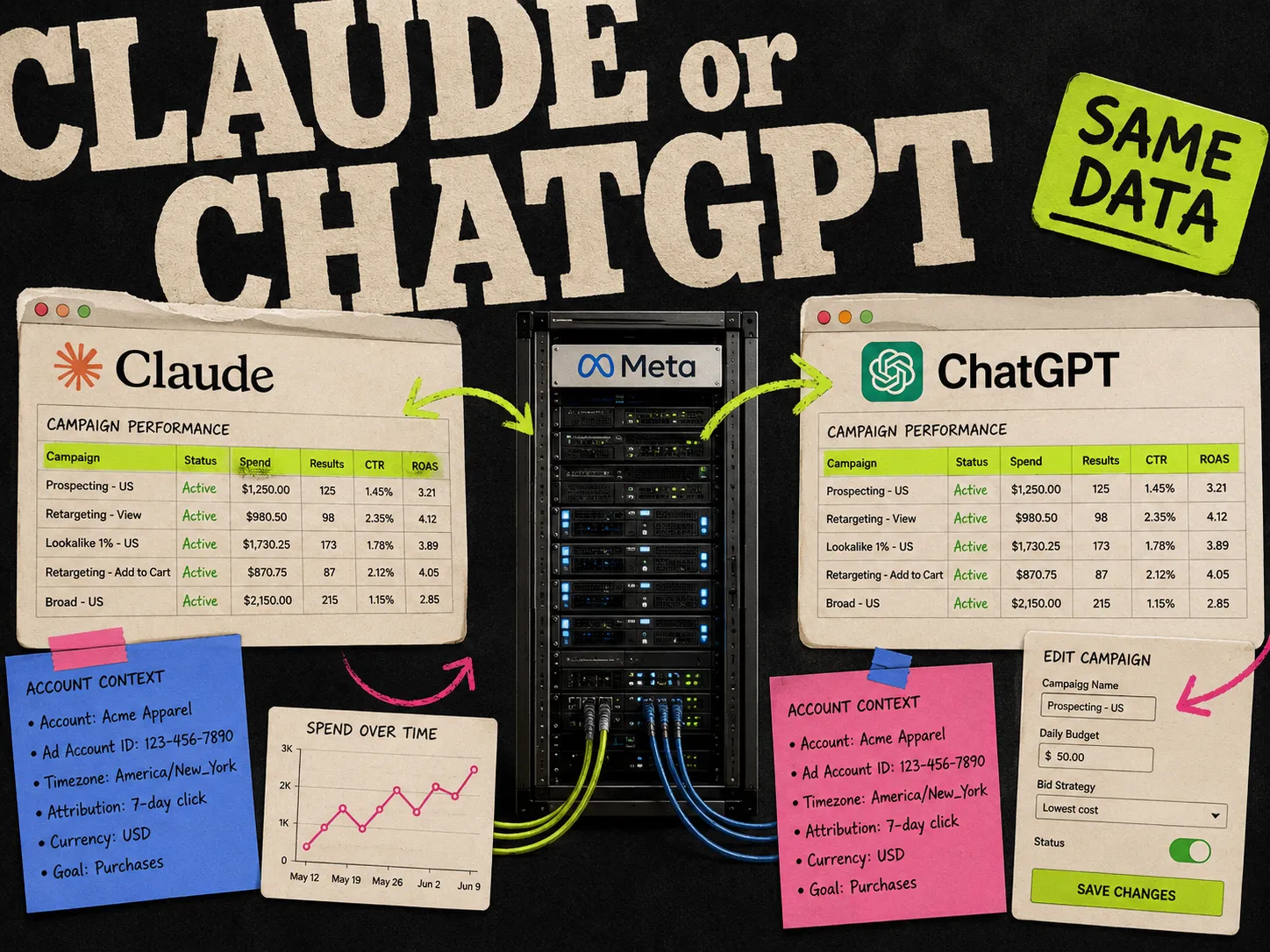
If you're torn between Claude and ChatGPT for this, I compared them in Meta Ads MCP: Claude vs ChatGPT. Short version: same server, same data, Claude has less setup friction.
Option 2: Claude Code
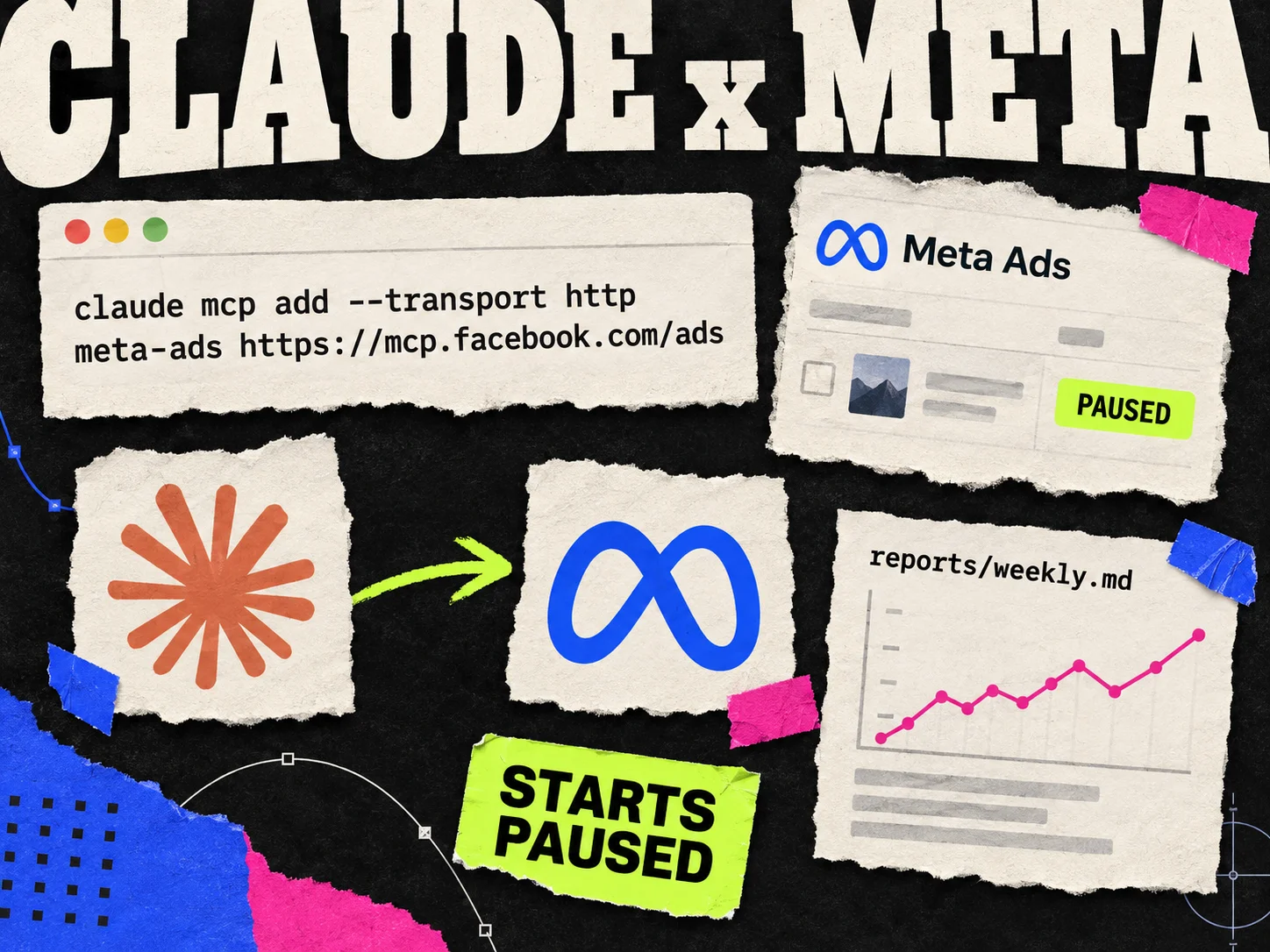
Claude Code is Anthropic's terminal tool. It's built for coding, but it's also a good fit for media buying work you repeat, because you can script it. Add Meta's server with:
Then start , type , pick , and finish the Meta login in your browser. You don't need a Meta developer app for this. Meta's docs also show a flag, but that's only for teams routing the connection through their own Meta app.
Three things make Claude Code worth the switch.
Account context lives in a file. Put a in the folder you run Claude Code from with your ad account ID, naming conventions, KPI targets, and anything you never want touched, like "never change budgets on campaigns tagged BRAND." Claude reads it at the start of every session.
Reports become files. Ask for a weekly summary and have Claude write it to . After a month you have a history you can diff, which the chat window doesn't give you.
It runs without you. runs a single prompt and exits, so a cron job can produce your Monday report before you're up. Authenticate once in an interactive session first. For scheduled runs, only allow the read tools:
Because write tools like budget edits or activation aren't on the allowed list, an unattended run can't change anything in the account, even if the prompt is badly worded. Keep edits for interactive sessions where you see every change before it happens.
Option 3: third-party MCP servers
Before Meta shipped its own server, the community built several, and some still add things the official one doesn't, like blending Meta data with Google Ads or Shopify. The tradeoff is that you're handing account access to someone else's code or hosted service. If all you need is Meta, the official server is the safer default. The best Meta Ads MCP tools page compares the options.
Set guardrails before you connect
Set these up before your first prompt.
Meta already gives you two safety defaults. Campaigns that Claude creates start paused, and turning anything on needs your explicit confirmation in the chat. That covers new spend. It doesn't cover edits to campaigns that are already live, like a budget change or a targeting tweak.
For those, go to Business Settings, open Integrations, and find Ads MCP Server. That screen shows which ad accounts and catalogs connected agents can reach, and it lets you set individual actions to allowed, blocked, or ask for approval. Early on Meta allowed sensitive actions such as budget and targeting edits by default, so check this screen even if you connected months ago.
Two more things I'd set:
- An account spending limit in Ads Manager billing. Meta enforces it no matter what any agent asks for.
- A separate login or system user per client if you're an agency, so one client's connection can't see another client's accounts.
Claude asks before it makes changes, but after a few weeks most people approve those prompts without reading them. A limit Meta enforces on its side still holds when that happens.
A weekly routine that works
This is the loop I'd start with. It takes about 20 minutes on a Monday and replaces most of the clicking around in Ads Manager.
Start with the review:
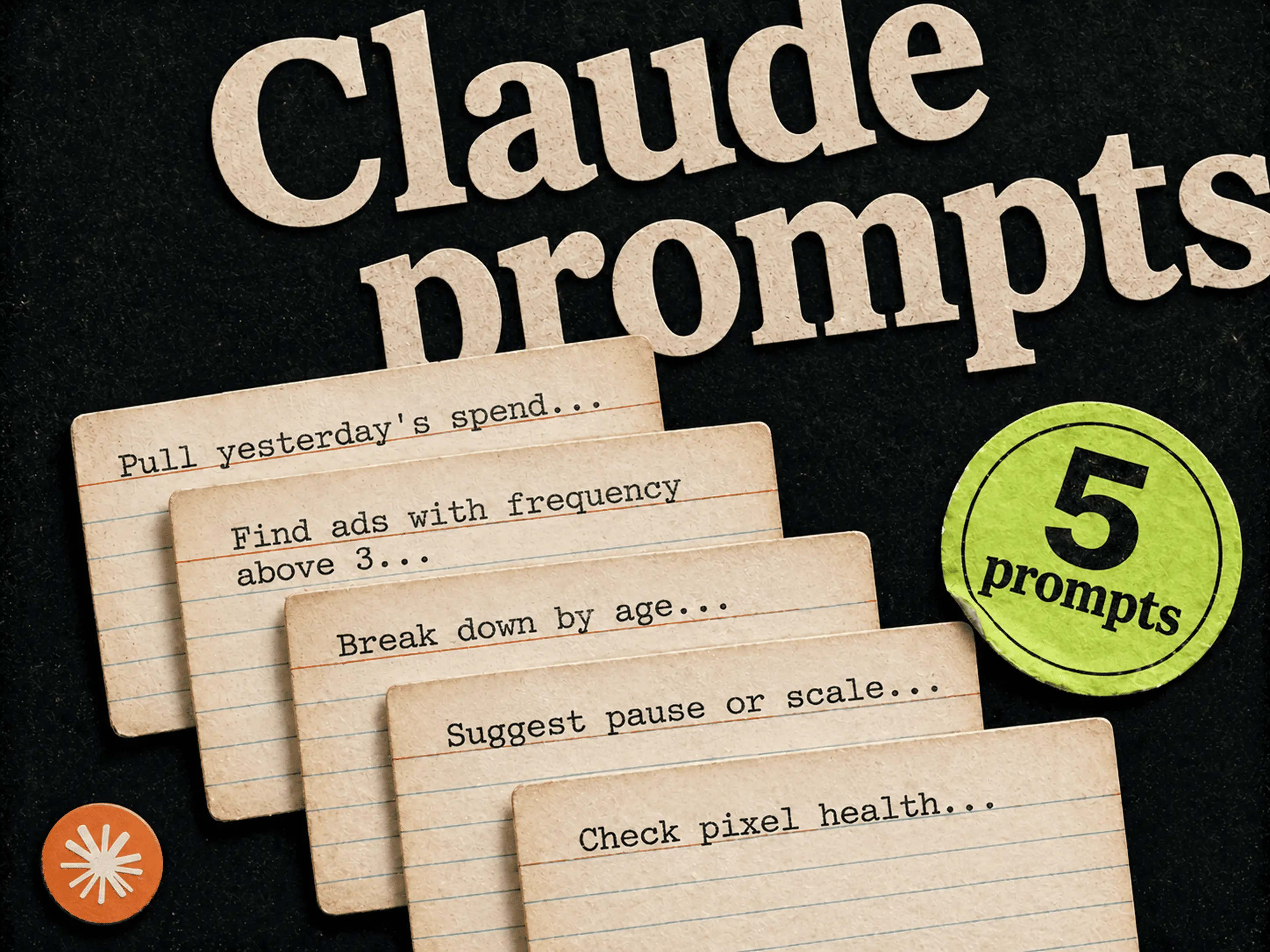
Compare last week to the week before for [account]. For each active campaign show spend, CPA, ROAS and frequency. Tell me the three changes that matter most and why.
Then find what needs replacing:
List active ads with frequency above 3 whose CTR dropped more than 15% over the last 14 days. For each, tell me which angle it uses based on the copy and headline.
That second question is the useful one. If every fatigued ad uses the same angle, the next test should be a different angle, not a new color on the same one.
Then build the test, paused:
Create a new ad set in [campaign] copying the targeting from [best ad set], with a $50 daily budget. Leave it paused. Use creatives [IDs] from the account.
Review it in Ads Manager, then tell Claude to activate it. A week later, run the review prompt again and see what moved. For more prompts in the same style, see 5 Claude prompts every Meta media buyer should save.
The part Claude can't do: creative
Step three of that routine says "use creatives from the account." That's where it breaks for most teams. Meta's MCP can launch an ad from an image or video you already uploaded, but it doesn't design images, and the creative is usually what decides whether a test wins.
Claude's honest answer to "CPA is up and frequency is 4" is "test new creative," and then you're back in Figma or Canva for the afternoon.
You can close that gap with a second MCP server. Adrio's server (, setup in the Adrio MCP docs) works in the Claude app and in Claude Code, next to Meta's. With both connected, Claude can:
- Look at your saved ads and swipe files, and pull competitor ads from accounts you watch
- Read and update the angles and audiences you've written down for a brand
- Brief Spark, Adrio's creative agent, to make new static ad directions, and check on the run
In Claude Code it's the same pattern as Meta:
Then a prompt can cross both:
From Meta, find the angle behind our three most fatigued ads this month. From Adrio, list the angles for this brand we haven't run yet. Brief Spark on three static directions using the two strongest unused angles.
Spark runs use credits, so Claude asks for your approval before it starts one. When the creatives are ready, you upload the winners and the Meta side takes over again: new ad set, paused, reviewed, then live.
Where it still falls short
Claude only sees what Meta reports. If your attribution is off, Claude's analysis will be wrong in the same way. Check signal health with the MCP now and then, but it won't fix tracking for you.
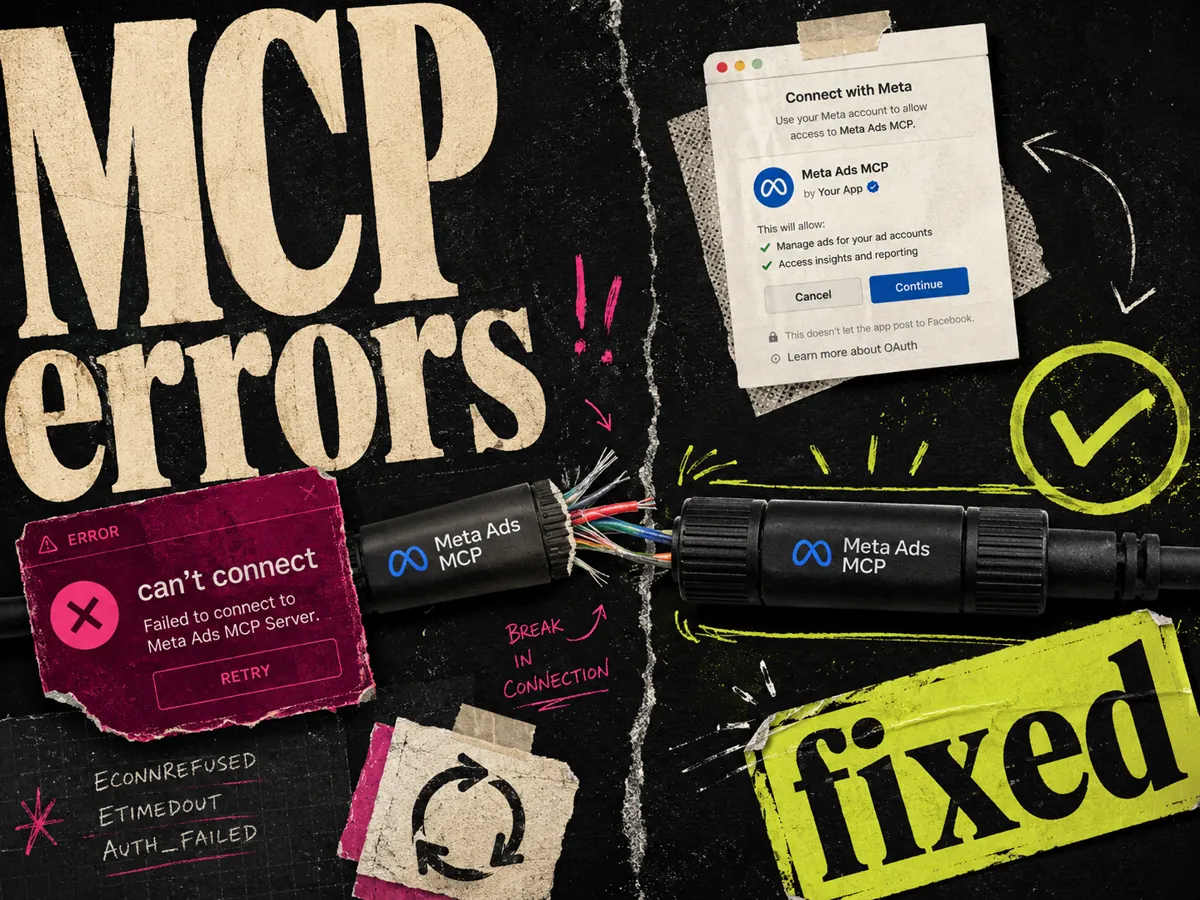
The server is still in a phased beta. Some accounts get errors after a clean login because the feature isn't switched on for them yet. The troubleshooting guide covers the usual causes.
It also doesn't know your business. It'll suggest pausing an ad set with a high CPA that's actually your best source of repeat buyers, because that context isn't in Meta's data. The file or Project instructions are where you tell it.
FAQ
Can Claude run Meta ads?
Yes. Claude connects to Meta's official Ads MCP server at . Once connected, it can read reporting and create or edit campaigns, ad sets, ads, audiences and budgets. New campaigns start paused, and Claude asks for confirmation before activating anything.
How do I connect Claude Code to Meta ads?
Run , start Claude Code, type , choose meta-ads and finish the Meta login in your browser. You don't need your own Meta developer app.
Is the Meta Ads MCP free to use with Claude?
The MCP server is free from Meta. Claude's free plan allows one custom connector, so you can use it without paying. Paid Claude plans allow more connectors and higher usage, and Claude Code needs a paid plan or API billing.
Can Claude change my budgets without asking?
In the Claude app and interactive Claude Code sessions, Claude asks before it makes changes. You can also block or require approval for specific actions in Business Settings under Integrations, Ads MCP Server, and set an account spending limit that Meta enforces regardless of the agent.
Can I schedule Meta ad reports with Claude?
Yes, with Claude Code. runs one prompt and exits, so you can trigger it from cron. Restrict scheduled runs to read-only tools with so nothing in the account can change while you're not watching.
Can Claude make Meta ad creatives?
Not with Meta's MCP alone. It can launch ads from images and videos already in your account, but it doesn't design them. Adding a creative tool's MCP server, such as Adrio's, lets Claude brief and track new static ad creatives in the same conversation.