Start your Playcut vs Creatify comparison with the material you already have. If you have approved product photos and want to direct new scenes around them, Playcut is worth trying first. If your product page is ready and you want an assembled video draft to edit, start with Creatify.
This comparison uses the vendors' current documentation. We have not tested the products side by side. Treat the recommendations as a starting point for your own trial; output quality and correction time still need to be checked with your assets.
The question is simple: which one gets your product through review with less correction work?
Playcut vs Creatify at a glance
| Decision | Playcut | Creatify |
|---|---|---|
| Suggested first trial | Build scenes around an approved product reference | Turn a product page into a draft ad |
| Documented starting point | Saved product image and scene direction | Product URL with information and media |
| Presenter options | Custom AI actors | Stock actors and custom avatars, depending on plan |
| Main thing to inspect | Product details across generated shots | Imported facts, selected assets, and the assembled story |
| Trial outcome to record | Approved shots and work needed to finish the ad | Approved exports and work needed to correct the draft |
The workflow descriptions come from Playcut's product-ad page and Creatify's feature documentation. The suggested trial order is our editorial judgment. Both products cover more than the starting points in this table.
If you are still comparing the whole category, the AI video ad generator guide covers other options. Here, the job is to choose between these two.
Try Playcut first when the shot is the hard part
Playcut describes a workflow that saves a product photo as a reference, then uses it to generate scenes and variations. Its video generator page also documents image-to-video work and a choice of video models.
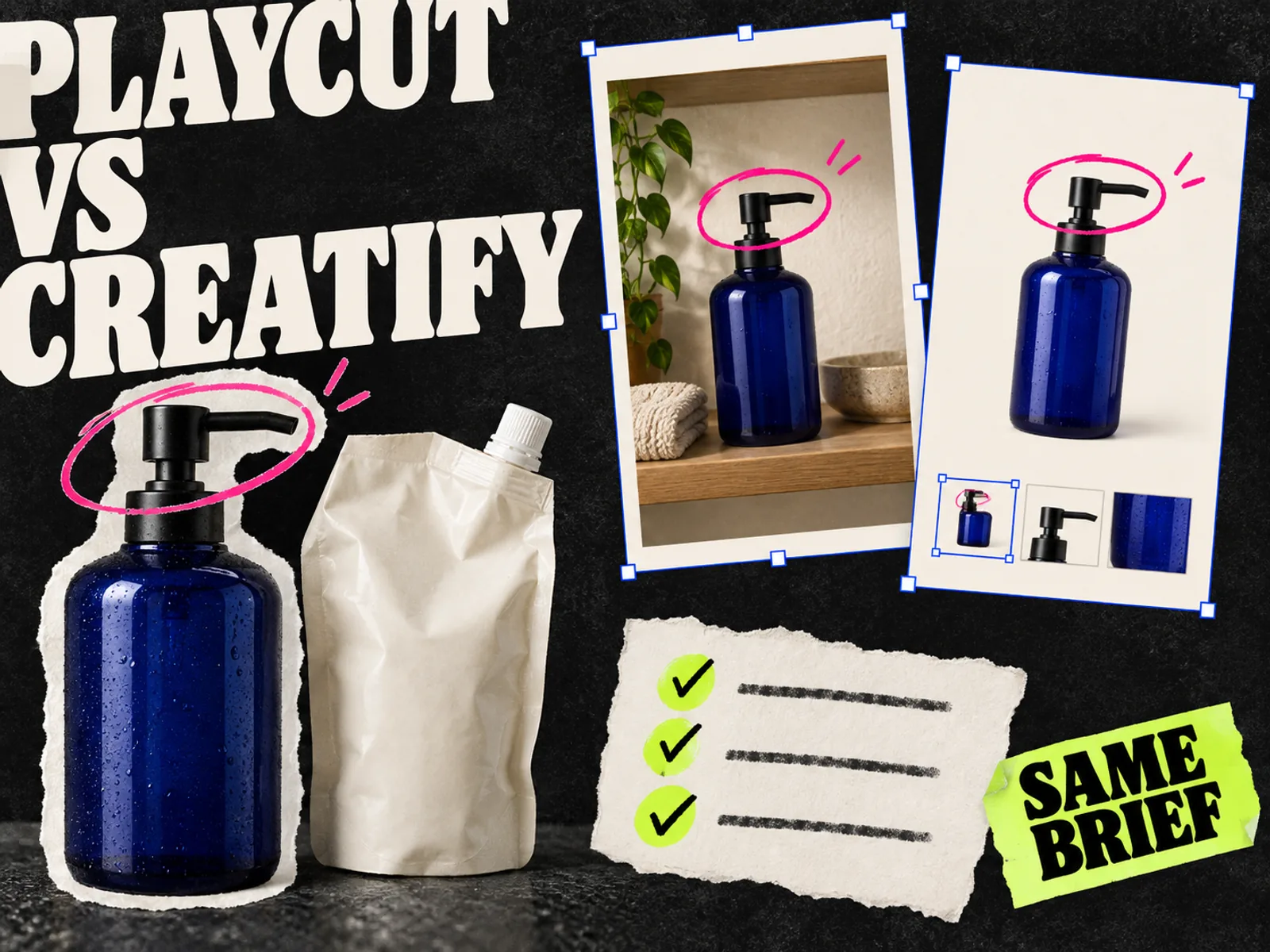
This is worth investigating when you can describe the missing shot precisely: the bottle on a bathroom shelf, a slow move toward the label, or the same product in a different setting. Bring the approved packshot and keep the direction narrow.
Do not assume a consistency claim means every export will pass review. Freeze the video on the frame where the label is clearest, then on the frame where the product turns. Compare the cap, proportions, printed text, and color with the reference.
Watch the small details. A pump that becomes a screw cap changes the product. A made-up line on the label creates an editing problem even if nobody notices it during normal playback.
For a product with fine print or a distinctive mechanism, include one deliberately difficult shot in the trial. You want to find that limitation before planning a whole campaign around it. The image-to-video workflow explains how to prepare source photos and review product drift.
Try Creatify first when assembly is the hard part
Creatify's URL-to-video flow uses information and media from a product page. Its editor documentation lists changes to scripts, avatars, voices, B-roll, captions, music, and aspect ratios. These are documented capabilities, not guarantees about the quality of the first draft. Creatify's feature page describes the available controls.
Try this route if the raw materials already exist but assembling them keeps taking an afternoon.
Check the imported material before judging the video. A product page might contain several variants, an old promotional banner, and related products. The ad needs the exact item in the brief. Read the script against the page and remove any claim the source does not support.
Then make a real revision. Change the opening line, replace a weak shot, and correct one caption. Record whether you can make the change cleanly and what it costs to export again. A first draft tells you less about daily use than the first correction does.
Give both tools the same product brief
Comparing a carefully directed Playcut scene with an untouched Creatify draft would mostly measure how much effort you put into each. Start with a common brief, then let each workflow use it in the way it supports.
Here is an illustrative brief for a refillable hand-wash dispenser. It is a proposed trial, not a campaign we ran.
| Brief field | Instruction |
|---|---|
| Product | The approved dispenser and matching refill pouch |
| Customer question | How do I refill it? |
| Source material | Current product page, packshots, and real refill footage |
| Message | Show the refill process clearly |
| Required sequence | Dispenser, opening the refill, pouring, finished dispenser |
| Copy | Use the supplied product name and approved refill instructions |
| Avoid | Invented environmental savings, customer quotes, or product parts |
| Deliverable | One vertical draft with captions and an editable project |
| Revision | Replace the opening shot while keeping the remaining sequence |
Use real footage for the mechanical action if a generated shot cannot reproduce it accurately. Record the extra work in your comparison.
Set the same time allowance and maximum trial spend for both tools. Choose those limits from what your team can afford to spend on one ad. The creative brief template can hold the source links and approval notes.
Compare cost per approved ad
The pricing pages checked on September 24, 2026 list Playcut Hobby at $9 per month with 500 credits and Creatify Starter at $39 per month with 100 credits. These are monthly prices, not annual-billing equivalents. Creatify also lists a free plan with watermarked exports; Playcut says its plans bill at checkout. Verify the current terms on Playcut's pricing page and Creatify's pricing page before buying.
A credit is a vendor's billing unit. Five hundred credits in one product cannot be compared directly with one hundred in another.
For your trial, record:
- Subscription or trial spend, plus any top-ups.
- Credits used by each attempt, including rejected generations.
- Hands-on time spent preparing, correcting, and exporting.
- The number of ads that passed the same review requirements.
Divide the software cost you assign to the trial by approved ads to get a software cost per approved ad. Keep labor time alongside that number, or add it using your team's agreed hourly cost. State which calculation you used.
If nothing passes review, report that plainly. A cheap generation that cannot be used is not a cheap finished ad.
Also distinguish a usable shot from a finished advertisement. One workflow may supply footage that still needs assembly elsewhere. Count that editor time and any extra subscription in the comparison.
Review the exported files before choosing
Watch each export once without sound and once with sound. Then stop on the frames where the product is most exposed. Open the files on a phone as well as your work monitor.
Use the same review sheet for both:
| Check | What passes |
|---|---|
| Product accuracy | The model, packaging, and demonstrated action match the source |
| Message | Someone can explain the advertised benefit after watching |
| Copy and speech | Product names, captions, and spoken claims are correct |
| Composition | The product and essential text remain readable in the intended placement |
| Revision | The requested change is present and previously approved material still works |
| Handoff | The team can find the final export, editable project, and source assets |
Keep the failed rows. They tell you whether the problem is something you can fix once in a template or something you will face on every product.
Before launch, check the actual placement preview using the Meta ad preview checklist. Choosing production software and judging campaign performance are separate decisions. A smoother editor does not establish that its ads will sell more.
Which one should you choose?
Choose the workflow that passes your product review and makes revisions manageable. We would try Playcut first when the brief needs new scenes, and Creatify when it needs a video assembled from a product page. Reverse that order if your existing assets or team's editing habits point the other way.
If the recurring task is making static Meta variants, include a static workflow in the evaluation. Adrio lets teams use competitor references, edit creative, and export static ads for Meta placements. That is a separate production job from generating the video in this comparison.
Keep the approved brief and review sheet after the trial. They will be more useful for your next product than a folder of impressive demos.
FAQ
Is Playcut cheaper than Creatify?
Its listed entry subscription is lower at the time checked above. Your actual cost depends on the generations, corrections, and editing needed to produce an approved ad. Compare the same deliverable before deciding.
Can both tools make presenter-led ads?
Both document AI presenter options. Check the plan and source requirements for the type of presenter you need. Include pronunciation and product handling in the trial rather than judging only the face.
Which one keeps the product more accurate?
We have not tested them side by side, so we cannot name a winner. Use the same source product, inspect several frames, and count failed attempts. Start with the detail your team is least willing to correct manually.
Should I test the generated ads on Meta immediately?
Finish the factual and visual review first. Then use a defined campaign test with a budget and outcome metric. Production quality is a prerequisite for that test, not evidence of its result.