An agency sends twelve ad files on Thursday. The brand replies on Monday with three separate comment threads. One person changes the offer, another asks for a different product image, and nobody is sure which files the media buyer can launch.
Before the next handoff, agree on what is being reviewed, who can request a change, who gives final approval, and which version may go live. A shared folder and a short decision log can work if everyone uses the same file IDs.
This guide is for teams already making paid social ads together. If you are still choosing a partner, start with the ad creative testing agency guide. Here, the job is to keep a live production relationship moving without letting a vague "looks good" become launch approval.
Agree on approval rights before the first batch
Name one person at the brand who can approve the batch. Other reviewers can advise that person, but the agency needs one consolidated decision. Decide in advance whether a claim, price, legal line, product image, or brand treatment has a specialist owner. A brand lead should not have to guess whether a late compliance note overrides an earlier design signoff.
Write down the boundary for each reviewer. For example:
| Reviewer | Their decision | What they should return |
|---|---|---|
| Product owner | Product name, pictured item, included features, current offer | Correct source or approved replacement |
| Brand lead | Voice, logo use, visual rules | Specific change against the brand guide |
| Media buyer | Placement fit, test variable, destination | Approved variant list and launch notes |
| Final approver | Whether the complete batch can be released | One recorded approve, revise, or hold decision |
One person may fill several roles. The point is to know whose answer is final. Put a review deadline beside each handoff and decide what happens when the approver is away. Silence should mean "waiting," not "approved."
Review the brief before reviewing the pictures
Settle the offer before design begins. Also agree on the audience, angle, evidence, destination page, and the one thing each variant is supposed to test. A creative brief template can hold those fields in one place.
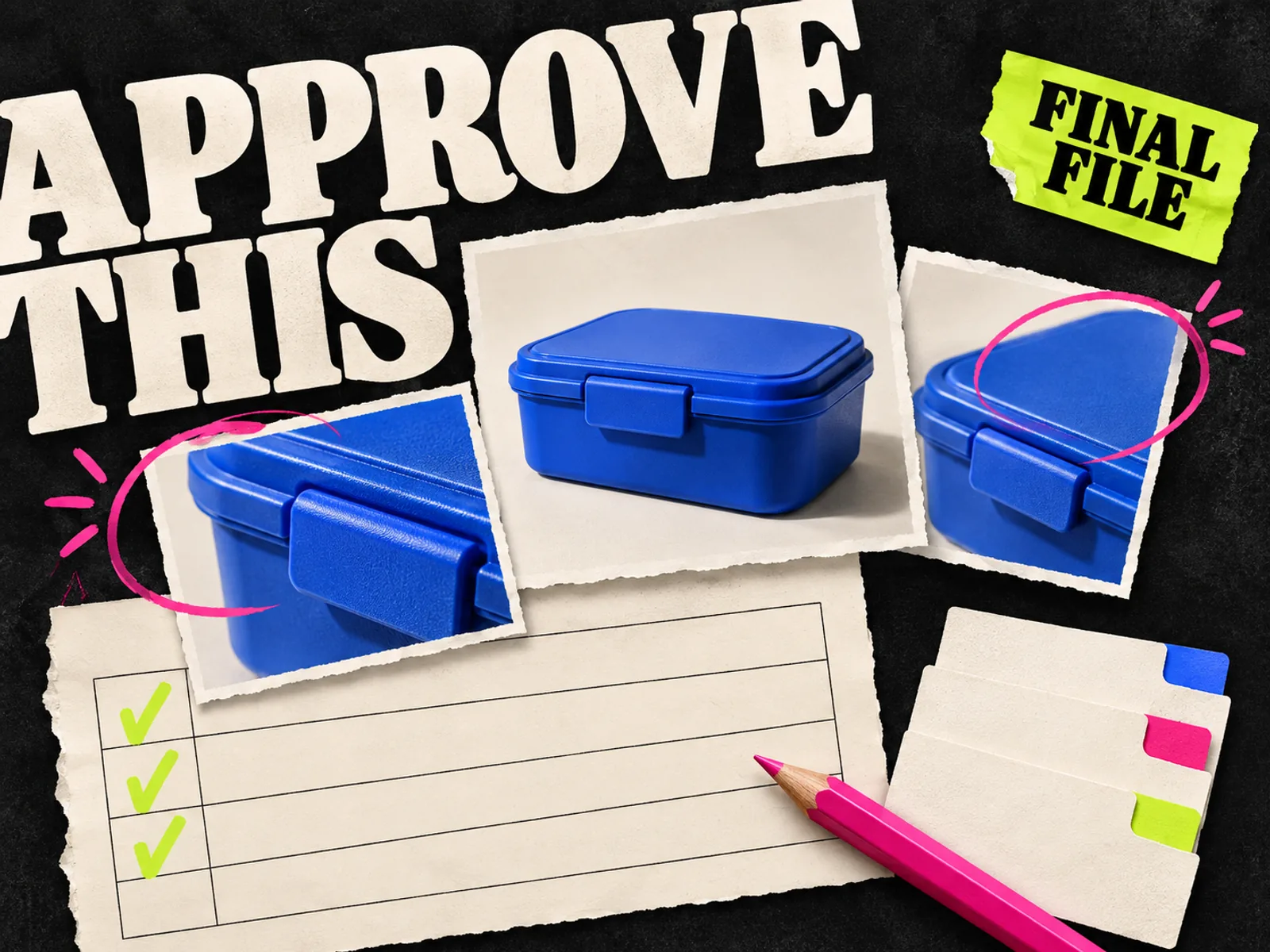
Suppose a reusable lunch box brand wants to test a cleanup message against a packing-speed message. The brief should state what the box actually includes, which product photos are approved, and whether the offer has a date or stock condition. If the brand has not agreed on the offer, the agency cannot solve that disagreement by making more layouts.
The approved brief is a baseline. An agency can propose a better angle, but it should flag the change before producing the full set. Otherwise, a reviewer sees a polished ad and has to choose between accepting an unapproved promise and asking for a rebuild.
Review concepts before every size is exported
Ask for a small concept set first: one representative draft per message, with its headline, visual, proof, and call to action visible. The brand decides whether the idea is accurate and worth finishing. Fine spacing and crop choices can wait.
A concept review needs a decision:
- 1.Proceed: the message and evidence are approved; finish the planned variants.
- 2.Revise: the direction is sound, but a named element needs correction.
- 3.Stop: the concept depends on a claim, product treatment, or offer the brand will not use.
Record the reason, especially for a stopped concept. "The comparison implies a feature we do not have" gives the next brief something to learn from. "Off brand" does not.
Do not make the concept meeting a second strategy workshop. If the buyer problem or offer has changed, reopen the brief and move the deadline. If the concept is approved, let the agency finish the agreed work.
Give feedback that the maker can use
Put feedback on a named file and version. Point to the element, say what is wrong, and supply the source for the correction. "Use the current 750 ml packshot from the product folder" is workable. "Make the product more premium" leaves the maker guessing.
Use a comment format such as:
: The lid shown here is the old model. Replace it with approved image . Keep the headline and layout.
Collect comments in one place, whether that is a design file, review tool, or shared document. A reviewer who sends a private message should move it into the decision log before the agency acts on it. Conflicting notes need a brand-side decision, not an agency vote.
Separate a required correction from a preference. A wrong price blocks approval. A preference for a slightly larger headline can be considered in the next variant if it would delay the batch. This is a scheduling choice, not permission to leave a factual error in a live ad.
Make version names boring and reliable
A filename should connect the brief, feedback, exported asset, and ad in the account. Use an ID such as : product, concept, variant, aspect ratio, and version. Keep the same ID in the review sheet and launch notes. Avoid .
For each ID, record the editable source, export link, reviewer, decision, and date. Mark superseded files clearly. A new export with the same ID and no version change is hard to audit: two people can download different files while thinking they have the same ad.
A spreadsheet with links is enough for a small batch. If comments keep getting lost or people open the wrong version, try a review tool with one real batch before moving all your work into it.
Approve the launch file, not only the design canvas
Concept approval says the idea is sound. Launch approval says the exact file, copy, destination, and placement are ready. These are different decisions.
Open the exported image or video at phone size. Check the product, spelling, price, date, evidence, logo, and any required text. Then check each intended placement and the destination page together. A correct design can still fail after cropping or when paired with old ad copy. Our placement preview checklist covers the handoff into Ads Manager. Meta also advises checking key elements against the Reels safe zone in its Reels ad guidance.
If the team sends proofs outside the brand, a visible review mark can make the status clear. Keep the marked proof apart from the launch export; the watermark guide explains that distinction. The final signoff should point to the unmarked launch file by ID, not to a screenshot in a chat thread.
Copy this review sheet into your next batch
Here is the lunch box batch in a review sheet. The entries are examples; replace them with your own links and decisions. Give each launch file a row, even when several files share a concept.
| Asset ID | Brief version | Reviewer | Status | Required change | Final export | Launch owner |
|---|---|---|---|---|---|---|
| Brand lead | Revise | Replace old lid photo | Pending | Media buyer | ||
| Brand lead | Approved | None | Link to exact file | Media buyer |
Use only a few status values: waiting, revise, approved, hold, and launched. "Approved" should mean the named export passed the final review. "Launched" is a separate entry made by the person who put the ad into the account. If a copy or image change happens after approval, create a new version and route it through the relevant check again.
After launch, count the files that needed another pass and read the reasons. If the product was wrong in half the drafts, fix the source pack. If the offer kept changing late, decide who owns it before the next brief.
Where Adrio fits
Adrio's studio can be used to edit the creative after the team has agreed on a direction. Keep the brief, feedback, and final file IDs in the same approval record you use for other tools. A generated variant still needs its product facts and exported placement checked by the people who own those decisions. For the wider production cycle, use the Meta ad creative workflow.
Common questions
How many people should approve an ad creative?
As many specialists as the claim or asset needs, but one person should return the consolidated final decision to the agency. Separate specialist checks from final batch approval.
Does concept approval mean the ad can launch?
No. The exported file, paired copy, destination, and intended placements need their own final check. Record the exact version that was approved.
What if a reviewer changes the offer after approval?
Pause that asset, update the brief, make a new version, and review the affected copy and files again. The old approval should remain attached to the old version.
Do we need a creative review tool?
Use one if it solves a real annotation, access, or version-history problem. For a small team, a shared folder, comments, and a decision sheet can be enough if everyone follows the same IDs and approval rule.
Review an agent action separately
Design sign-off and campaign authorization are separate decisions. The Spark approval-controls guide covers generation costs, image and video publishing, budget changes, and recurring work. For agency handoffs, see the multiple-brand workflow.