Canva, Adobe Express, and Photopea can all add a visible watermark to an ad creative. Start with the tool you already use. You should not need to rebuild a finished ad just to mark it for review.
Start with the purpose of the mark. A small brand logo identifies the advertiser. A large "DRAFT" label tells a client that a file is still under review. Those jobs need different treatment, even though both use text or an image placed over the artwork.
For client proofs, keep an editable master and export a marked review copy. When the client approves it, you can remove the label in the source and export again.
Choose a tool for the file you already have
The comparison below is based on documented editing controls; we have not run a speed or campaign-performance test of these workflows.
| Tool | When to consider it | Watermark controls | What to check |
|---|---|---|---|
| Canva | The ad already lives in Canva | Uploaded logo or text, placement, rotation, and opacity | Whether the export includes only your intended mark |
| Adobe Express | You want a reusable text or logo overlay | Text, icons, logos, transparency, and element locking | Which reuse and resizing features your plan includes |
| Photopea | You need direct control over a layered design | Separate text or image layers, opacity, visibility, and PSD saving | Whether the proof layer is visible in the correct export |
If you also need to choose where to make the ad, see the broader static ad makers comparison.
Canva: add the mark inside the existing design
Canva's watermark guide describes using a logo, business name, or other identifying mark, with controls for size, rotation, placement, and opacity.
Open a copy of the ad design. Upload your watermark image or add a text label such as "DRAFT - FOR REVIEW". Position it over the artwork, adjust its opacity, then download the review copy. Locking the main image can help you move the mark without shifting the ad underneath.
Use a transparent logo file if you want the artwork to show around its edges. If the imported logo brings a white rectangle with it, lowering opacity makes the rectangle faint too; it does not remove the background.
Adobe Express: make an overlay you can reuse
The Adobe Express watermark maker supports text, logos, and icons. Adobe documents opacity and blend controls, element locking, and saving a watermark as a PNG with a transparent background. Brand Kit storage and its Resize workflow include Premium features.
Create the mark, place it above the ad, and adjust it against the actual background. Save a reusable version if the same agency label will appear across many proofs. Keep a light and a dark version so you do not need a different watermark design for every image.
Inspect each composition after placing the overlay. It may fit one ad and cover the price in the next.
Photopea: keep a dedicated proof layer
Photopea's Layers panel supports named layers, opacity, locking, and visibility controls. Its Type tool creates editable text.
Open the ad and add a text layer for the review label. Name it "PROOF - hide before final export", move it above the artwork, and adjust opacity. Keep it separate from the product, copy, and advertiser logo.
Save the editable document as PSD. Export a PNG or JPG while the proof layer is visible; hide that layer before exporting the approved version. Photopea documents the distinction between keeping the PSD source and exporting a finished image.
If you opened a flattened ad image, the new watermark can still be a separate layer. The headline and product inside the original image remain flattened.
Decide what the watermark should say
For a review copy, plain wording is more useful than a decorative signature. "DRAFT - FOR REVIEW" tells the recipient what they are looking at. Add your studio name if identifying the source matters too.
An agency logo alone can be confusing: is it part of the ad, a sponsor, or a review label? Make the status explicit when the file is unfinished.
| File purpose | Suggested treatment |
|---|---|
| Client layout review | A visible review label that leaves the headline and offer readable |
| Portfolio sample | A studio identifier placed with the composition in mind |
| Finished paid ad | The advertiser's normal branding; remove temporary proof labels |
A visible watermark can be cropped, covered, or edited. Treat it as a label and a deterrent, not a guarantee that a shared file cannot be reused. Control who receives the source file separately.
Make the proof readable enough to approve
An oversized mark across every important detail defeats the review. The client needs to judge the product treatment, message, and offer.
Suppose you are preparing a coffee subscription ad. The layout has a bag of coffee, a short headline, and a subscription offer. Place the proof label across an open area of the composition, then check whether the bag label and offer still read at phone size. This is an illustrative layout exercise, not a tested campaign.
If a central mark is necessary, use one that lets the underlying design remain visible. There is no universal opacity setting: the same pale mark can disappear on a cream background and dominate a dark photograph.
Check it in context:
- Is the review label obvious without zooming in?
- Can the reviewer read the headline, price, and any conditions?
- Does the mark hide the detail you are asking them to approve?
- Does the downloaded file look like the canvas?
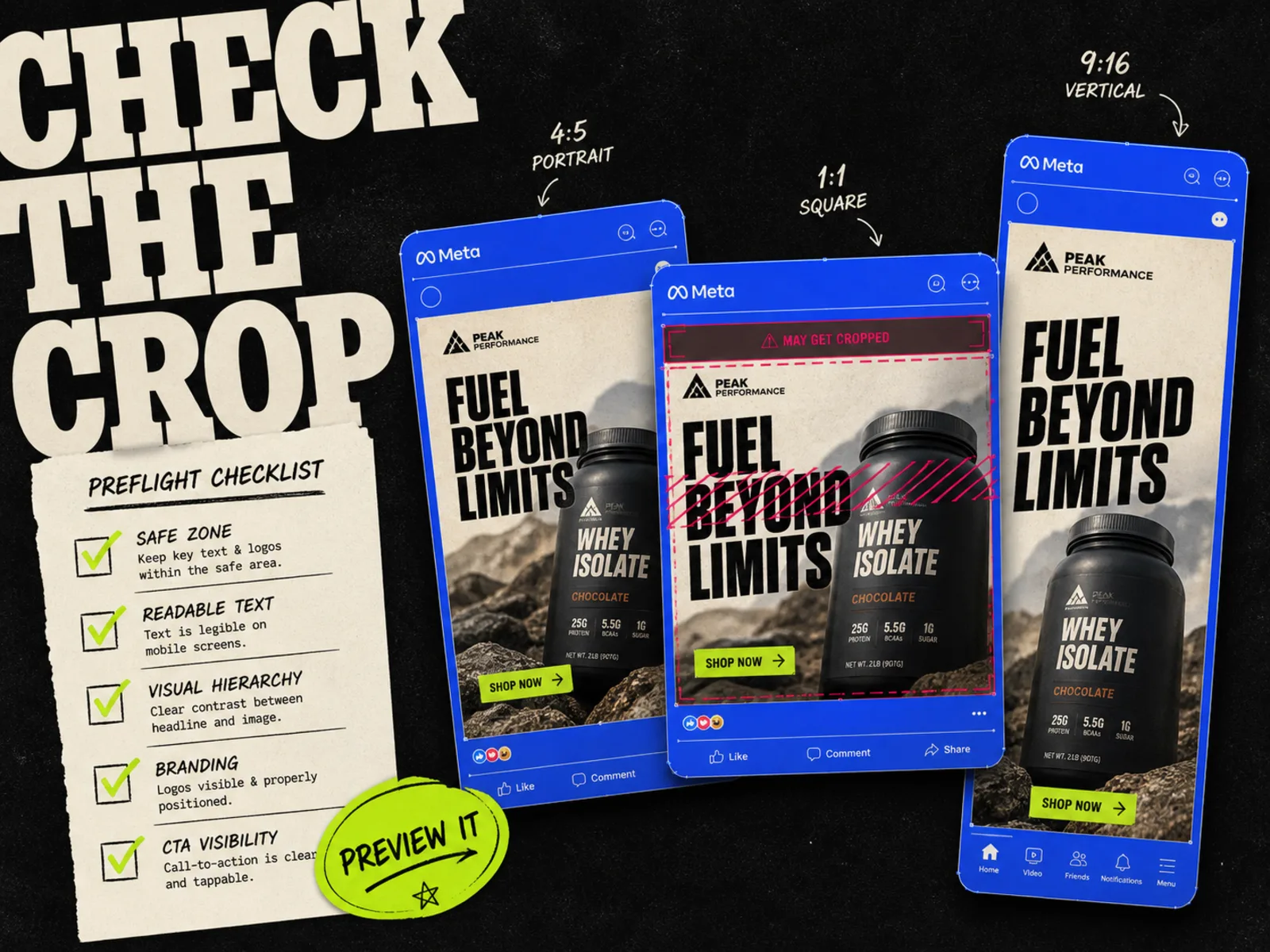
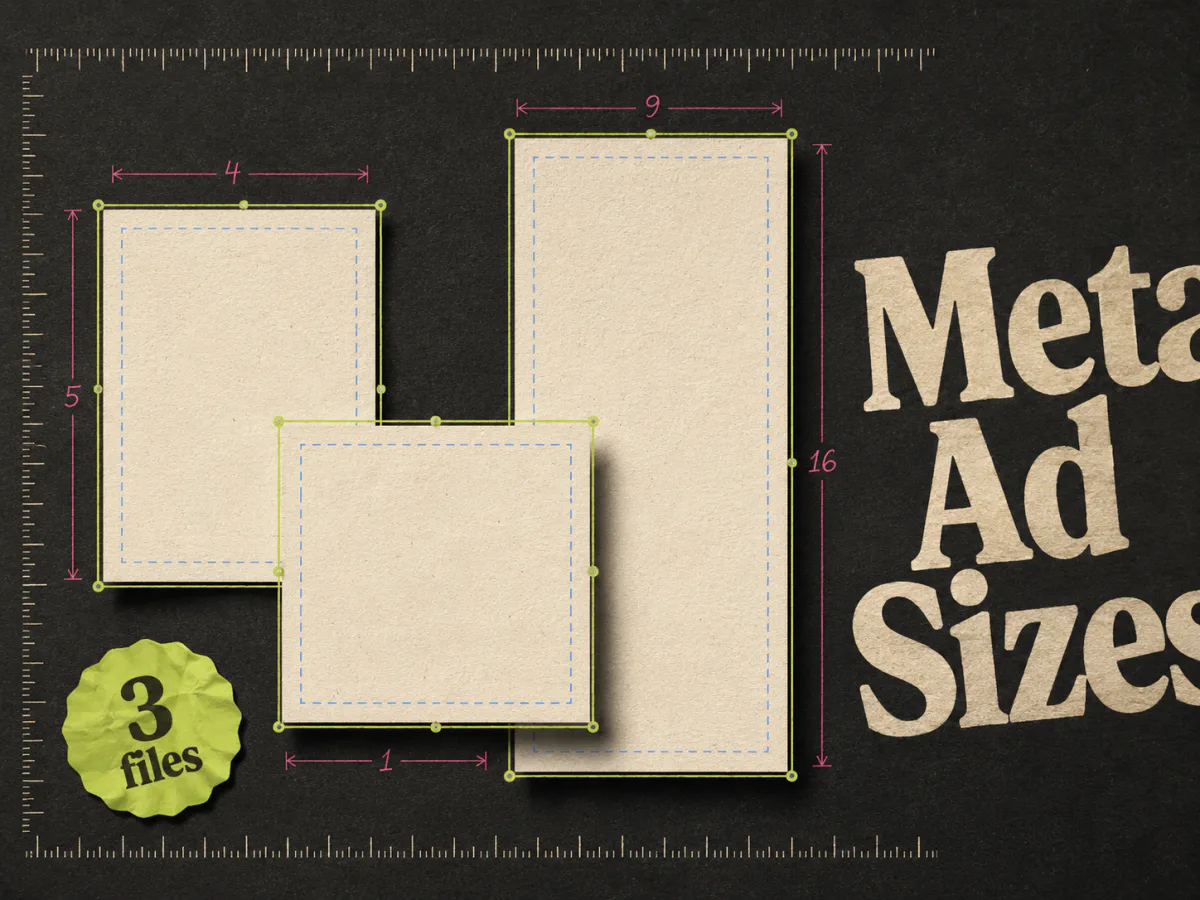
Prepare each required composition before adding the watermark. A mark positioned for a square image may cover the offer in a portrait version. Use the Meta ad sizes guide for the underlying creative dimensions.
Keep review copies out of the launch folder
The easiest mistake is uploading the wrong file after approval. Make the status visible in the filename as well as on the image.
For the coffee example, a review file could be named . After approval, export from the same source with the proof layer hidden. Use whatever naming convention your team follows, but keep the revision identifier consistent.
Store review copies apart from launch assets. Attach feedback to a specific filename or design revision. "Looks good" is hard to act on when the thread contains four different offers.
Before moving the approved export into the launch folder:
- 1.Check that the requested revisions are present in the source.
- 2.Hide or remove only the temporary proof mark, leaving the advertiser's branding intact.
- 3.Export at the required dimensions and open the downloaded file.
- 4.Check the offer, crop, and filename against the approved revision.
Then use the Meta ad preview checklist to review the assembled ad and its placements before launch.
Why an export may have an unexpected watermark
Your review label and a tool's stock-content watermark are different things. For example, Canva documents watermarks associated with premium content in its watermark help page.
If a mark appears that you did not add, check the assets and the account used for export. Use the provider's supported licensing or download route, or replace the asset with one you can use. Hiding your own proof layer will not resolve a separate stock-content mark.
If your own watermark has already been flattened into the exported copy, return to the clean source. Avoid making a repair job out of a label you could simply hide.
Where Adrio fits
Adrio helps with the ad-production step: research references, create Meta static ads, edit the creative, and export the required compositions. If your client needs watermarked proofs, add that review step in the editor you have chosen above, while retaining the clean Adrio export.
Keep the marked copy attached to the revision it represents. Once the client approves it, the person preparing the campaign should be able to find the corresponding clean file without guessing.
FAQ
Do I need a dedicated watermark app for ad creatives?
Usually, an editor with text or image overlays and opacity controls is enough for a small batch. A separate tool becomes worth evaluating when repeated manual placement takes too much time. Test it with your actual mix of backgrounds and sizes.
Should I watermark an ad before sending it to a client?
Use a proof label when you need to make review status obvious. Agree on the handoff format first. Some reviews need a marked image; others need access to the editable design or a clean placement preview.
Can I use a logo as the watermark?
Yes. Use a transparent file and check its size and contrast. If the logo belongs to your agency rather than the advertiser, make clear whether it is a temporary proof mark or intended final branding.
Does a watermark belong in the finished Facebook ad?
Keep intentional advertiser branding. Remove temporary review labels before the final export, then open the actual launch file to check it. Client approval does not catch an export mistake made afterward.