An ad for one new jacket can tell a story: why the cut is different, how it fits, and what to wear it with. A catalog ad has another job. It can draw from the store's products and show a shopper an item without someone designing a separate ad for every jacket and size.
That is the choice behind static vs dynamic ads on Meta. A static ad is a finished creative you choose and upload. Here, a dynamic ad means a *catalog-driven product ad*: its product media and details come from a connected catalog. A catalog ad may still appear as a single, unmoving image in the feed. "Dynamic" describes how the product is selected and supplied, not whether the picture moves.
Meta's product media training describes ads using product media, previously called Advantage+ catalog ads, as a way to connect product images or videos to ad delivery for personalized recommendations. Your Ads Manager labels may change; the practical question stays the same: should you build an argument for a chosen product, or let a catalog supply products at scale?
Static and dynamic ads at a glance
| Decision | Designed static ad | Catalog-driven dynamic ad |
|---|---|---|
| Main input | A finished image, message, and destination | A product catalog with media and item details |
| Product choice | You choose what the ad shows | Products come from a selected catalog or product set |
| Creative control | Direct control over composition and argument | Control through catalog media, templates, product sets, and available ad settings |
| Keeping details current | Someone must revise and replace the creative | Product information depends on the quality and freshness of the catalog |
| Best starting job | Explain a launch, comparison, use case, or objection | Cover many products and connect shoppers with relevant items |
| Main failure | A polished ad that never answers a buyer's question | A large feed of correct products presented with little reason to care |
The formats solve different problems. A brand can run both, and the same product can appear in both.
Use a static ad to make an argument
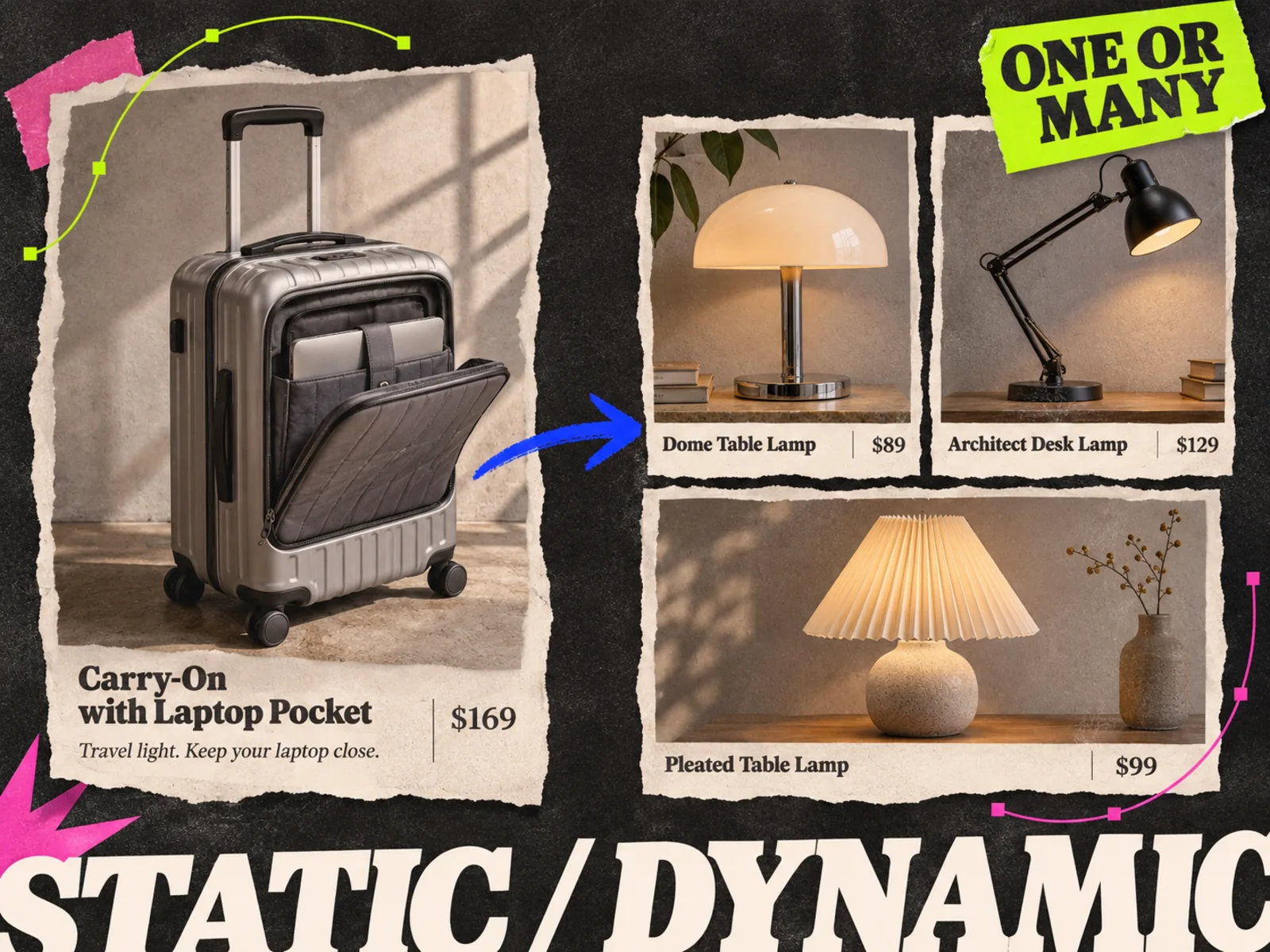
Use a static ad when the message needs art direction. Suppose a luggage brand has one carry-on with an unusual front pocket. The catalog photograph shows the case on a white background. A designed static can show the pocket open beside a laptop, with one short line explaining the use case. The image can answer a question the product tile cannot.
The same approach works for a collection launch or an objection that needs visual proof. You decide exactly what appears in the frame and what the viewer is asked to believe. The claim still needs checking. So do the placement crop and any price or offer baked into the image.
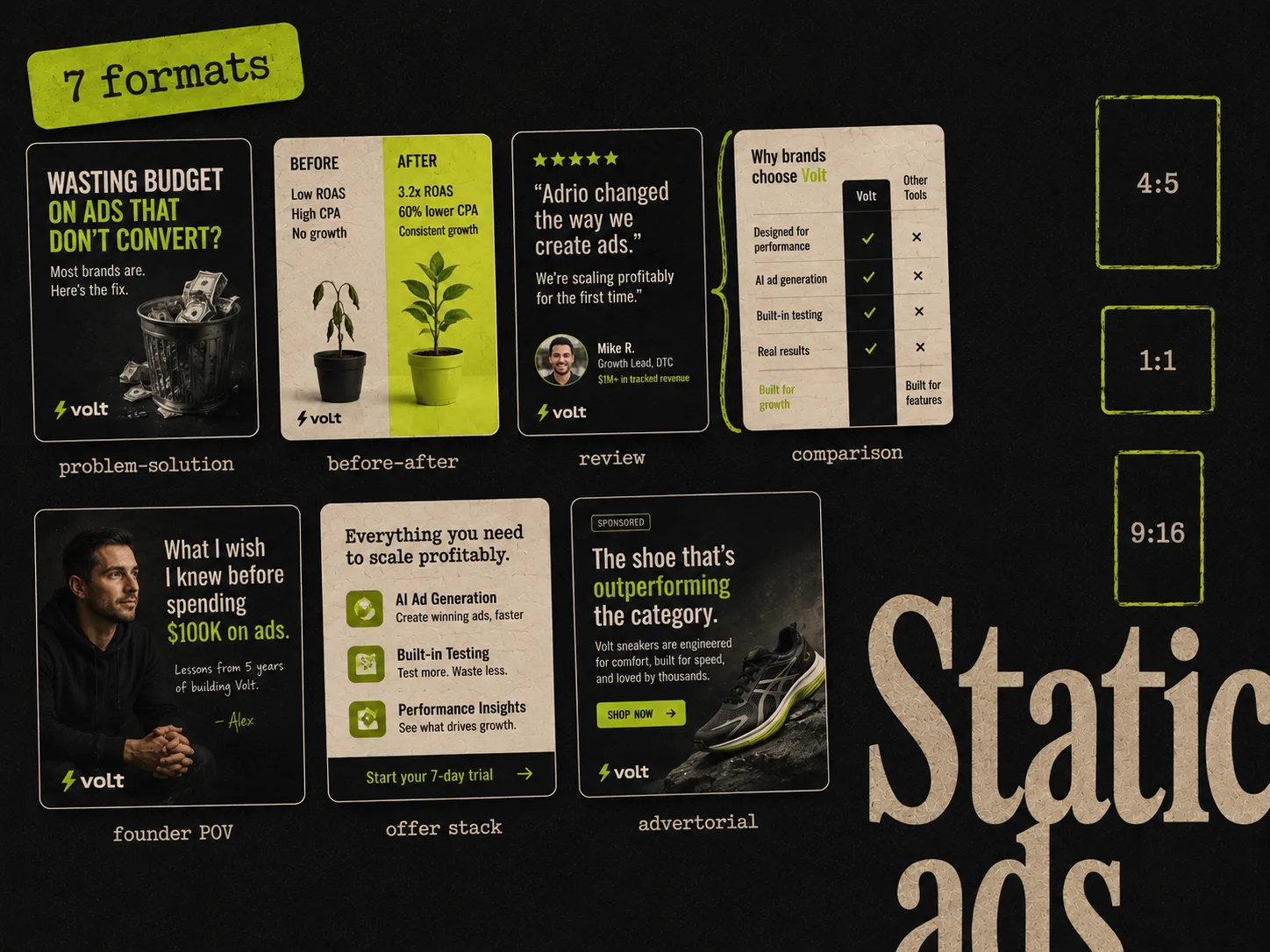
Static does not mean plain. A designed image can include a product photograph, annotations, a review excerpt the brand has permission to use, or a simple visual demonstration. The Meta static ad formats guide shows ways to structure those ideas. If the question is whether an idea needs motion, read static ads vs video ads; that is a separate decision from catalog versus designed creative.
Use a catalog to cover the product range
A catalog becomes more useful as the number of products, variants, or changing details grows. Imagine a homeware store with hundreds of lamps. A designer can make a strong ad for the new collection, but manually updating one file for every lamp, finish, and price is a different job. Catalog ads let the team work from product records instead of a separate finished creative for each item.
The catalog still needs care. Check product titles, landing links, images, prices, and availability. Check whether the product set contains the items the campaign should show. A polished template cannot fix a wrong price or a broken destination. Before launch, preview a few awkward items: the longest title, a sale product, a sold-out variant, and a product with an unusually shaped image.
Start with the product media you have. If the default presentation makes every item look interchangeable, consider a branded catalog template. Our catalog creative tools comparison covers systems for feed-driven designs, especially for large fashion catalogs. A team making five launch ads has a different production problem.
"Dynamic" can mean two different things
People also use *dynamic creative* to describe an ad setup that combines supplied images, videos, headlines, or text in different ways. That is not the same question as whether an ad pulls products from a catalog.
Ask which input changes:
- If the product item and its details come from a catalog, you are discussing catalog-driven product ads.
- If the platform combines several supplied creative parts, you are discussing creative variation or automation.
- If a team exports a finished image and uploads it as one ad, the creative itself is fixed, even if the platform later adapts its presentation for a placement.
These mechanisms can overlap in a campaign. In the brief, name the catalog or product set and say which parts you expect Meta to choose. "Make it dynamic" leaves too much for the person reviewing the ad to guess.
A small store may need both
Consider a fictional skincare shop with twelve products. Its daily catalog ads can keep individual products available for shoppers to discover. For a new moisturizer, the team may also need a designed ad that shows the texture, explains who it is for, and answers a common question about layering it under makeup.
The catalog ad and the designed ad are not duplicates if their jobs are different. One supplies an item. The other makes a specific argument. The team should check that both ads lead to the right product information and use the same approved claims.
With a larger store, the split becomes more obvious. A catalog can cover the long tail of products. Designed ads can introduce a seasonal collection, demonstrate a hard-to-explain feature, or test a new buying reason. Treat those as separate creative questions. A catalog's range does not tell you whether the message in a designed ad works, and a strong designed ad does not prove the rest of the catalog is ready.
Choose with four practical questions
Before choosing the format, write down what the next ad must accomplish.
- 1.Is the problem product coverage or buyer understanding? Catalog ads help with coverage. A designed ad can explain a use case.
- 2.How often do the item details change? If price or stock changes frequently, a claim baked into an image can age quickly. A catalog needs its own data checks.
- 3.What source material do you have? Accurate product records favor a catalog. A demonstration photograph or approved customer quote may give a designed ad its starting point.
- 4.What will you learn from the result? Decide whether you are testing a message, a presentation, a product set, or a campaign setup. Changing all four will leave you guessing about the result.
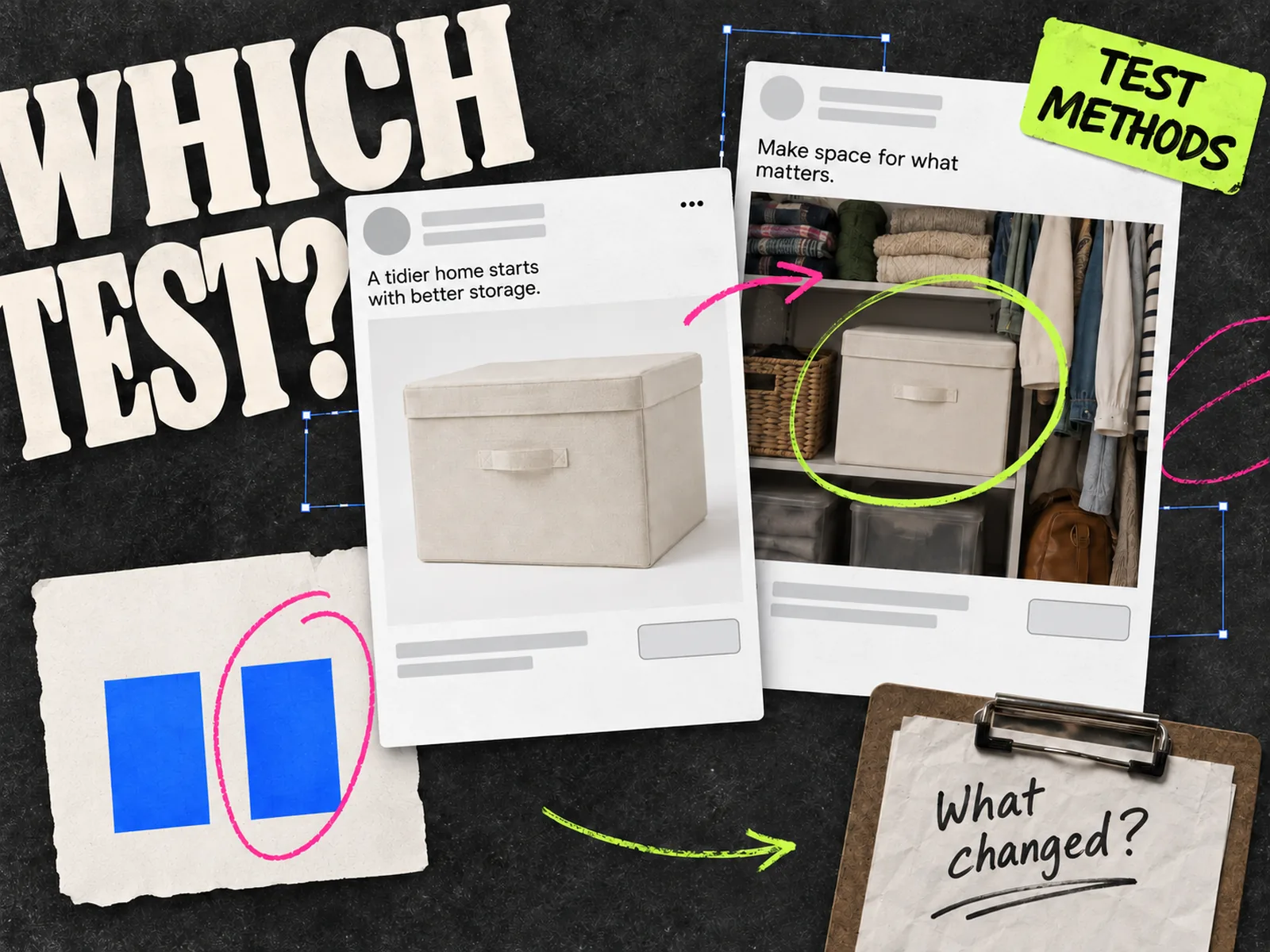
For a fairer creative question, hold the offer and destination steady where possible, and decide what outcome matters before launch. Ordinary campaign delivery can allocate unevenly, so two live ads are not automatically a controlled experiment. The ad testing methods guide explains when to use a controlled test and when a live comparison is only exploratory.
Brief the creative and audit the catalog
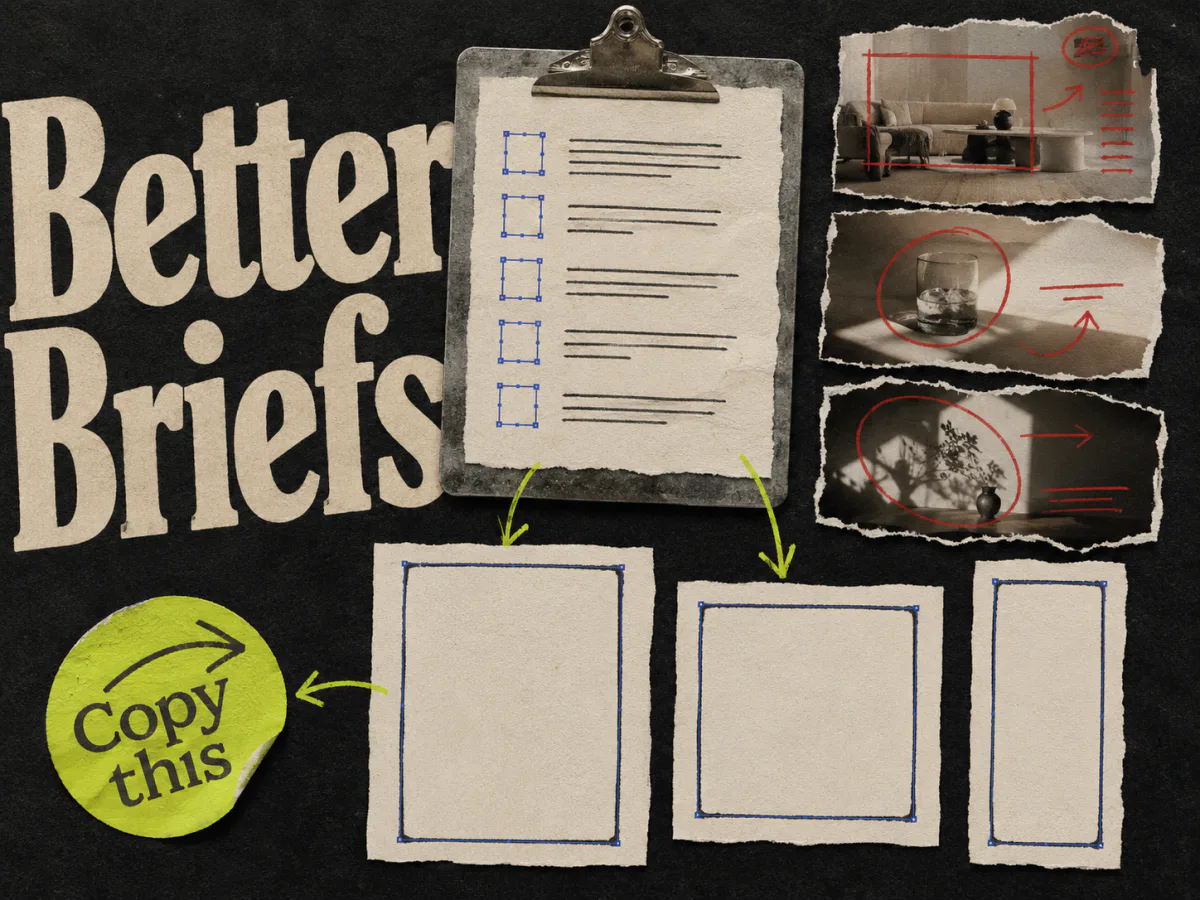
If you choose a designed ad, write a brief around the buyer question. Specify the product, approved claims, visual proof, destination, and intended placement. The ad creative brief template gives those decisions a place to live. Preview the actual crop before publishing.
If you choose a catalog ad, inspect the records that will become the ad. Open several product destinations. Check the item media and visible details against the site. Then preview how the chosen product set appears in the placements you intend to use. The feed is part of the creative, even when nobody calls it that.
Adrio is useful for the first job: researching references and making concept-led static or video ads from an approved direction. It is not a product-feed or catalog automation platform. For a brand running both approaches, Adrio can help develop the launch or explanation ads while the catalog system handles item-level coverage. Keep the two workflows connected through the same product facts and offer.
If product details change every day, check the catalog first. If buyers keep asking what makes the hero product different, brief the designed ad.