If you're choosing between Maino AI and AdYogi for creative testing, start with the kind of ad you need to test. Maino puts creative analysis and video generation near the center of its pitch. AdYogi's published workflow is more closely tied to ecommerce catalogs: product sets, overlays, prices, stock, and campaign reporting. Both touch creative performance. Neither product page, on its own, proves that you can run the exact test your team has in mind.
This guide compares what the vendors currently document, then gives you a short demo brief to find the gaps. We make Adrio, so its role appears near the end. We have not run a controlled campaign through Maino and AdYogi or measured their results against each other.
Maino AI vs AdYogi at a glance
| Question | Maino AI | AdYogi |
|---|---|---|
| What is the creative starting point? | A video idea, product image, existing ad, or performance signal | An ecommerce product catalog, product set, or existing campaign |
| What does the site show you making? | Product films, talking-avatar and UGC-style videos, captions, and reframed cuts | Catalog-linked ads, dynamic overlays, placement adaptations, and AI-written ad copy |
| What does its analysis emphasize? | Creative scoring and a loop between analysis, generation, and optimization | Product and catalog analysis, campaign diagnostics, and reporting by creative and other levels |
| What should a buyer verify? | Whether a specific creative hypothesis stays traceable from analysis to a new variant and live result | Whether the reports isolate a creative change from product-set, price, and stock changes |
These are descriptions of the published workflows, not a verdict on every feature behind a login. Maino's services page describes creative scoring, generation, cross-channel deployment, and expert oversight. AdYogi's creative page shows catalog-linked ads, inventory-aware updates, cross-platform ad population, and AI copy. Ask for a live demonstration of the specific test you plan to run.
Decide what "creative testing" means in this purchase
A creative test starts with a question that could change the next ad. "Do customers respond better to a product demonstration or a customer-style story?" is a creative question. "Which products should receive more budget?" is a merchandising question. A dashboard can answer the second while leaving the first open.
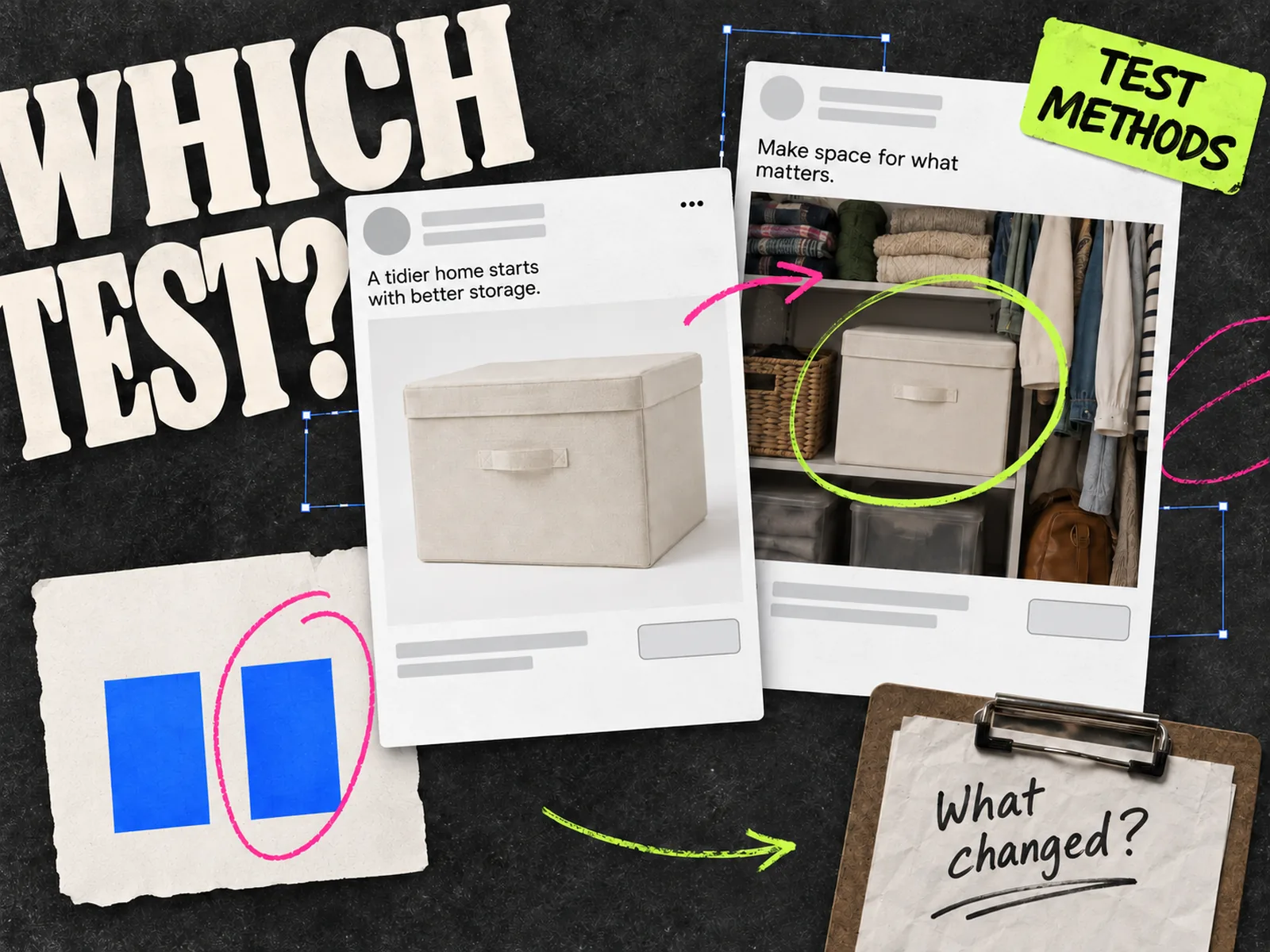
For a fair trial, write one hypothesis before opening either tool. Keep the offer, destination, audience, and evaluation window as steady as your account allows. Then record every other change. A new product set, sale price, or placement mix can move results even when the picture and copy stay the same. Our ad testing methods guide explains when a controlled A/B test is appropriate and when a broader live comparison is enough.
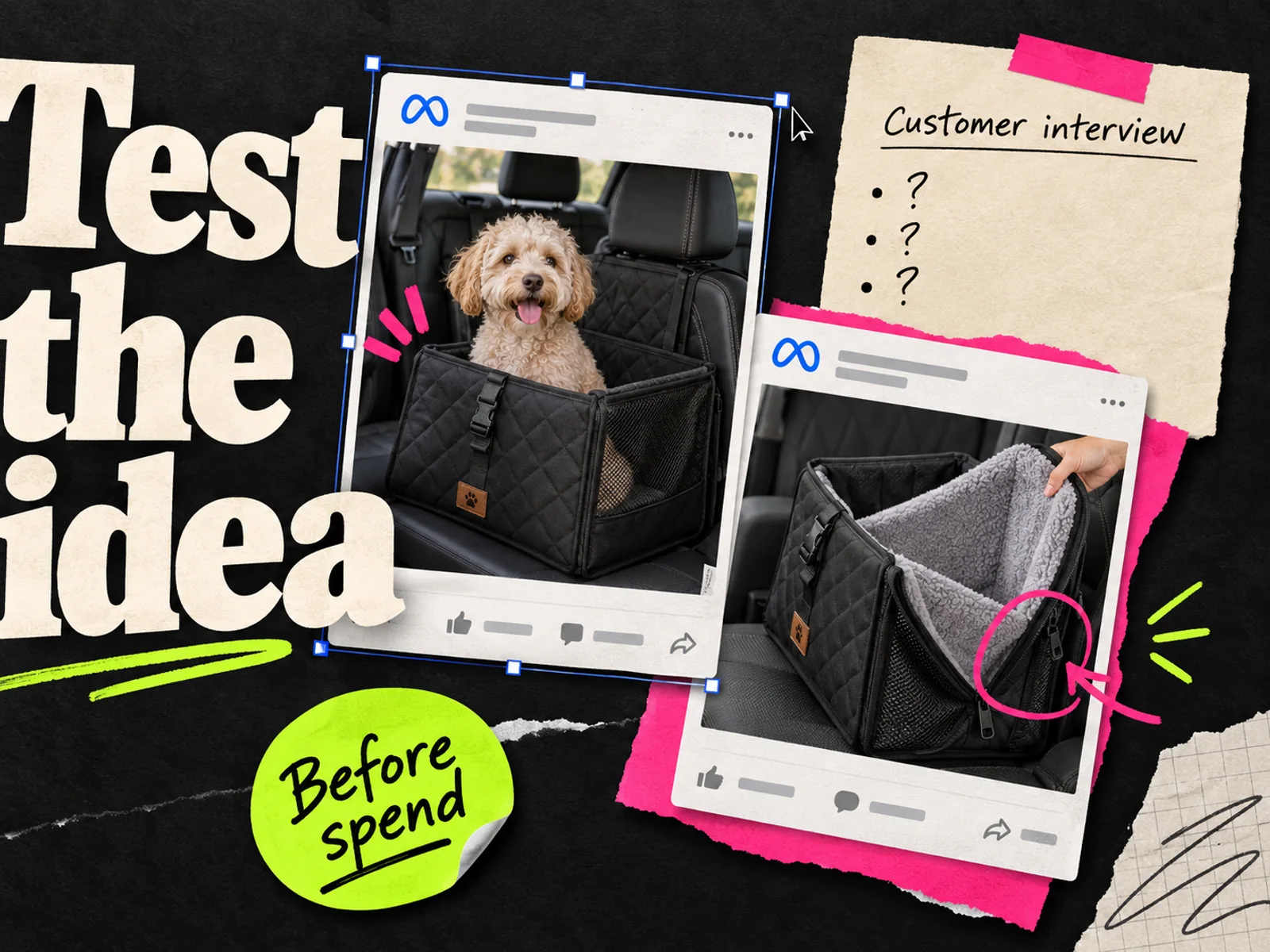
If you mean a pre-launch concept screen with people who have not seen the ad, use a different brief. Our market research guide covers that job. The comparison below concerns making, launching, and reading ads in a live campaign.
Where Maino AI looks useful
Maino's creative studio shows product films, talking-avatar videos, UGC-style formats, subtitles, scene edits, and reframing. Its services page describes a Creative Intelligence layer that analyzes creative data, scores it, and feeds generation and optimization. If last week's video review never turns into next week's cut, this is the part to investigate.
Put the workflow under pressure in a demo. Bring a real product video and two past ads whose results you already understand. Ask Maino to identify the difference between their opening ideas, propose one new hypothesis, and produce a variant that changes only the part you intend to test. Look for a record of the source ad, proposed change, generated file, and eventual result. If the system cannot show that chain, you may still want its video editor, but the “testing loop” is harder to evaluate.
Maino also describes cross-channel deployment and budget reallocation. If you need only Meta creative testing, check whether those functions are included in the product and plan you are being shown. Ask which actions are recommendations, which can execute, and where approval happens. Do not infer that a feature on the marketing site is enabled for every account.
Where AdYogi looks useful
AdYogi's creative page is concrete about catalog work. It describes product-led ads, automatic price and stock updates, overlays, adaptation across placements, and AI-generated Meta and Google copy. Its product performance page describes product segments and rule-based overlays for catalog ads. If catalog upkeep eats the time you meant to spend testing, ask AdYogi to show that workflow first.
The testing question is harder. AdYogi's analytics page describes account diagnostics and catalog analysis, while its optimization page says insights can be examined at the creative, ad set, campaign, and platform levels. Ask the team to show how a single overlay change is compared with an unchanged control. Can you keep the product set and promotion fixed? Can you see the exact asset version that ran? Can you export a result another buyer can audit next month?
If the demo shows those controls, you have a test worth evaluating. If it mainly shows ROAS by product segment, you have learned something useful about product optimization, but little about the overlay itself.
Run the same brief through both demos
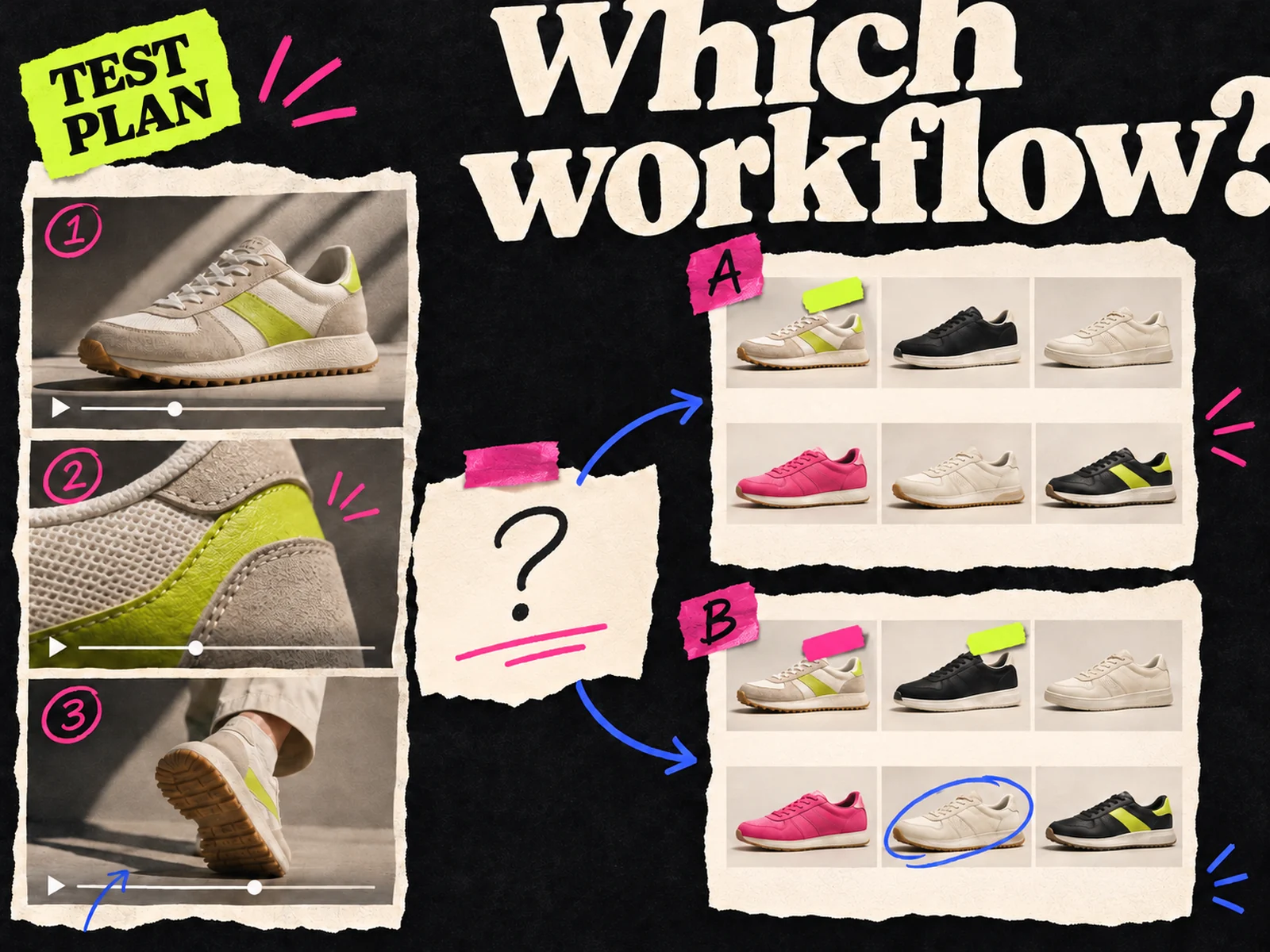
Use one product with approved images and a stable offer. Pick a change that is visible at phone size, such as replacing a product-only opening with a short demonstration, or testing a catalog frame with and without a price callout. Give each vendor the same brief and ask for the following:
- 1.Show the source inputs: product facts, image rights, price, stock, and the previous ad or report.
- 2.Make two assets that differ in the planned treatment. Record any other differences the tool introduces.
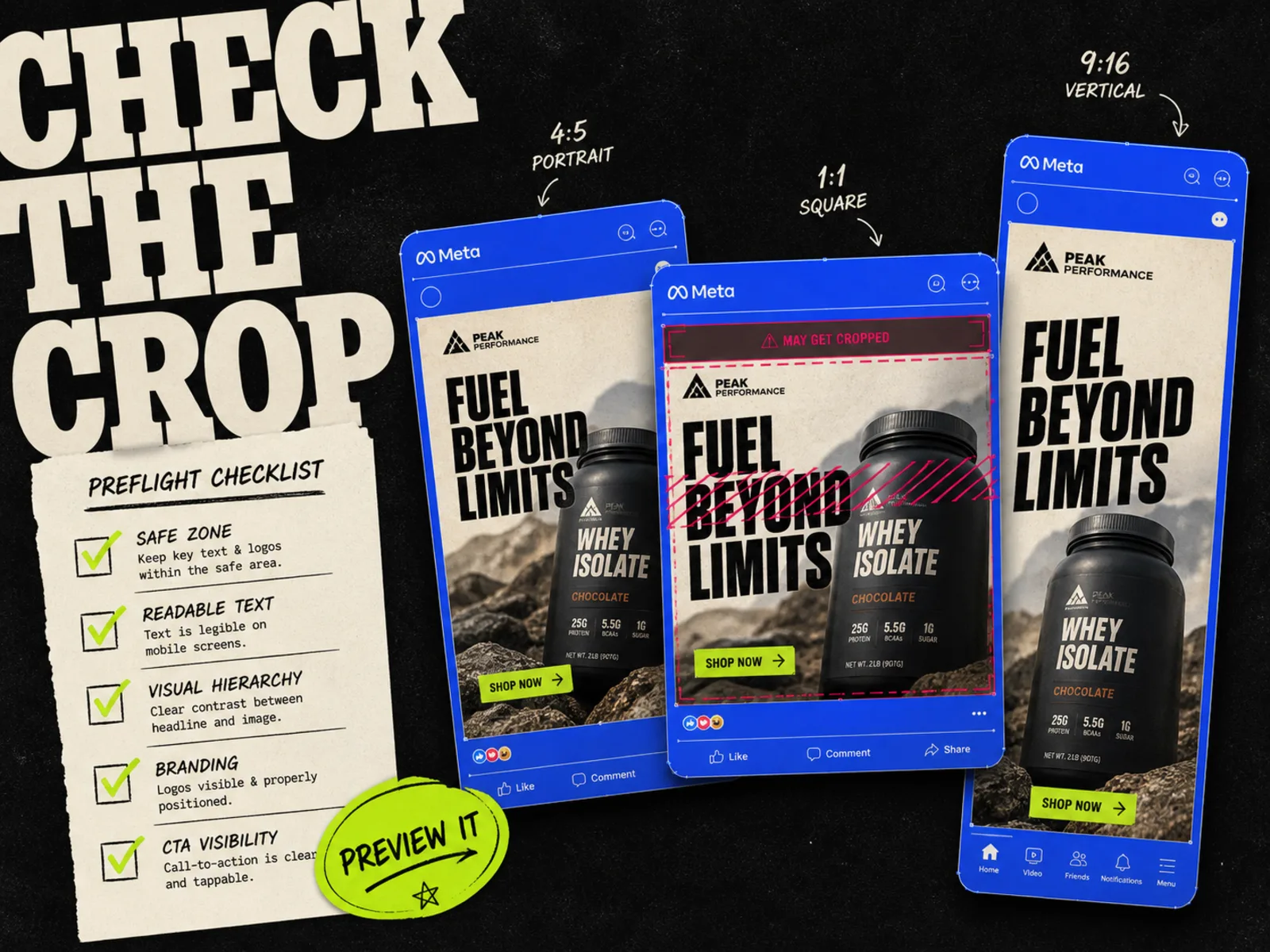
- 3.Preview each asset in its intended Meta placement. Check the crop, legibility, CTA, and destination.
- 4.Explain how the ads would be launched and compared. Ask who controls budget, audience, timing, and approval.
- 5.Show the result report you would use to decide whether to keep, revise, or discard the treatment.
Comparing a Maino video against an AdYogi catalog image by CTR would tell you very little. Format, product exposure, and delivery may all differ. Evaluate whether each workflow answers your question without losing track of what changed. The creative brief template gives you a starting document, and the Meta preview guide helps with the file review.
Where Adrio fits
Adrio's Spark works on the Meta creative loop: research running ads, plan an angle, make static or video assets, and use connected performance to propose another test. The broader creative testing tools guide places it alongside tools for reporting, launch, and catalog experiments. If your main delay is getting a fresh concept into an approved Meta ad, include Adrio in the same brief. Inspect the product facts and finished files before you count a generated variant as ready.
Choose Maino for a closer trial if video production and creative analysis are your slow steps. Put AdYogi through the same trial if feed and catalog upkeep are the daily drag. Before signing, ask each vendor to show the asset versions, launch controls, and result report in your own account. If you cannot trace what changed between two ads, you cannot learn much from their difference in performance.