If you are looking for an AdLibrary.com alternative, start with the part of your research session you would miss. Is it one search across several ad networks? A saved collection the team can revisit? Competitor alerts? Or a way to make the next ad after the research is done?
Each calls for a different tool. AdLibrary.com's current plan page lists cross-platform search, saved searches, folders, a browser extension, brand tracking, AI ad breakdowns, and API or MCP access on its Business plan. You may use only two of those features. A replacement should earn its place in the routine you have, not the one shown in a product demo.
This guide compares four routes for teams whose main work is Meta creative research: the official Meta Ad Library, BigSpy, Foreplay, and Adrio. We make Adrio; its role here is creative production after the research. For a wider category view, see our Facebook Ads Library alternatives guide.
Decide what needs replacing
Take the last ten ads you saved or shared. For each, note where you found it and what happened next. If most came from a known competitor's Facebook Page, a free source check may cover your search work. If the team searches across Meta, TikTok, and Google every day, cross-platform coverage matters. If the saved ads never become a brief, the bottleneck is downstream.
| Job you need to keep | First option to test | What it will not replace |
|---|---|---|
| Check a named brand's current Meta ads | Meta Ad Library | Saved history and team organization |
| Search ads across several networks | BigSpy | The exact AdLibrary.com filters or credit model |
| Save references and hand off creative briefs | Foreplay | Final ad production |
| Turn Meta research into original static or video ads | Adrio | Broad cross-platform ad search |
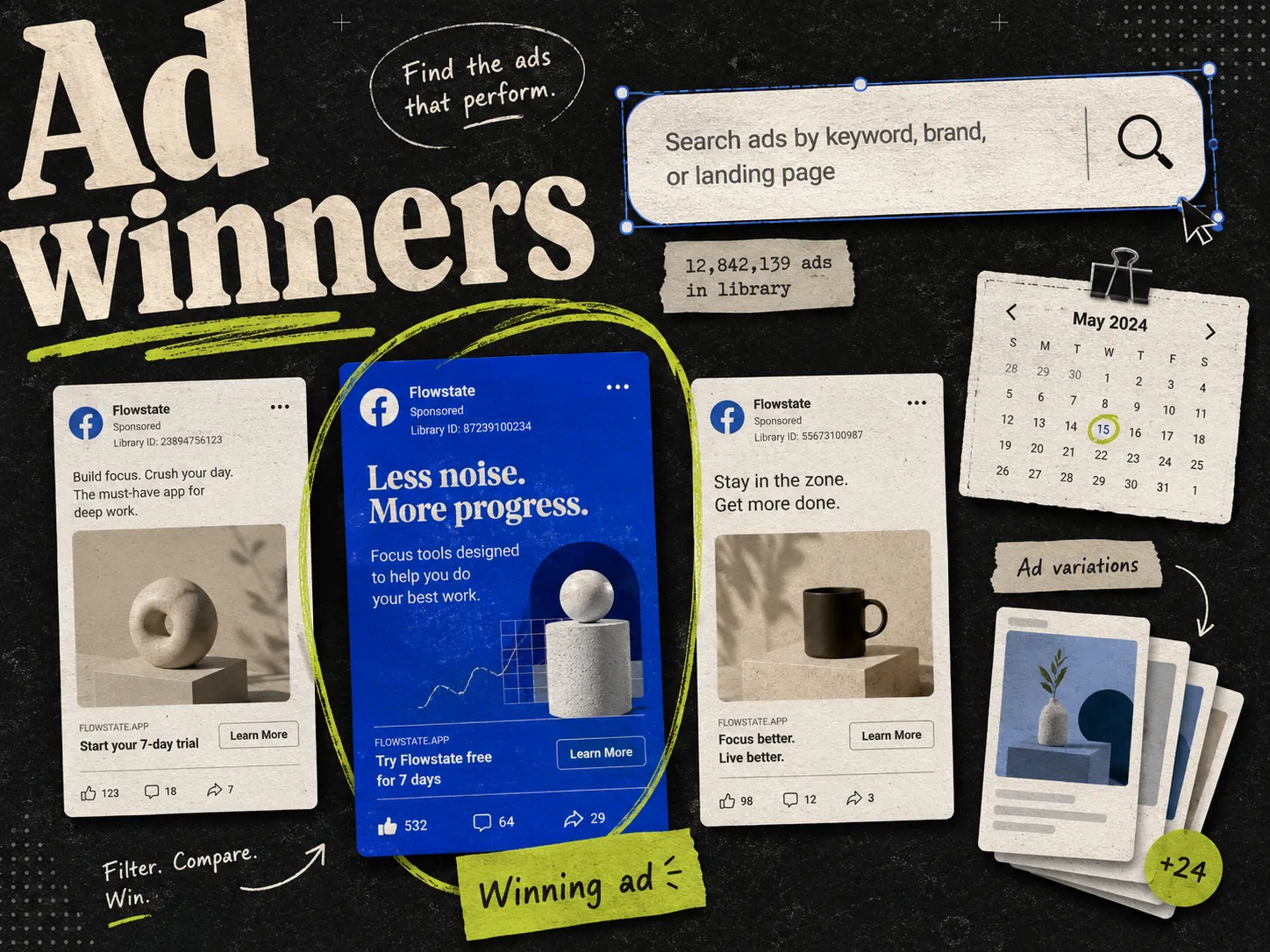
Do not assume that an active ad is a profitable ad. You can see the creative and the advertiser, but commercial ad results belong to that advertiser's account. Longevity is a clue worth investigating, not a performance report. Our guide to researching competitor ads in Meta's library shows what to record without inventing results.
Meta Ad Library: when you need the source
The official Meta Ad Library lets you search ads running across Meta's products by keyword or advertiser. Start there if your research question is, "What is this brand running now?" It is also the place to verify an ad you found in a third-party database.
Open the advertiser, choose the relevant country and ad category, and record the ad's source link and the date you checked it. Capture the hook, offer, format, and landing page if those details are useful to your brief. A screenshot alone loses the source context as soon as it is forwarded.
The manual work adds up. The native library does not give you AdLibrary.com's folders, saved searches, brand-monitoring workflow, or one search across networks. For a few known competitors each week, that may be fine. For dozens of brands, count the hours before deciding that "free" is cheaper.
BigSpy: when cross-platform search is the purchase
BigSpy's plan comparison separates basic Facebook research from broader access to Instagram, TikTok, Google Ads, YouTube, and other sources. Platform access changes by plan. Its free tier can help you inspect the interface, but it is not a fair stand-in for a paid AdLibrary.com workflow that crosses networks.
Bring the same five searches to both tools: two competitor names, two product phrases, and one creative angle. Check whether each result set contains ads you can use, whether the filters return the market and format you need, and whether you can recover the source later. A giant database is tiresome when your team spends its morning cleaning irrelevant results.
BigSpy is the closest route here when breadth of search is the reason you bought AdLibrary.com. It is less useful as a substitute if your main requirement is a shared brief or finished creative. Check the plan's network access and research limits before you compare prices.
Foreplay: when saved ads need to become a brief
Foreplay's current feature page describes a swipe file, shareable boards, ad discovery, and creative briefs. Competitor tracking through Spyder sits in its Workflow offering. That distinction matters: a team replacing AdLibrary.com brand alerts should check the specific plan, not just the product homepage.
Try the actual handoff. Save three ads around one product objection. For each, write one sentence about the pattern you noticed and one sentence about what your own brand could test. Give the board to the person making the next ad, without a call to explain it. If they can write a brief with the right product facts and a clear test question, the collection is doing useful work.
Foreplay suits teams with a research-to-brief gap. It may be a poor switch if you mainly want to search several networks in a single interface. It also does not make the final visual ad for you. Our swipe-file-to-brief workflow can help you test whether your current notes are the problem before you change software.
Adrio: when the research is done but the ad is not
Adrio is worth testing if you already find relevant Meta ads and need to make original creative from what you learned. Its competitor research and Spark workflow connect a reference structure to your own product images, offer, copy, and brand assets. Carry the observation into a new test. Leave the competitor's claim and design behind.
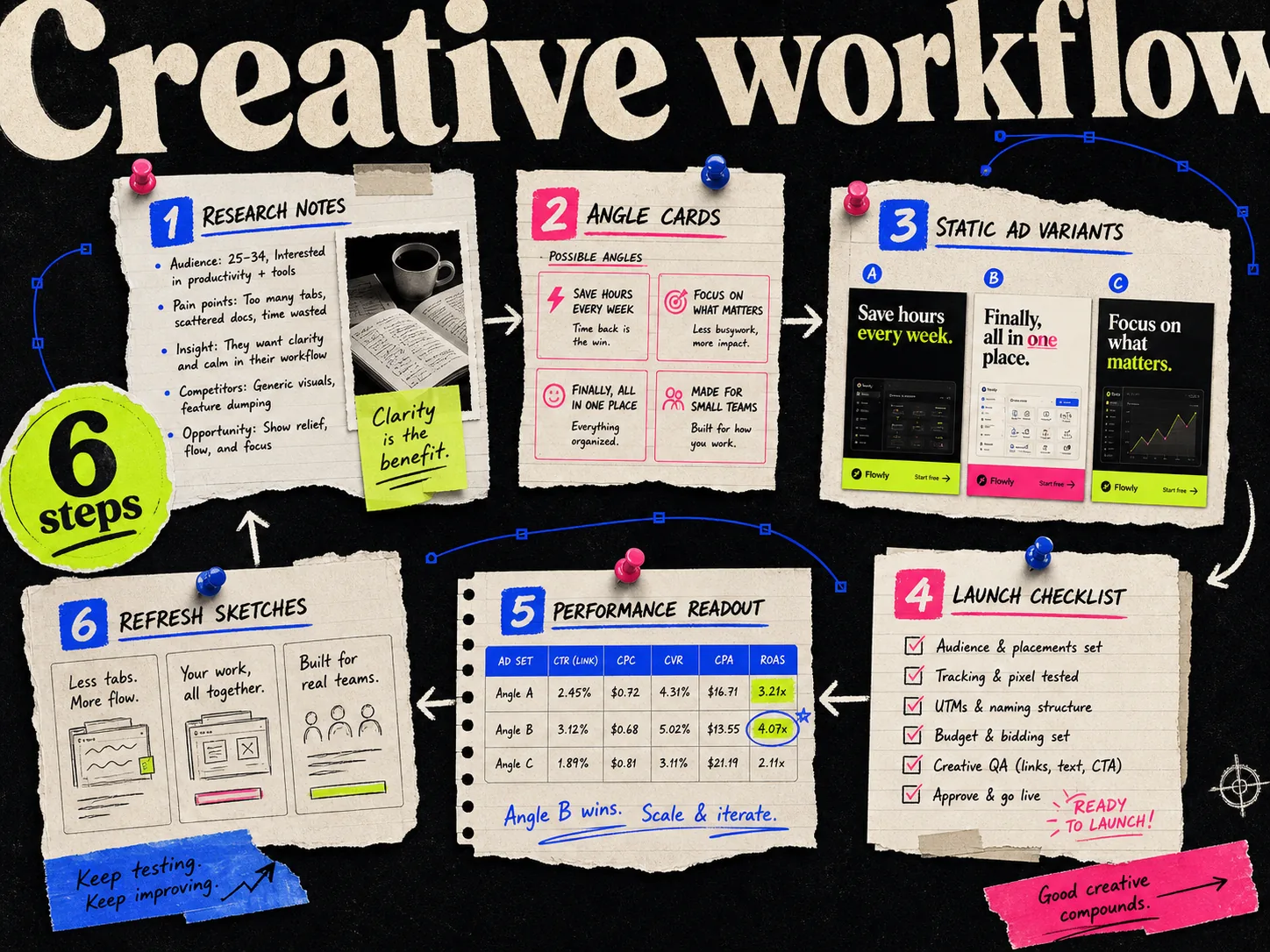
For example, suppose three competitors lead with a close-up product image and a short proof line. Your brief could test that layout with your own approved product photo and a claim you can substantiate. Save the source ads, write down the pattern, then generate a small set of distinct executions. Review the copy, product accuracy, and placement crop before anything is approved for launch. The Meta creative workflow walks through that sequence.
Adrio is not a one-for-one AdLibrary.com replacement. A team that relies on unified Google, TikTok, and Meta search should keep a separate research tool or check those libraries directly. If the expensive delay is between finding a promising reference and shipping a new Meta ad, compare the time to an approved asset instead of counting database filters.
Run a small switch test before you cancel
Choose one product and two competitors. Make a short scorecard with the tasks your team performed last week: find a current ad, save it with a source link, compare a second platform if needed, explain the reusable pattern, and prepare the next creative brief. Give each candidate tool the same assignment.
Record the output, along with the time it took:
- 1.Could you verify the advertiser and the original ad?
- 2.Did the tool surface useful examples in your actual market?
- 3.Can a teammate understand the saved reference a week later?
- 4.Can the team turn the observation into an approved brief or ad?
- 5.Which required step still happens in another tool?
Keep a copy of the notes and source links outside the subscription while you test. Before cancelling AdLibrary.com, check which collections, saved searches, and team permissions you need to preserve, and whether your plan gives you a way to export them. Do not promise a migration until you have tested it with your own account.
For a Meta-only source check, start with Meta's free library. For broad ad search, trial BigSpy with your real queries. For a research handoff, test Foreplay. If the brief is already clear and the missing output is a new Meta ad, test Adrio. The right replacement is the one that closes the step your team keeps doing by hand.