The Meta Ad Library is a free place to inspect ads associated with an advertiser. Search the advertiser, choose the relevant country and category, and check the delivery information shown on each result.
Use it to find a message or structure worth testing. Public creative records do not tell you whether an ordinary commercial ad produced profitable sales.
Meta Ad Library research at a glance
Search a competitor, filter by the region and platform you care about, and record the creative, library ID, delivery dates, and date checked. Longevity and repeated variants can help prioritize research, but neither establishes profitability. Confirm a winner using your own campaign outcome data.
What the Meta Ad Library is
The Meta Ad Library lets you search public ad records across Meta products without an ad account.
Inspect the creative, start date, platforms, and variations shown on each record. Available fields depend on the region and ad category; ordinary commercial records do not supply competitor CPA or ROAS.
How to search the Meta Ad Library
- 1.Go to the Meta Ad Library.
- 2.Pick your country.
- 3.Set the category to "All ads".
- 4.Type a competitor's brand name and open their page.
- 5.Filter by platform and date if you want to narrow things down.
Start with three to five direct competitors. Then add the big brands in your space, even if they are not direct rivals. Larger brands can offer additional references for layouts and messaging.
How to identify a candidate worth testing
Use observable signals to choose what to investigate. Keep the inference separate from the evidence.
| Observation | Useful question | What it cannot prove |
|---|---|---|
| An old start date | Is the concept still visible on a later check? | Continuous spend or profitability |
| Several close variants | Which headline, product treatment, or offer changes? | That the variants received comparable budgets |
| Versions for several placements | How does the same message survive each crop? | Which placement converted best |
| A recurring hook | Does it address a recognizable customer objection? | That the hook caused sales |
| An ad returns after a break | Is it a seasonal or offer-specific reference? | That it was previously a winner |
Meta's Ad Library API documentation describes transparency data and access scope. It is separate from the reporting for an advertiser's own account. Public creative records are not a source for competitor CPA or ROAS.
Worked example from the production library

In this Ridge execution, the phone and wallet appear together and the headline frames the product around compatibility. A useful research note is: "Test whether showing our accessory with the device makes its use clearer than showing it alone." The note names a comparison you can run with your own product.
Source: Ridge ad, library ID 1013440687948294, retrieved through Adrio on October 21, 2026. No campaign results were available. Use your own product assets and verified compatibility claims in the test.
What to record from competitor ad research
Save a short note with each screenshot explaining what you would test and why.
Good research notes look like this:
- Three competitors all lead with a price comparison
- Reviews show up in the first frame
- A competitor is testing product-in-use photos alongside packshots
- The offer is framed around speed, not discount
- Several references use one prominent claim rather than five competing messages
Review the notes for recurring messages or layouts. Choose one pattern and write a test question around it.
What the Ad Library cannot do
Plan for these limits:
- Ordinary commercial records do not provide competitor conversion results
- Looks can fool you, since a pretty ad is not always a winning ad
- It is slow to browse by hand, one page at a time
- It is easy to drown in screenshots you never use
This is where a research tool helps. It speeds up the search and keeps your findings in one place instead of scattered across tabs.
Turn competitor ad research into creative in Adrio
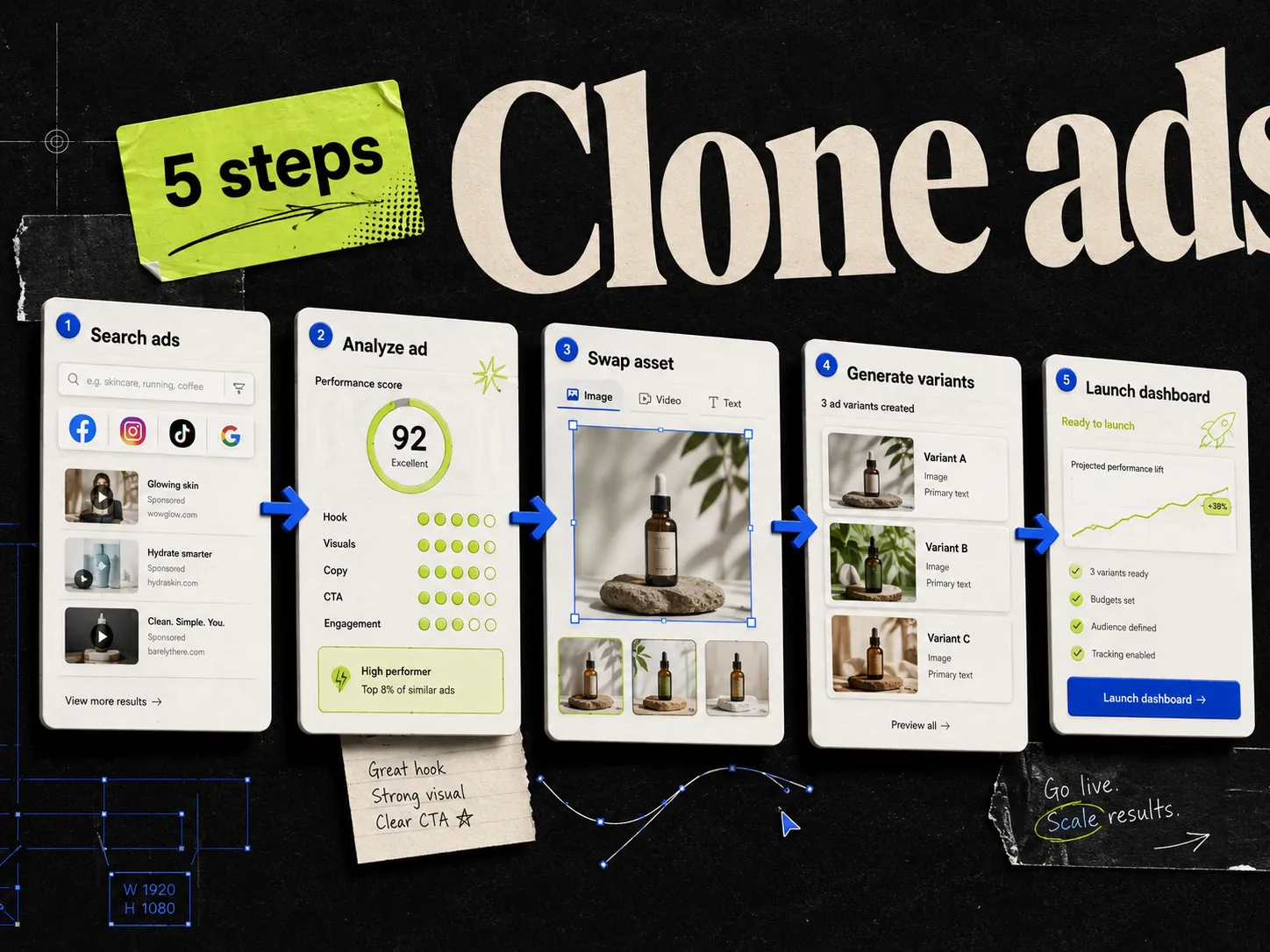
Adrio brings the research and the build into one place.
You can browse competitor ads right inside Adrio. Everything is indexed by meaning, so you can search a topic, find an ad, and pull up similar ones next to it without scrolling the Ad Library by hand. You can add your own reference images too. Or let Spark, our creative agent, search Google Images, Pinterest, and our database of 100k+ ads to gather references for you.
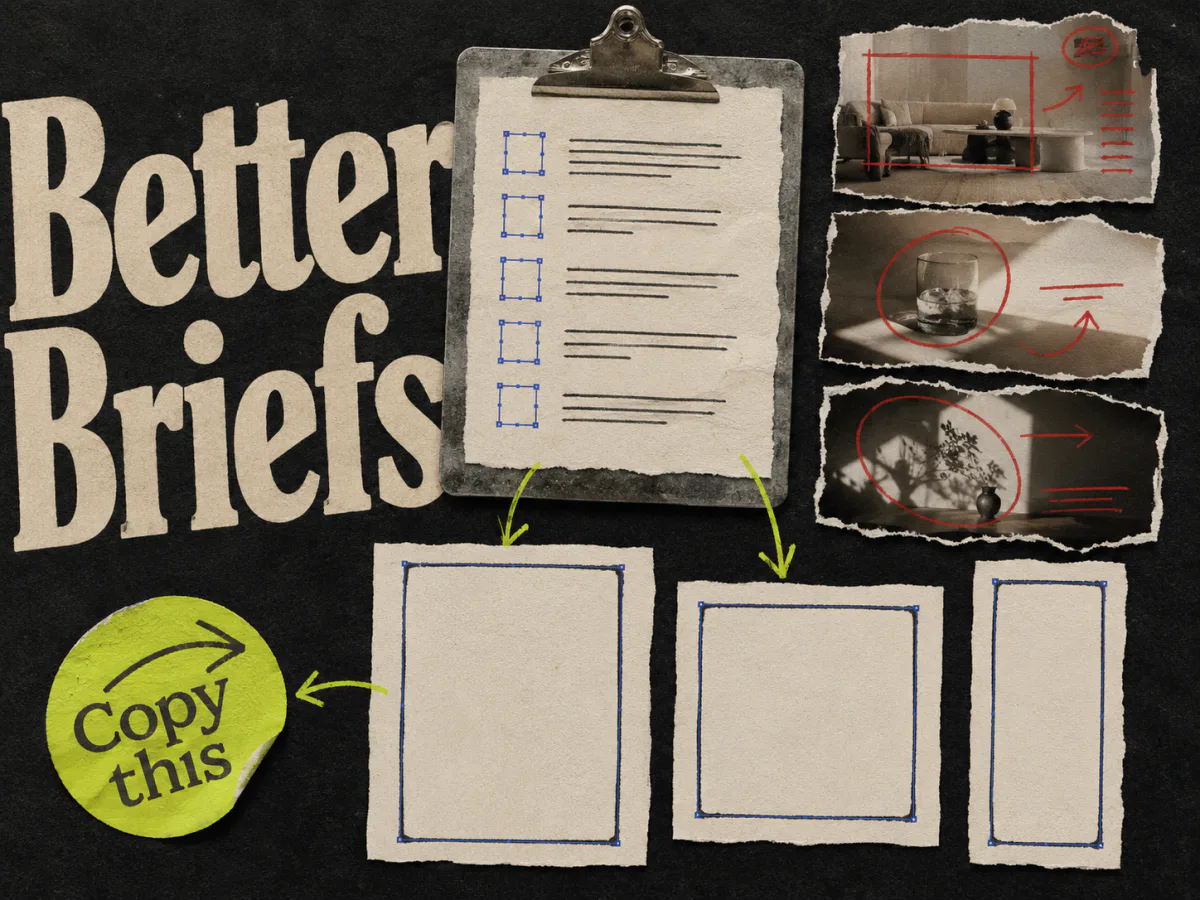
Choose a reference and use its structure to brief a new static for your brand. Review the product, copy, and offer before launch. Our guide to adapting competitor ads explains what to carry into the brief.
Questions about Meta Ad Library research
Is the Meta Ad Library free? Yes. It is public and open to anyone, with no ad account needed.
Can I see how much a competitor spends in the Meta Ad Library? Ordinary commercial records do not provide exact competitor spend or conversion results. Inspect the fields available for the selected region and category, and treat longevity and variations as research clues.
How do I know which competitor ad is actually working? You cannot verify that from a public creative record alone. A long-running ad or several variants may be worth investigating, but neither establishes profit. Test the idea with your own assets and judge it using your own campaign results.
What should I do with the ads I find? Note the structure that keeps showing up, then rebuild it with your own brand and images. See how to clone a competitor's ad.
Turn an ad reference into a test brief
Follow the swipe-file-to-creative-brief workflow to record the useful structure and the evidence your own product can support. Use the ad creative brief template to give the maker clear inputs, then add the proposed test to your Meta ad testing backlog.