Before you replace AdEspresso, look at what you opened it for last week. Was it to build a campaign, compare ads, run a rule, or send a client report? Those jobs can move to different places. A shiny new dashboard won't help if the next batch of ads is still stuck in review.
AdEspresso's current pricing page lists campaign imports, split-test analysis, tag-based reporting, scheduled reports, performance triggers, and automatic optimization. Its plans have different limits and collaboration features. Check the plan you use rather than assuming every feature is included in the cheapest tier.
For Meta advertisers, the practical options are Ads Manager for the core account work, Birch for rules, Motion for creative reporting, and Adrio for making new ads. Each covers a different part of the routine.
First, identify what AdEspresso is doing for you
Write down your last three tasks in AdEspresso. Then put each in one of these rows:
| Work you need to keep | What to test in a replacement |
|---|---|
| Building and editing campaigns | Can another buyer recreate a real campaign without losing the targeting, destination, or budget? |
| Comparing ad versions | Can you define the question, keep the versions identifiable, and read the result? |
| Rules and alerts | Can you inspect the trigger, action, lookback period, and record of what ran? |
| Client reporting | Can a client understand the dates, attribution setting, and result without a verbal explanation? |
| Making new ad creative | Can the team turn an approved product brief into accurate, usable assets? |
The last row often disappears from a software comparison. Someone still has to make the images before the buyer can test them. And if the team relies on a particular report or rule, producing better images won't replace it.
Meta Ads Manager: start with the account you already own
For a Meta-only team, begin the trial in Meta Ads Manager. Rebuild one routine campaign there and compare the steps with your AdEspresso process. Record how you create the ads, inspect placements, set up a test, and read its results. Use the same account permissions and review rules your team uses in production.
This is also the safest place to check the handoff. AdEspresso says campaigns made through its service remain active and visible in Facebook Ads Manager after a subscription expires. Verify that your own campaigns, ads, and reporting access look right before cancelling. Export any AdEspresso-specific reports or notes that your team will still need; an ad surviving in the account does not mean your internal explanation of a decision survives with it.
If the native workflow covers your week, stop there. Pay for the step that still slows the team down.
Birch: when rules are the missing piece
Birch's Meta automation page describes rules that can start or pause ads and change budgets or bids, with conditions and a log of triggered actions. Its help center also describes creative upload and reporting features. That makes Birch worth trialing when your AdEspresso routine depends on rules across campaigns or accounts.
Bring one rule you already trust. Recreate its lookback period, minimum spend or result threshold, action, and schedule. Review the rule closely before it changes a live budget. A familiar name won't tell you whether the new conditions match the old ones.
Ask who will maintain the rule when the promotion ends or the conversion event changes. The person who receives an alert should be able to see exactly why it fired. For more tools grouped by account-management job, see our Madgicx alternatives guide.
Motion: when the review meeting needs better evidence
Motion's creative insights documentation describes Meta creative views including audience breakdowns and video drop-off charts. Consider it when the team can launch ads but struggles to explain which creative patterns deserve another test.
Use a recent account review as the trial. Choose two ads with a clear question, align the date range and attribution context, and see whether the report helps you write a better next brief. If the meeting ends with another vague request for "more variations," the report hasn't solved much.
Our creative testing tools comparison covers more reporting and testing options. If your immediate need is a repeatable way to turn results into a brief, use the performance-to-next-test workflow.
Adrio: when the next creative batch is the bottleneck
We make Adrio. It belongs in this comparison when your AdEspresso tests are ready to run but fresh creative is late or difficult to revise. Adrio's Spark can use product context and competitor references to propose angles, make static and video ads, and prepare a Meta launch for review. It can read connected Meta performance and propose the next creative test. Publishing an image or video ad asks for approval by default.
Trial the production handoff. Give the tool one approved product image set, a real offer, and a clear test question. Check the product detail, claim, headline, and placement crops. Count rejected drafts and the time spent fixing them. An image that never gets approved is just another file.
Adrio does not replace a specialist rule engine or every AdEspresso report. Keep those jobs in the trial plan if they matter. The creative brief template can serve as a common input for any production tool, and the agent approval guide explains what to check before authorizing a Meta action.
Run a one-week replacement trial
Pick one live product or service and one existing campaign. The point is to observe the handoffs, not to create a new benchmark from a week of uneven delivery.
- 1.Save the current campaign settings, ads, account permissions, and a report your team actually uses.
- 2.Rebuild the setup in Ads Manager. Note any AdEspresso step that has no comfortable replacement.
- 3.If rules matter, recreate one in Birch and review its conditions and action log.
- 4.If reporting matters, ask the reviewer to answer one real creative question in Motion or your existing reporting setup.
- 5.If creative supply matters, produce and approve a small batch from the same brief in Adrio or your current design tool.
- 6.Put the finished assets, test question, report link, and owner in one handoff note.
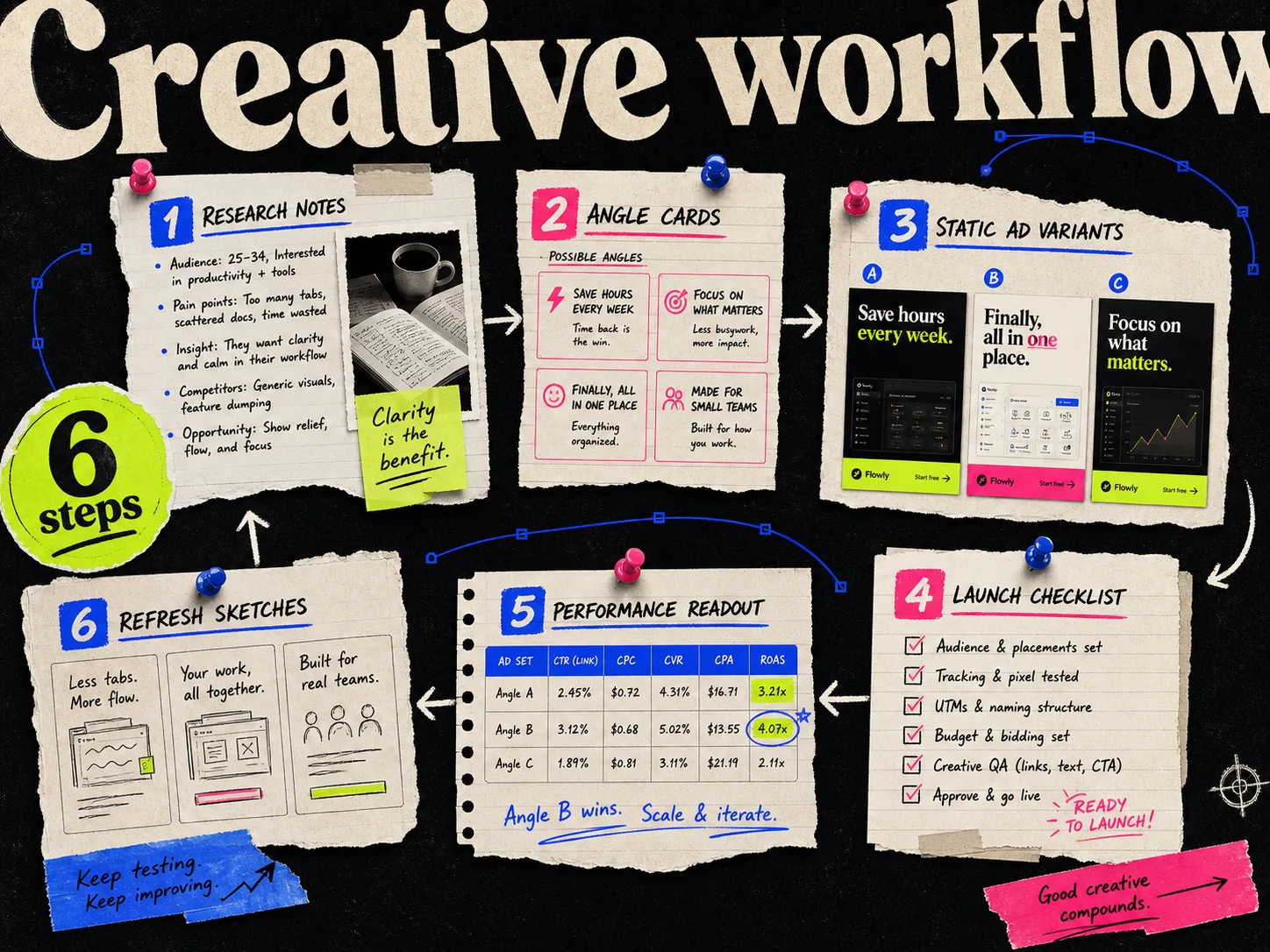
Track minutes of staff work and the number of approved outputs. Keep subscription charges, generation usage, and media spend as separate lines. More generated variants do not make a test more informative when the budget cannot give them meaningful delivery. Our weekly Meta creative workflow provides a simple way to connect brief, asset, test, and review.
Which AdEspresso alternative should you choose?
Start with Ads Manager if the job is ordinary Meta campaign setup and basic testing. Trial Birch for rules you need to run and audit, Motion for a creative reporting meeting that currently goes nowhere, and Adrio when approved creative is the missing input to your tests. A small team may only need the native workflow plus one specialist tool.
Before cancelling AdEspresso, confirm that the live campaigns are visible in Ads Manager, save reports and notes that live only in AdEspresso, and assign an owner to any rule you move. The replacement is ready when another person can follow a campaign from brief to decision without guessing what happened.