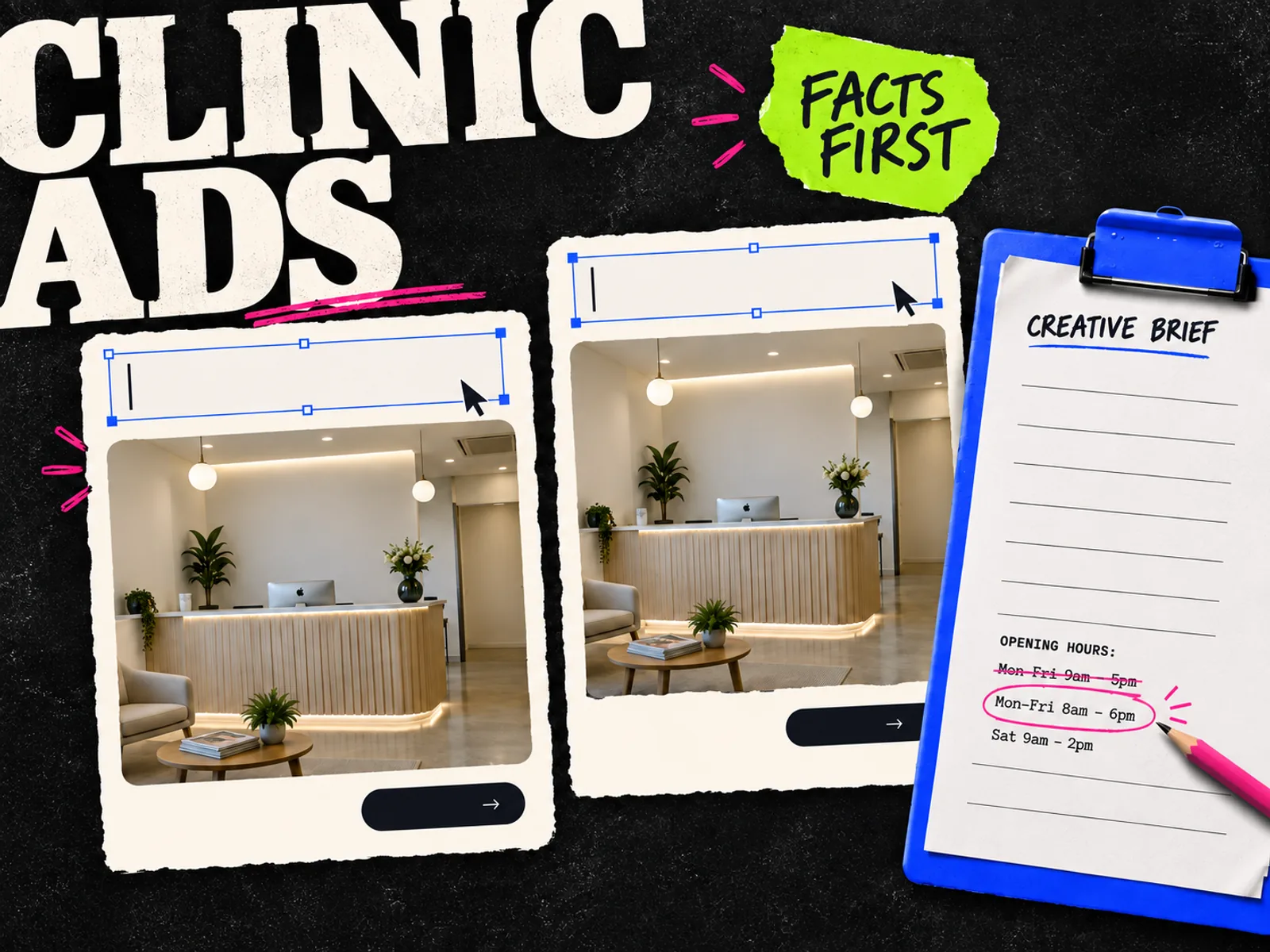
A clinic ad can look finished while getting something basic wrong: the opening hours, the service name, or the room in the photo. AI ad creative tools for healthcare practices need to make those details easy to inspect and correct.
Start with Canva if your team needs a shared template workflow. Consider Adobe Express when you want AI to suggest an editable layout around approved assets. Try AdCreative.ai when you have a settled brief and want to compare generated ad variations.
We reviewed the linked product documentation on September 18, 2026; we have not tested these tools against patient-acquisition results. For the trial, count the corrections needed before the practice can approve the file.
Choose the tool by the work your practice needs
| Tool | Reason to try it | What to check during a trial |
|---|---|---|
| Canva | Shared clinic templates, brand assets, and AI-assisted layout suggestions | Can the person reviewing the ad make a factual correction without rebuilding it? |
| Adobe Express | Generating editable templates from a written description | Can you replace generated imagery with the real practice photo and keep the layout? |
| AdCreative.ai | Producing and comparing variations from one approved brief | Can you correct copy and imagery without letting a predicted score decide what is acceptable? |
Bring the same service, copy, and images to each trial. Check the current plan for the AI features, editing access, and exports you need. A free account may be enough to inspect the interface, but it may not include the workflow your team intends to use.
Canva: keep recurring clinic ads easy to update
Canva's healthcare offering includes templates, brand kits, shared folders, and team templates. Its Magic Design documentation describes layout suggestions based on supplied content, which you can customize with your own images and text.
A designer can set up the recurring service announcement, then a clinic manager can update approved details without starting again.
For the trial, use an actual exterior or reception photo cleared for marketing. Make one service announcement, then duplicate it for a second location. Change the address and hours. Ask the reviewer to find both changes and correct one of them.
If that handoff is awkward, another batch of AI-generated layouts will not fix it. Settle the template and who can change it before generating more options. Keep the practice name and contact details as editable text wherever possible.
Adobe Express: start with an editable layout
Adobe documents a Generate template workflow that turns a written description into editable designs for social posts and other formats. You choose a result, edit it, and download the finished file. Express also supports saved brand assets; Adobe explains the options in its guide to creating marketing materials with templates.
Ask for space for a real photo, a short service headline, and a booking instruction. Keep the approved wording close by while you edit.
Avoid asking it to invent a credible-looking clinic. A generated reception desk, device, or treatment room can imply facilities the practice does not have. Insert the real image once you have chosen the layout.
Test a correction that often happens late: a longer practitioner title or a revised opening time. Make sure it fits in both the Feed and vertical versions without becoming tiny. If a designer already prepares your Adobe assets, include that person in the trial so the handoff reflects how work actually gets done.
AdCreative.ai: evaluate variations after the brief is approved
AdCreative.ai's product page describes creative generation, predicted performance scores, and customization of headlines, images, colors, and layouts.
Try it once the practice has approved the message. Compare a layout built around the photo with a simple service announcement using the same wording.
Check accuracy before looking at a score. A prediction cannot verify a medical claim or tell you whether the practice can use the ad. Judge readability after the facts pass review, and measure booked appointments only once a campaign runs.
During the trial, deliberately replace a headline with the exact wording your reviewer requests. Check the exported file, not just the generated preview. Record how many designs you would actually use and which corrections they need. That is more useful for this buying decision than the number of variations the tool can produce.
Give every tool the same approved source pack
Prepare a small folder before you start:
- The practice logo and approved colors.
- Photos cleared for advertising, with no visible patient records or unintended people in frame.
- The exact service name, location, hours, and booking destination.
- Approved copy, plus statements the practice does not want added.
- The person responsible for checking service details and signing off the final export.
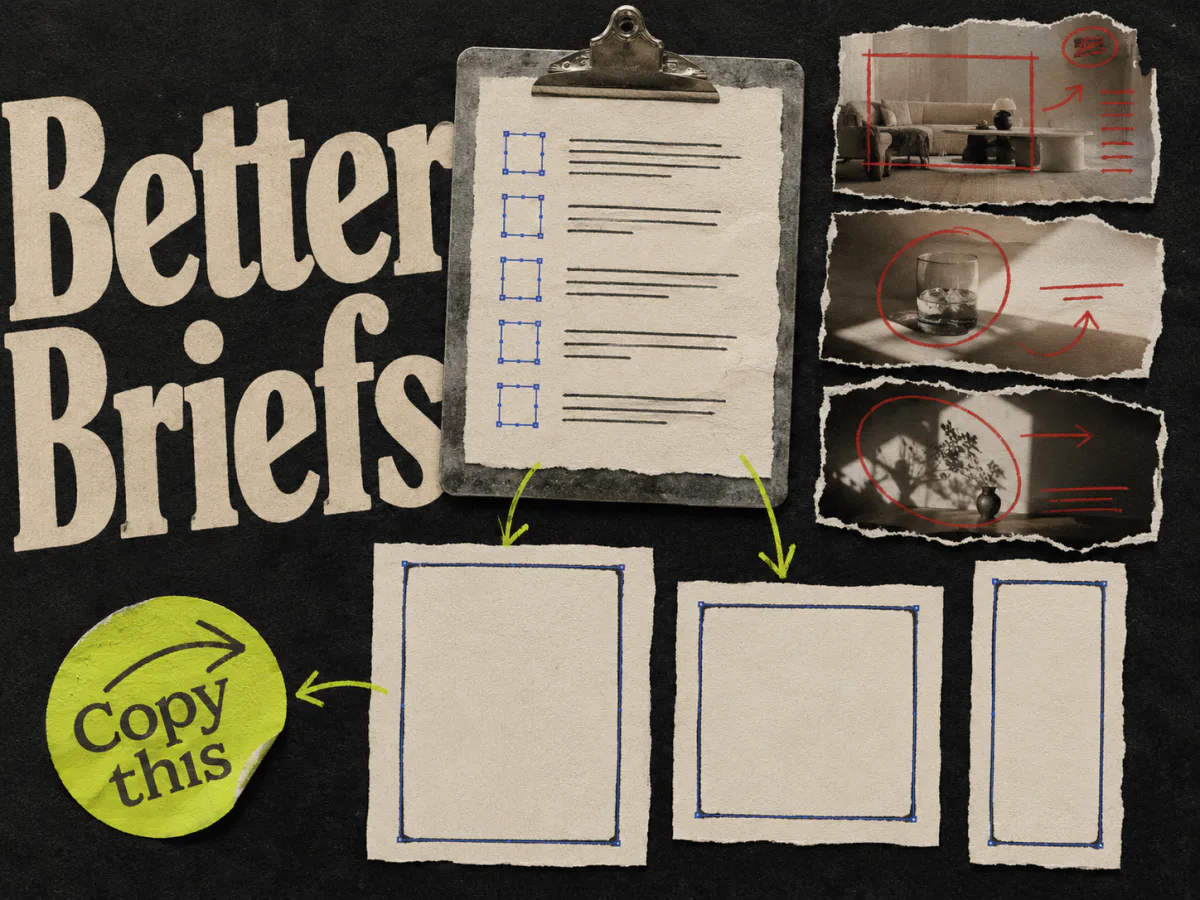
Use the ad creative brief template if those details are scattered across messages. Add a source beside facts that change, such as the booking page or the practice manager's current schedule.
Keep patient records, appointment screenshots, and private correspondence out of a routine design prompt. For HIPAA-covered entities and business associates in the US, HHS guidance on cloud computing explains the requirements for cloud services handling electronic protected health information, including business associate agreements. A healthcare-themed template tells you nothing about suitability for patient data. Have the responsible privacy lead assess any proposed use involving it.
A sample brief for a dental practice
This is an illustrative brief, not a live practice offer or a tested campaign. Replace every detail with facts your practice has approved.
| Brief field | Example |
|---|---|
| Service | Routine dental appointments |
| Message | Saturday appointments are available at the town-centre practice |
| Source image | Approved photograph of the actual reception, with nobody in frame |
| Headline | Saturday dental appointments |
| Supporting copy | View available times at our town-centre practice |
| CTA | View appointment times |
| Destination | The practice's current booking page |
| Keep out | Outcome promises, invented reviews, unverified prices, and assumptions about the viewer's health |
A starting prompt for an editable layout:
Create a calm, readable social ad layout for a dental practice. Leave a large photo area for our approved reception image. Use the headline "Saturday dental appointments", the supporting line "View available times at our town-centre practice", and the CTA "View appointment times". Keep all wording editable. Leave room for the practice logo. Do not add prices, reviews, treatment results, or extra service claims.
The tool may still change the wording or add details. Compare the result with the brief line by line.
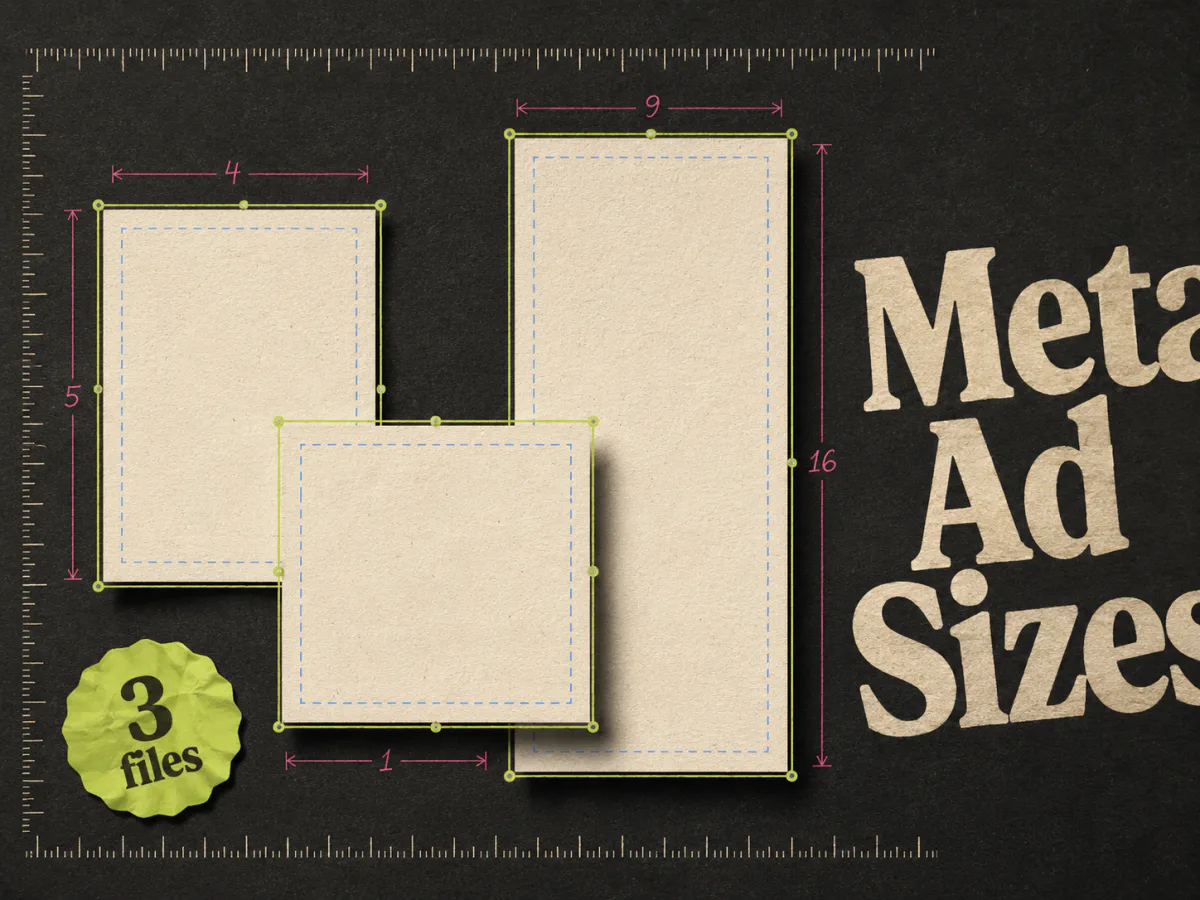
Produce two compositions: one with the reception photo taking most of the space, and one with the headline given more room. Keep the service and offer identical if the question is which layout communicates them more clearly. Use the Meta ad size guide to prepare the required canvases rather than squeezing the same design into every shape.
Review the message, then the exported ad
Have the practice reviewer read the copy without the design first. Check whether it accurately describes the available service and whether the booking page supports the promise. A line about Saturday appointments is misleading if none can be booked.
Keep the wording about what the practice offers. For this example, there is no need to guess at the reader's dental condition or manufacture urgency. Use real, authorized testimonials only if the practice has separately cleared them for the intended use.
Next, inspect the image. Does it show the actual location? Has AI changed signage or added equipment? Does a stock or generated person appear to be a named member of staff? Remove anything that creates a false impression.
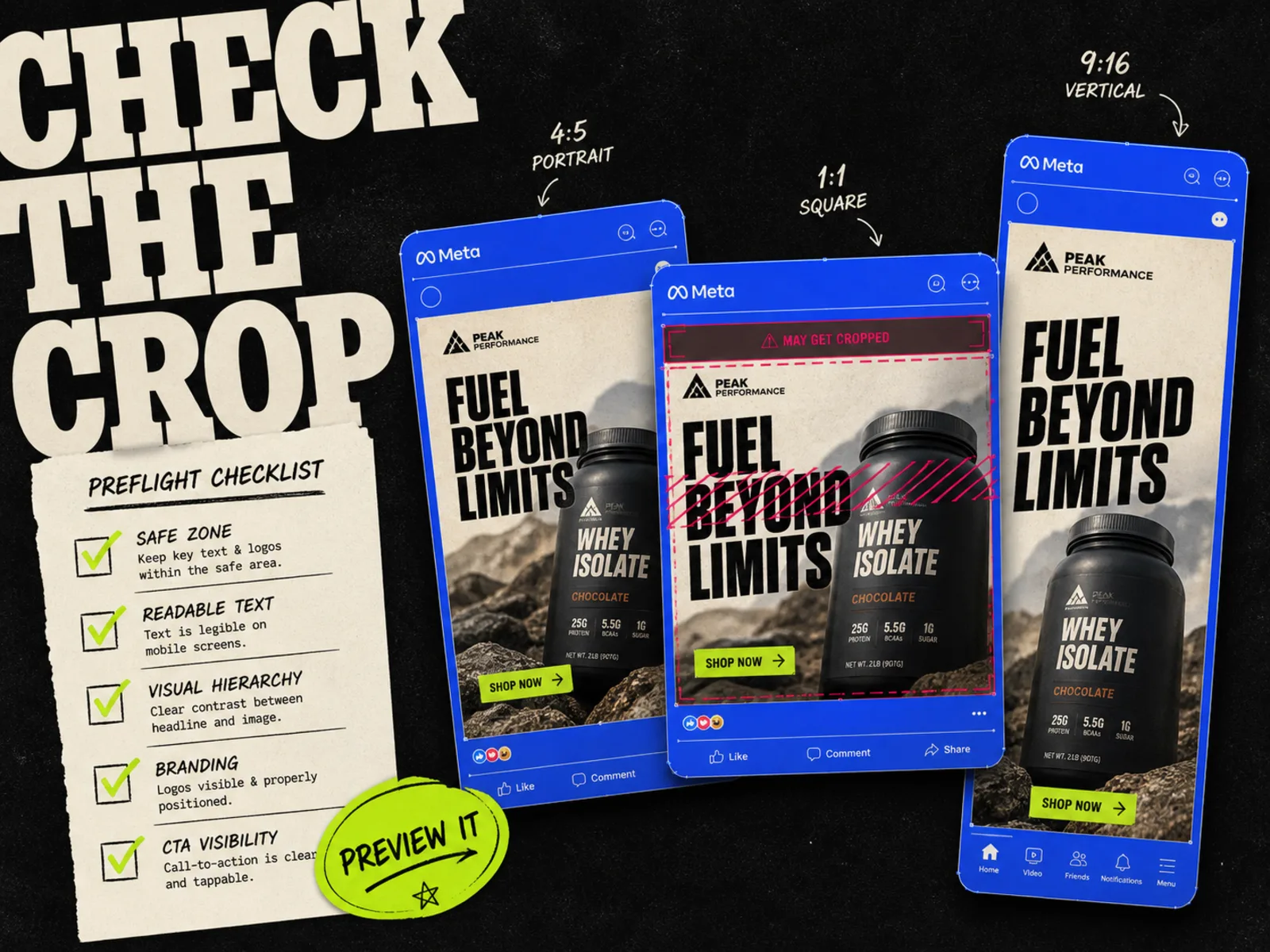
Finally, open each downloaded ad at a realistic phone size and use the placement preview workflow. Check the smallest text, crop, booking instruction, and destination. Creative approval also needs the applicable platform and local advertising review; choosing a design tool does not settle those requirements.
Save the approved export with a version name the reviewer can identify. If an address or service detail changes afterward, send the revised file back for review.
Where Adrio fits in an agency workflow
For agencies that also produce ecommerce Meta statics, Adrio connects ad research with editable static creative production. A useful reference can help you explain a layout or buying reason before production starts.
For the practice itself, choose the workflow its staff can review and correct reliably. Adrio's creative production features do not replace healthcare advertising review or an assessment of how patient data is handled.
FAQ
Which AI ad creative tool should a small practice try first?
Start with the tool the person responsible for edits can already use. Canva is a reasonable first trial for shared templates; Adobe Express is worth comparing for editable AI-generated layouts. Add a dedicated generator when making variations is the part slowing you down.
Should AI generate the doctors or patients in an ad?
For an ad about a specific practice, prefer approved photography that accurately represents it. Do not present a generated person as a real practitioner or patient, or invent a patient testimonial.
Can these tools guarantee that a healthcare ad will be approved?
No. This comparison covers production features. The practice still needs to check the facts, permissions, and advertising requirements that apply to the actual ad.
How should we compare the cost of the tools?
Use the same brief and record the time needed to reach an approved export. Include subscription requirements, reviewer access, discarded designs, and correction work. Choose based on usable output and a manageable review process.