Imagine cancelling Adsparo tomorrow. Would you miss its product searches, its saved ads, or the browser extension you use to check a competitor? Those are different purchases. Adsparo combines Ad Library filters, saved ads, product discovery, and ad history, so a generic "ad spy" subscription may cover only part of your routine.
This guide is for teams researching commercial Meta ads. It looks at four possible next stops: the official Meta Ad Library, Minea, Foreplay, and Adrio. The broader Facebook Ads Library alternatives guide compares the category; this one starts with the specific work Adsparo users may need to move.
What are you replacing in Adsparo?
Adsparo's feature page describes filters for country, date, language, media type, platform, ad copy, and other fields. It also lists ad and page history, saved ads, trending products, and a Chrome extension. Its Chrome Web Store listing describes saving ads from Meta's Ad Library and viewing the history of collected ads. The extension is unofficial; it is not a Meta product.
Those features belong to different jobs. Before comparing prices or screenshots, write down which of these you actually use:
| Your recurring job | What a replacement must do |
|---|---|
| Check a competitor's current Meta ads | Find the advertiser and inspect the live creative at its source |
| Hunt for products or offers | Search broadly, filter candidates, and keep product context |
| Save examples for a team | Retain the ad, source link, notes, and a way to share it |
| Turn a reference into your own ad | Move from the observed pattern to an approved brief and original asset |
If you only do the first job, try the free source before buying another database. If your team does all four, you may need more than one tool. Write down where the hours go before comparing subscriptions.
Meta Ad Library: start with the source
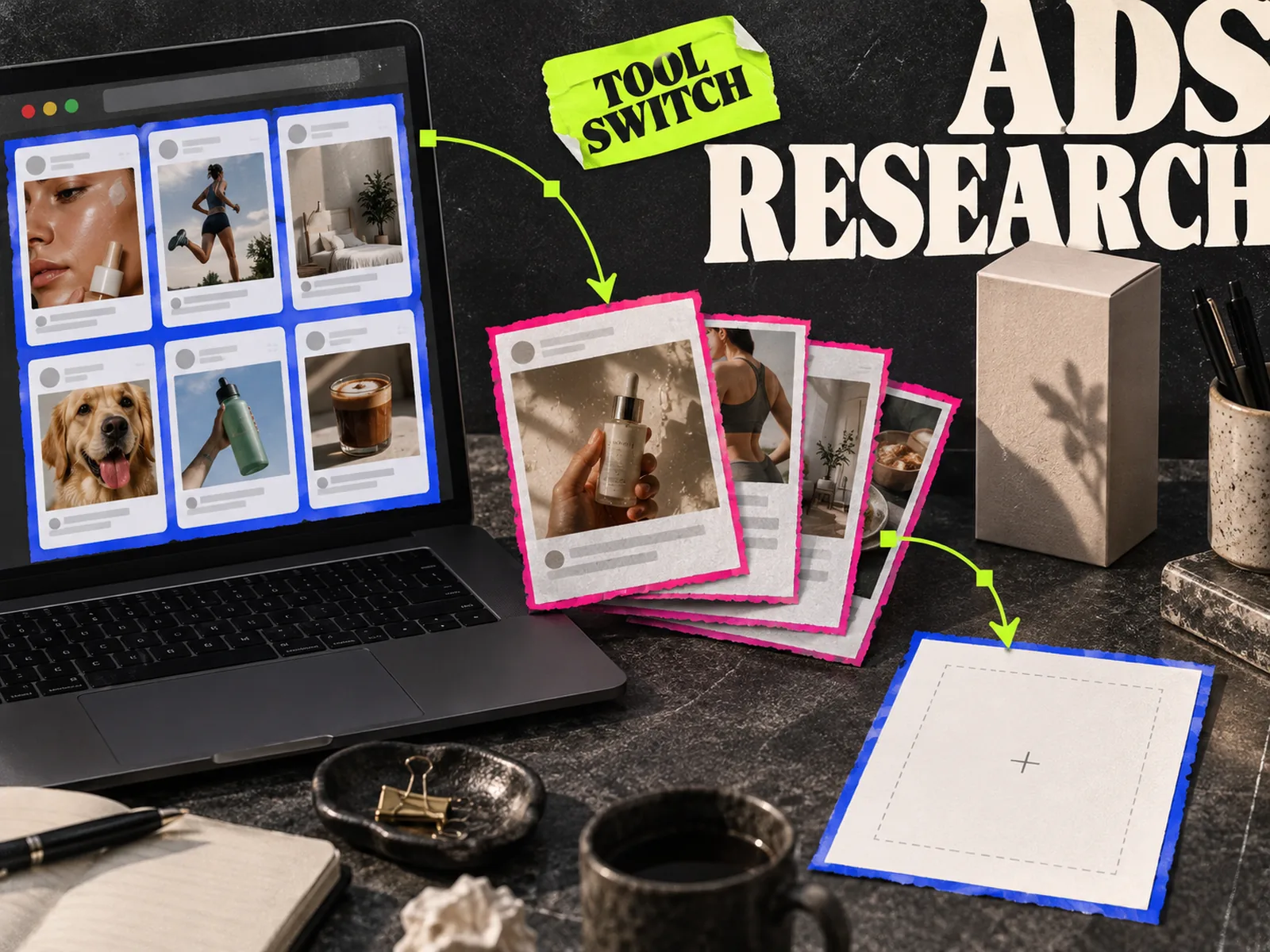
The Meta Ad Library is the first place to verify what an advertiser is running now. Search by advertiser or keyword, set the country and ad category, then open the ads you want to inspect. Meta's Ad Library API page also directs people who want to search current ads across its products to the Ad Library.
Use it when you need a current source check and can live with a manual research session. It will not replace Adsparo's saved history or product-discovery workflow by itself. Save the source link and the date you viewed an ad, especially if a teammate will review it later. A screenshot with no advertiser or date is easy to misread after the campaign changes.
Be careful with the word "winner." An active competitor ad is evidence that it is running, not proof of its return on ad spend. Time active and repeated variations can suggest what a brand is exploring, but they cannot reveal the campaign's conversion data. Our Meta Ad Library research guide explains how to record observations without turning those clues into a performance claim.
Minea: keep the product-research job
If you open Adsparo to find products and offers across ecommerce advertisers, Minea is the closer type of alternative. Its site describes searchable ads across Facebook, TikTok, and Pinterest alongside product discovery and competitor research.
Run the same product category through both tools before switching. Check whether you can find relevant advertisers, inspect the original ad, and preserve the product or landing-page context your team needs. A large database sounds useful until the results are too broad to brief from. Record a handful of examples you would actually use, including the source link and why each one matters.
Choose Minea for product-led exploration. If your team already knows which products it sells and mainly needs shared creative references, start with a swipe-file tool instead.
Foreplay: move saved ads into a team workflow
Foreplay is a better comparison when Adsparo acts as your team's memory. Its current pricing page describes a Chrome extension for saving ads, shareable boards, discovery search, and briefs. It also lists competitor tracking on some plans. Check the plan details against the number of brands and people you work with; a feature appearing on the product page does not mean it is included in every tier.
Try one real handoff. Save five ads from a campaign theme, add a note about the hook or proof in each, then give the board to the person writing the next brief. Can they tell which parts are observations and which are your team's ideas? Can they get back to the source ad? If the answer is no, more saved ads will only make the folder larger.
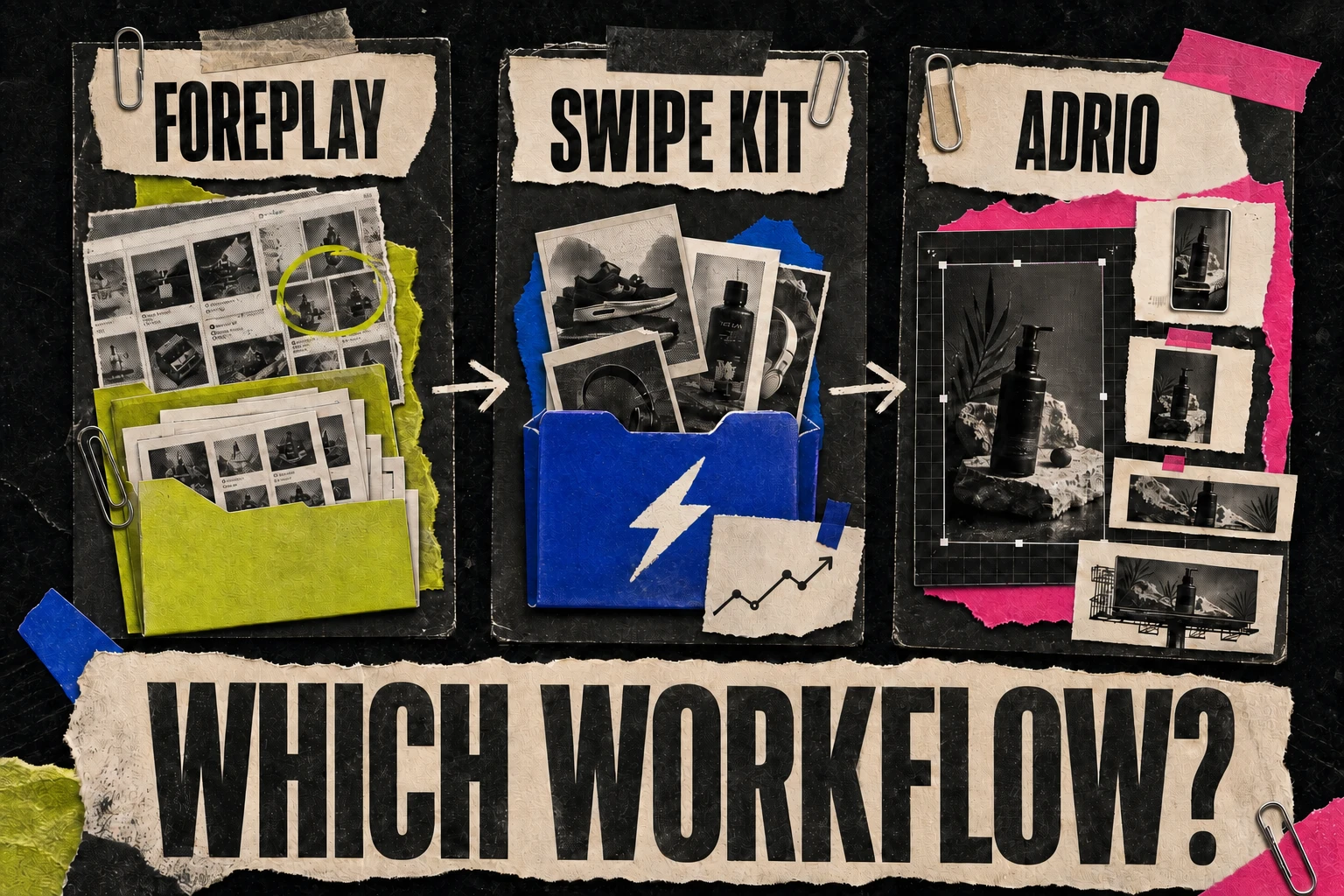
Foreplay is a strong fit for research that ends in a shared brief. It is less direct if the missing step is making the new asset. Our Foreplay, SwipeKit, and Adrio comparison goes deeper on that distinction.
Adrio: take the useful pattern into production
Adrio fits when the research keeps ending with "we should make something like this," but the next creative batch never gets made. Its competitor research and Spark workflow can turn an observed hook, layout, or proof type into a brief and new static or video concepts for your own product. Static assets remain editable in the studio; image and video ad publishing to Meta asks for approval by default.
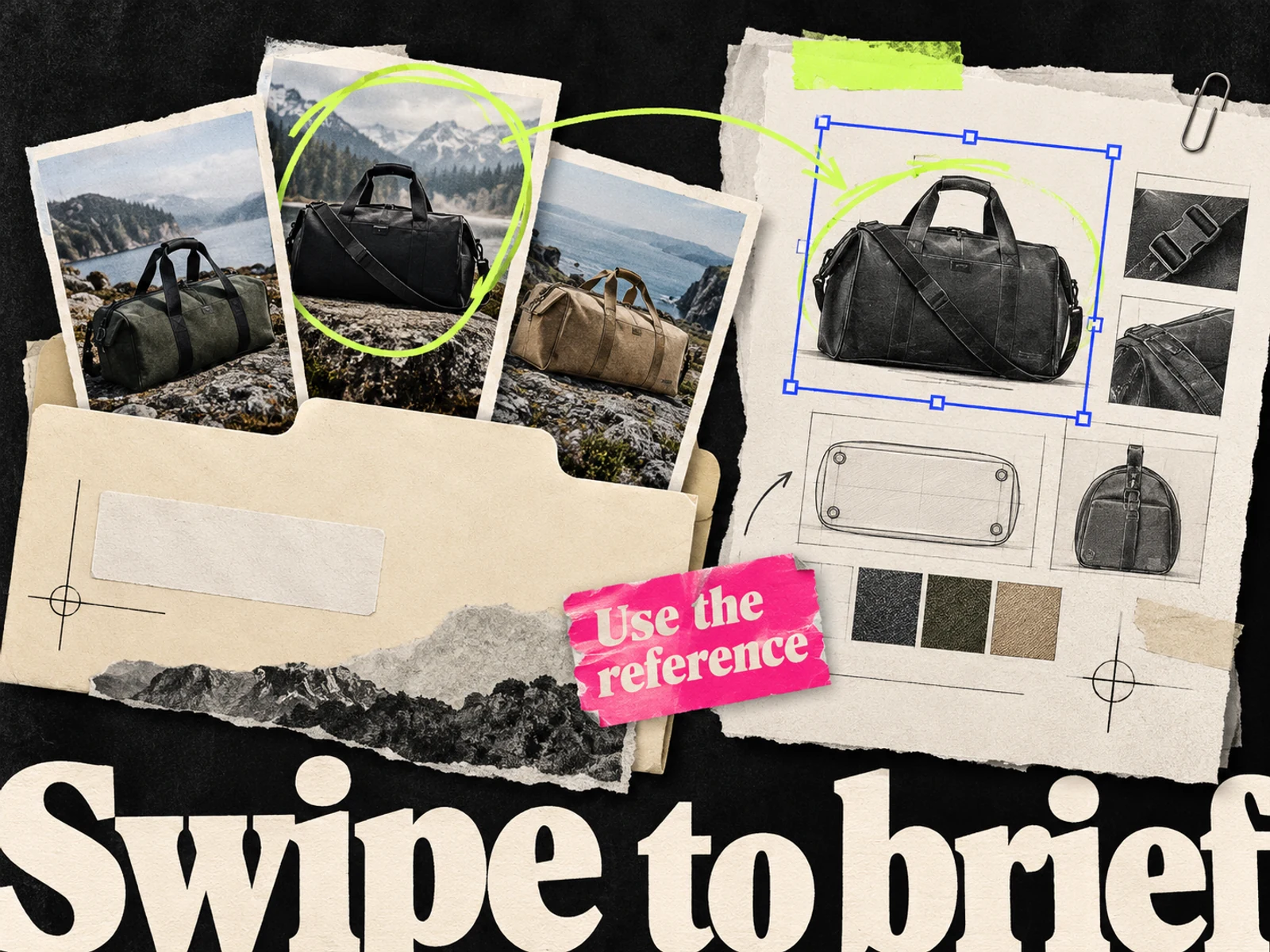
That does not make Adrio an exact Adsparo replacement. If you rely on Adsparo for broad product hunting or an archive of saved ads, test those needs separately. Adrio's value is the handoff from research to original creative and the next Meta test. The swipe-file-to-brief guide shows how to capture a pattern without copying a competitor's image or claim.
Give any production tool the same source pack: your product images, approved offer, brand rules, and the observation you want to test. A competitor's ad is a reference for structure, not evidence that its claim is true for your product.
Test the switch with one research session
Pick a product you know well and two competitors. In each candidate tool, try to find one current ad from each competitor. Note the source URL, advertiser, date viewed, format, hook, offer, and what you would test in your own campaign. Then ask the person who normally makes the creative to turn one note into a brief.
Watch where the session slows down. If finding ads is easy but nobody can explain a saved reference a week later, fix the notes. If the hard part is finding new products, keep a product-research tool in the trial. If the team already has a good shortlist of ads, time the gap between saving a reference and approving a new asset.
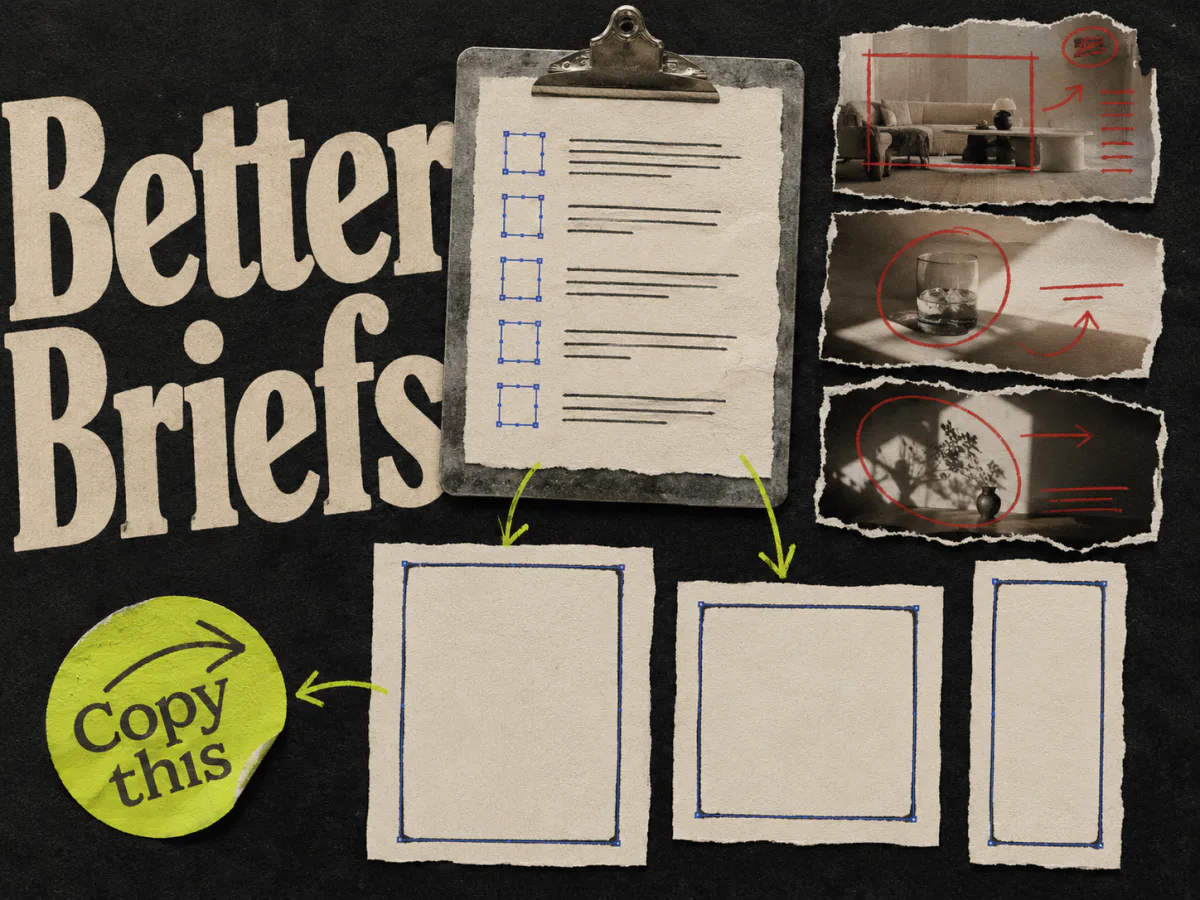
Judge the candidate by the finished handoff, not the number of search filters. You can use the creative brief template as a common output for the trial.
Which Adsparo alternative should you choose?
Use Meta Ad Library for a current source check. Test Minea for product and offer discovery, Foreplay for a shared reference-to-brief handoff, and Adrio for making original Meta creative from a research pattern. Keep the trial narrow: one product, two competitors, and a brief that someone else can act on.