To convert a PDF to PNG for ad creative, upload it to a PDF-to-image converter, choose PNG, and download the page you need. Then check its pixel dimensions and layout before using it in your ad.
The trouble usually appears after conversion. A brochure gets squeezed into a square and suddenly nobody can read the offer.
If you still have the original design file, export from that first. A PDF is a useful fallback when a client sends approved artwork and the source file is missing.
Choose the tool for the file you have
| Your starting point | Useful option | What to check afterward |
|---|---|---|
| A finished PDF page that needs to become an image | Adobe Acrobat online | Correct page, dimensions, and any unwanted margins |
| A PDF where you need control over rasterization resolution | PDF24 | DPI setting and actual output dimensions |
| A PDF that needs text or layout changes | Canva | Font substitutions and elements that did not import cleanly |
| A file you want to convert locally on a Mac | Preview | Selected page, PNG format, and output size |
Converting the finished page preserves its composition as one image. Importing it into an editor attempts to recover parts you can change.
For client files that cannot be uploaded to an external service, use an approved local tool.
How to convert PDF to PNG online
Adobe Acrobat: convert the finished page
Adobe's online PDF-to-PNG converter is a direct route when the artwork is already approved.
- 1.Upload the PDF using the file picker or drag and drop.
- 2.Choose PNG if the tool asks for an output format.
- 3.Run the conversion and download the result.
- 4.Open the image and compare it with the original page.
Adobe says a multipage PDF produces a separate PNG for each page. Keep the page you need and give it a descriptive filename before handing it to the media buyer.
If the PDF contains three ad concepts on one presentation slide, conversion will produce an image of that whole slide. It will not turn the concepts into three separate, correctly sized ads. Ask for separate exports or rebuild each concept on its own canvas.
PDF24: set the conversion resolution
PDF24's PDF-to-PNG tool has a DPI control alongside its conversion settings. That is useful when a default export produces an image that is too small.
- 1.Add the PDF to the converter.
- 2.Set the DPI for the output size you need.
- 3.Convert and download the PNG files.
- 4.Inspect the dimensions of the downloaded image, rather than assuming the DPI number was enough.
PDF24 processes the online conversion on its servers. Its page also links to PDF24 Creator, a Windows desktop alternative.
Choose DPI from the PDF's page dimensions and the pixels you need after cropping. The calculation below shows how.
Canva: edit the PDF before exporting
Canva's PDF editor supports importing PDFs and downloading designs as PNG. Choose it when the task includes changing the offer or rebuilding the layout.
- 1.Import the PDF and open the resulting design from Projects.
- 2.Compare it with the original, especially the headline, logo, and small print.
- 3.Make the necessary changes and adapt the composition for the ad.
- 4.Open Share, then Download, and select PNG.
Canva warns that imported elements can look different because an exact font match may be unavailable. Flattened images also cannot be broken into editable parts. Treat the import as a starting point that needs checking.
Our Canva alternatives guide covers tools for ongoing ad production.
How to convert locally on a Mac
Preview is handy when you have a single page to export. Open the PDF, select the page you want in the thumbnail sidebar, then use File > Export and choose PNG. Save a new file and inspect the result.
Apple documents the export workflow in its Preview format conversion guide. If PNG is not visible in the Format menu, Apple suggests holding Option while opening that menu to reveal additional formats.
For a long PDF, an app with an explicit batch page-export workflow is easier to manage. Test one page first so you do not discover the wrong resolution after exporting the entire deck.
Export the page or extract the product image?
A PDF can contain a product photo, a vector logo, text, and a background. Turning the page into PNG combines that composition into a raster image. The text becomes pixels too.
That works when you want the whole approved design. It is less useful when you only need the bottle photo from the bottom corner.
Adobe's image-export documentation distinguishes between saving PDF pages as images and exporting the raster images embedded in the document. Its image-extraction option does not extract vector objects.
For an ad rebuild, ask for the original product photo and logo when possible. You get cleaner source assets and avoid carrying the brochure's background into every new variation.
Keep the text sharp: pixels come first
Start with width and height in pixels. A converter's DPI setting controls how many pixels it renders from each inch of the PDF page.
The calculation is:
Output width in pixels = PDF page width in inches × export DPI
For example, a 4-by-5-inch PDF page rendered at 270 DPI becomes 1080 by 1350 pixels. A different page size needs a different calculation.
Check the downloaded image in your editor or file information panel. If you need to crop away presentation margins, allow enough resolution for the remaining artwork.
A higher export resolution can render vector text and shapes more smoothly. It cannot restore detail that was missing from a small photo already embedded in the PDF. If the product looks soft while the headline looks sharp, inspect the source photo before trying another converter.
PNG uses lossless compression, but the result still has a fixed pixel grid. As Adobe's raster and vector guide explains, enlarging raster artwork can reveal its pixels. Keep the source file for larger exports.
Turn the converted page into an ad
Use the PNG directly only if the original page was designed for that ad layout. A flyer or sales deck usually needs editing first.
Suppose the PDF contains a product photo, six benefits, a QR code, contact details, and an offer. Putting the whole page inside a portrait ad makes everything smaller. A more useful adaptation might retain the product, one benefit, and the offer, with the other details moved into the ad copy or landing page.
Start with the message you want someone to notice. The ad creative brief template can help you decide what belongs in the image before rebuilding it.
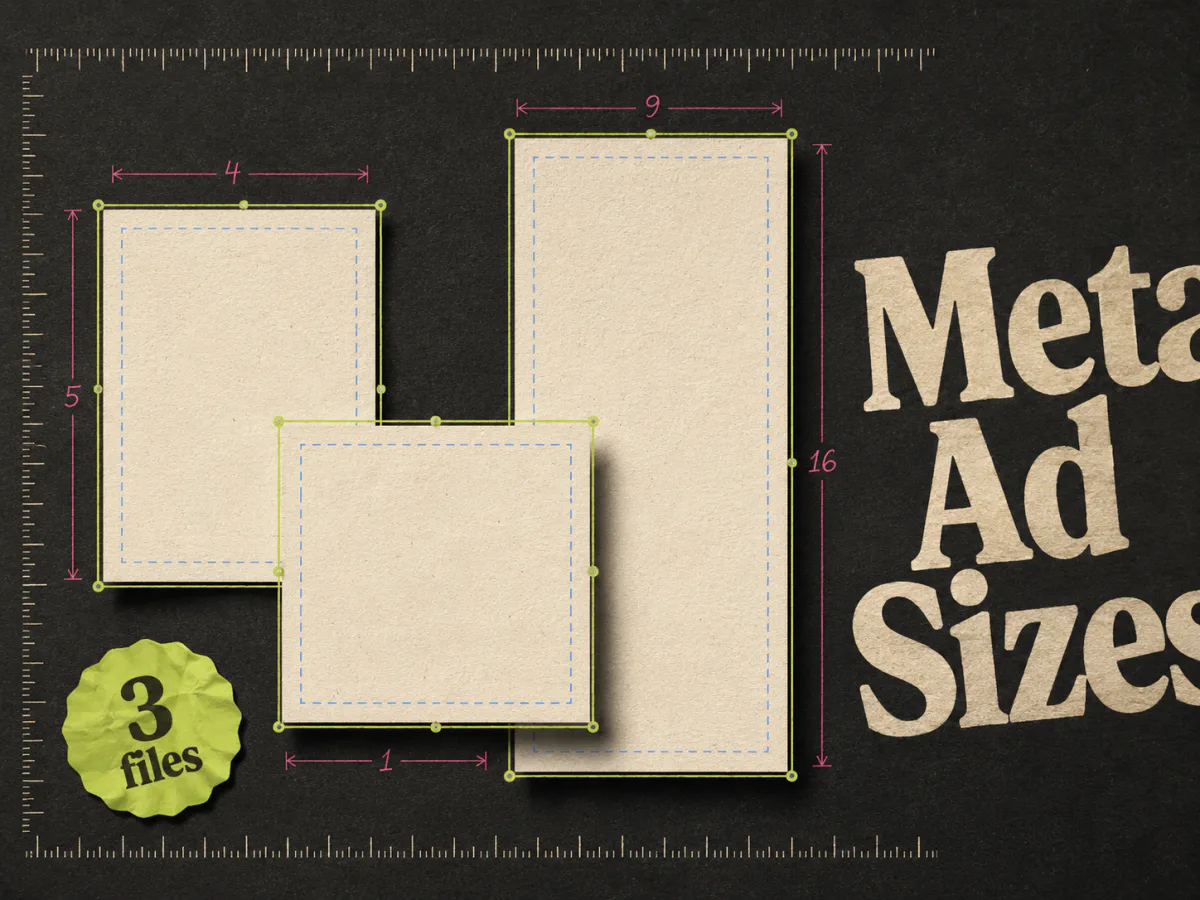
Choose the canvas separately from the conversion settings. For example, a team might prepare a 1080 × 1350 portrait version and a 1080 × 1080 square version. Those have different compositions even when they use the same photo. See our Meta ad size guide for placement guidance.
Finish the artwork on its intended background so you know how transparent areas will look. Check small type at roughly phone size as well as at 100% zoom. A crisp paragraph can still be too small to read in a feed.
Fix common PDF-to-PNG problems
| Problem | Likely cause | Useful next step |
|---|---|---|
| The whole page looks blurry | Too few pixels in the export | Convert again at a higher resolution, then inspect the output dimensions |
| Text is sharp but the product is blurry | A small or compressed photo inside the PDF | Request the original photo |
| Fonts or line breaks changed | The PDF was imported into an editor and reconstructed | Compare with the original; correct the layout or convert the finished page instead |
| White borders surround the ad | The page includes margins, bleed, or presentation space | Crop deliberately, keeping enough pixels for the final canvas |
| You got dozens of small images | Embedded images were extracted | Choose page-to-image conversion for the whole design |
| The headline cannot be edited | It is part of the PNG | Return to editable artwork or rebuild the headline in the design file |
Changing the filename from to will not fix any of these. The file needs an actual conversion.
Where Adrio fits after conversion
When the next job is creating Meta static ad variations, Adrio can help you work from a product and creative direction, use ad references, edit designs, and export the main Meta aspect ratios.
Keep the original PDF as an approval reference and the original assets for future edits. Converting to PNG does not automatically recover editable layers in Adrio or any other design tool.
If the concept needs a rethink, study the Facebook static ad examples before producing more versions of it.
FAQ
Can I convert a PDF to PNG for free?
Adobe and PDF24 offer online PDF-to-PNG conversion. Check the current tool page for any file or usage limits. For a quick local export on a Mac, Preview is another option.
Can I keep the text editable in the PNG?
No. A PNG is a raster image. Keep the source design file for text changes, or try importing the PDF into an editor and check which elements it can recover.
Is PNG better than JPG for ad creative?
PNG is useful for sharp type, logos, and flat graphics. A high-quality JPG can be smaller for photography. Compare the final files visually; changing formats will not improve a low-resolution source.
Will converting a brochure make it ready for Facebook ads?
It gives you an image file. You still need to review the composition, message, dimensions, and placement preview. A brochure page often contains more detail than a person can read while scrolling.